Make an Image Black and White
Need to make an image black and white right now? Use this free browser tool to upload one picture, preview the grayscale version instantly, and download the finished black and white image without signup, watermark, or server upload.
Upload Your Image
Drag and drop your image here, or click to browse
Supports JPEG, PNG, WEBP, BMP formats
Make an Image Black and White Instantly
This page is built for a direct task: take a specific image and turn it into a black and white version. It works for portraits, documents, design drafts, social posts, and image sets that need a consistent grayscale look.
Use one image or repeat the workflow for multiple images.
Keep the original file private with local browser processing.
Preview the result before download so you know what you are saving.
Export without watermark for school, work, design, or personal use.
A Faster Way to Make an Image Black and White
Everything on this page is arranged around the one action users came to finish.
Seconds to Result
Upload a file and create a monochrome version without waiting for a remote service.
Local Processing
Your image stays on your device, which is useful for personal, work, and document images.
No Watermark
Download the black and white image cleanly and use it in your next project.
Many Image Types
Use common file types such as JPG, PNG, and WebP from your computer or phone.
Balanced Grayscale
The conversion keeps shapes, texture, and detail visible in the monochrome version.
Repeatable Workflow
Use the same steps for a single image or several related images.
How to Make an Image Black and White
Follow these four steps to move from a color file to a downloaded monochrome image.
Upload the Image
Choose the exact file you want to edit from your device.
Make It Monochrome
The browser applies the grayscale conversion automatically.
Preview the Result
Check the black and white version before saving it.
Download the Image
Save the finished file without watermark or signup.
Before and After Image Conversion
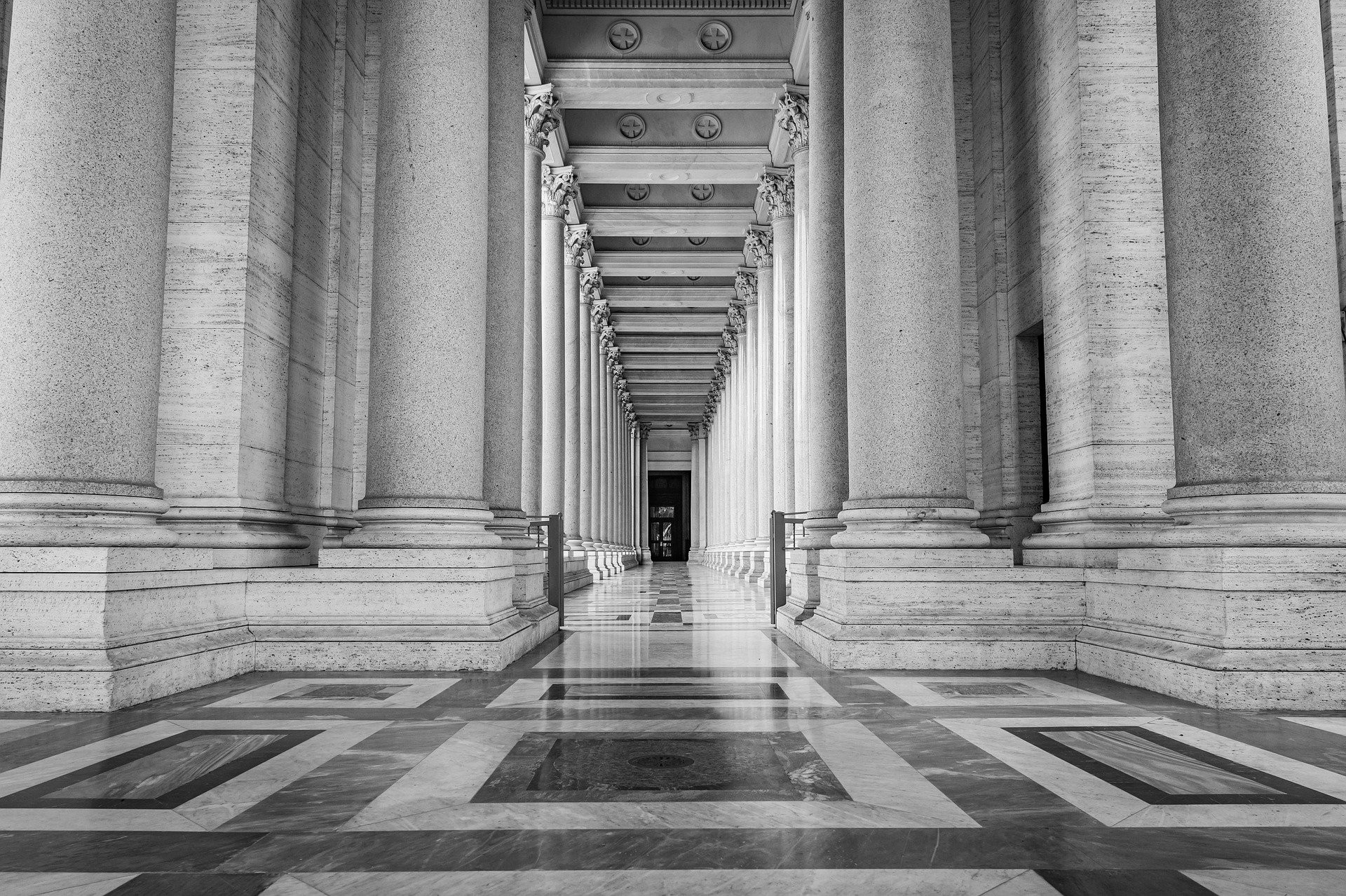
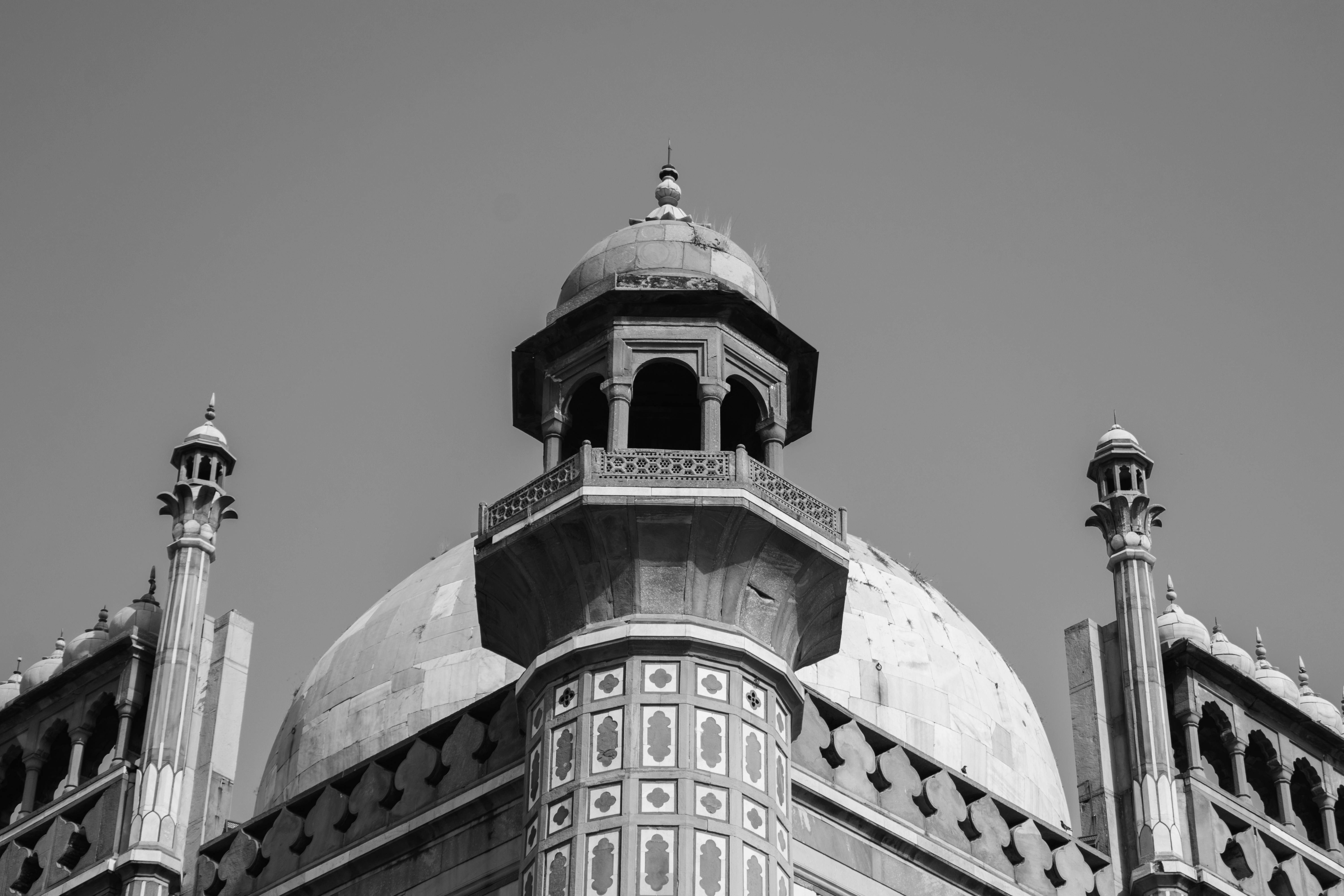
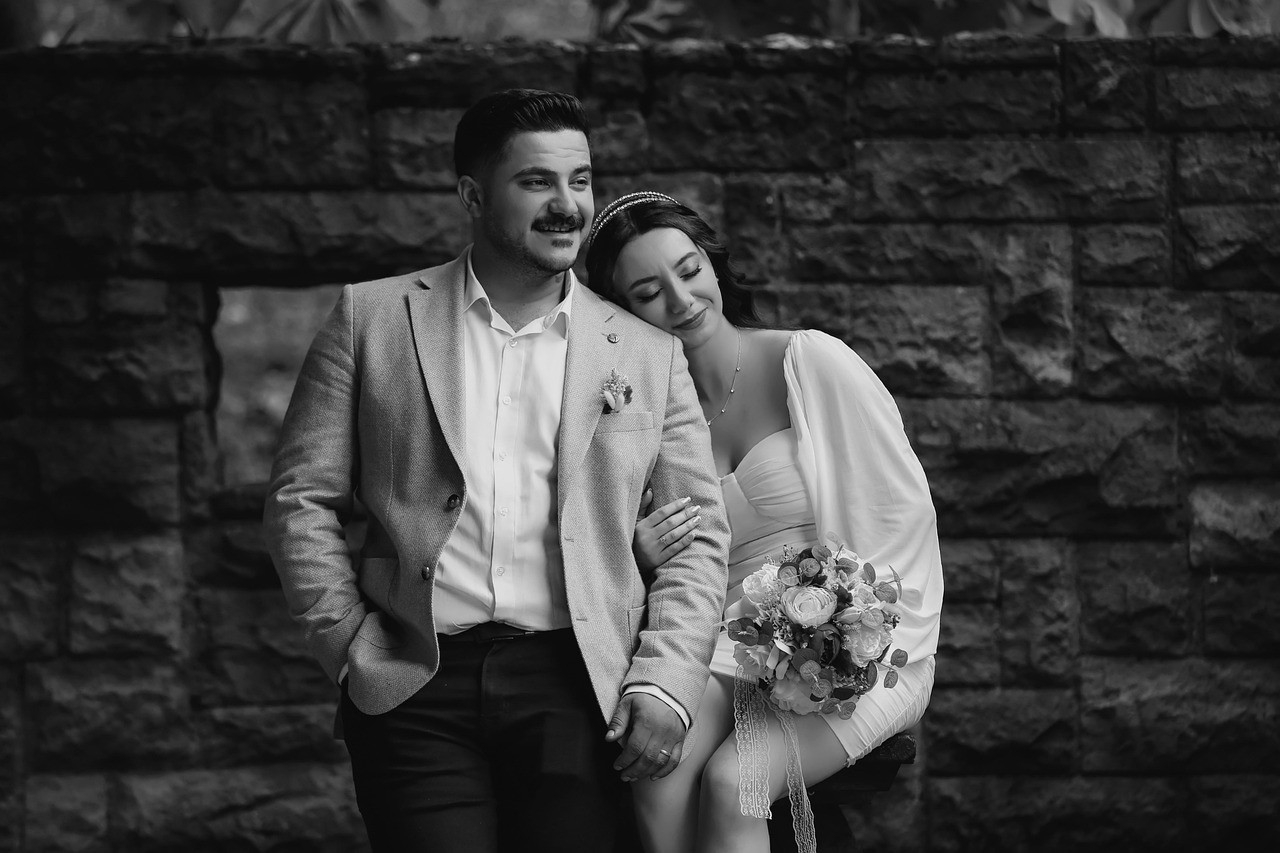
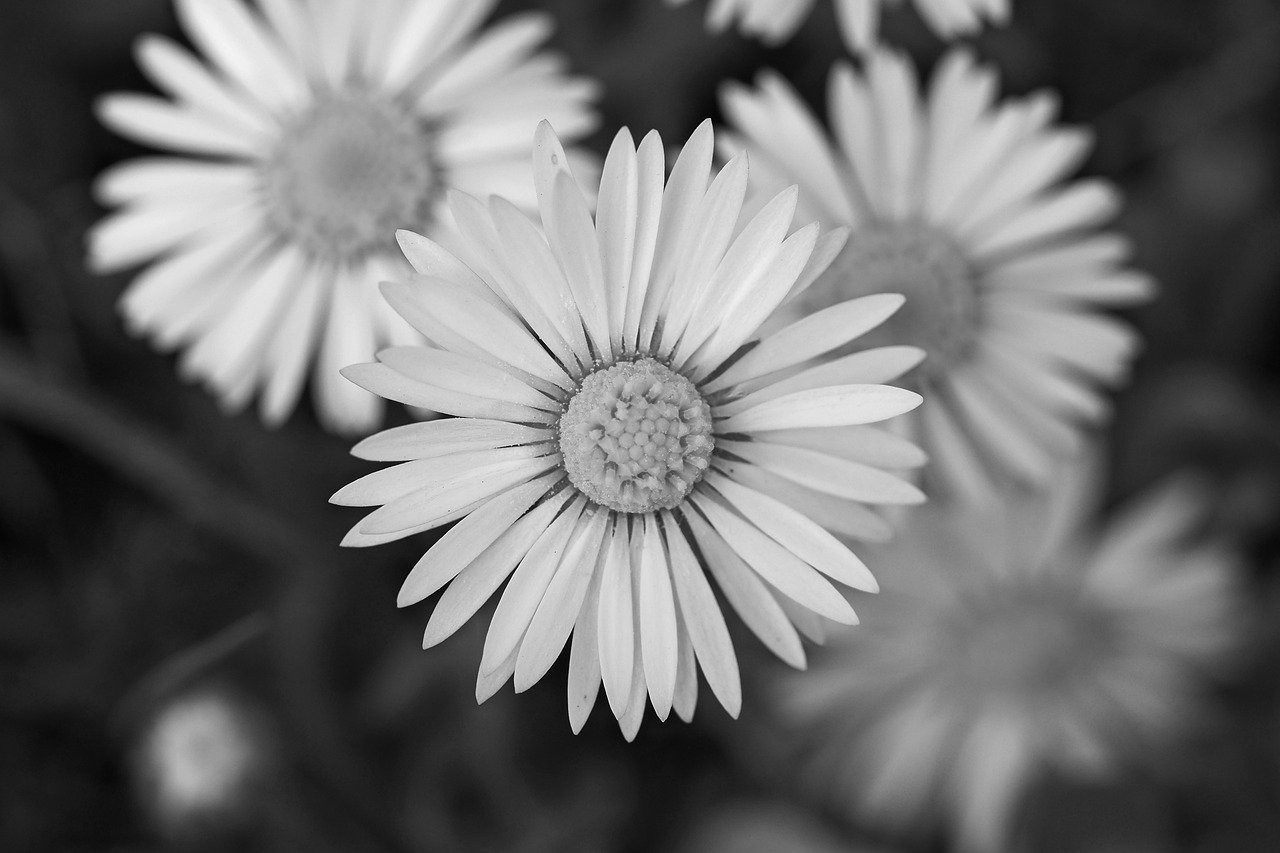
These samples show how different image types respond when color is removed.
View Full Gallery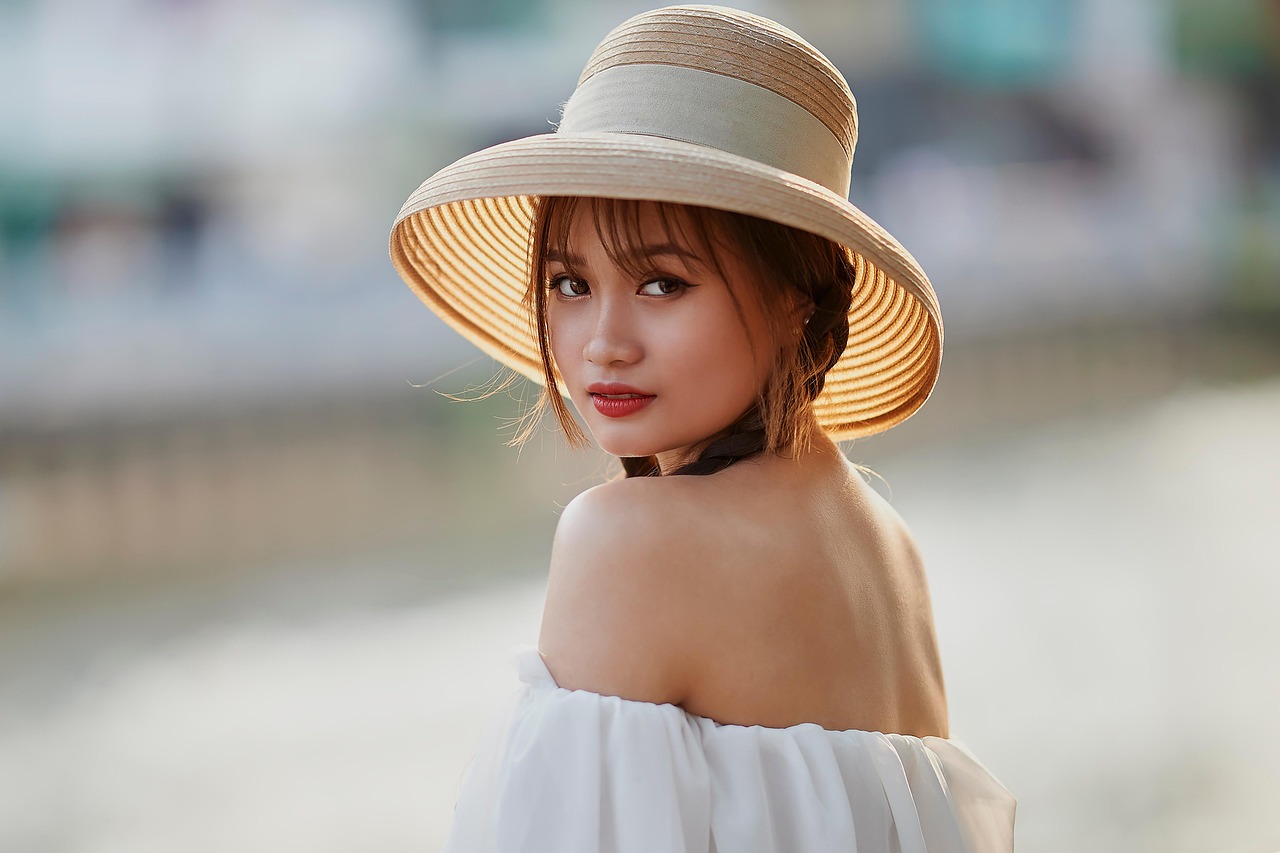
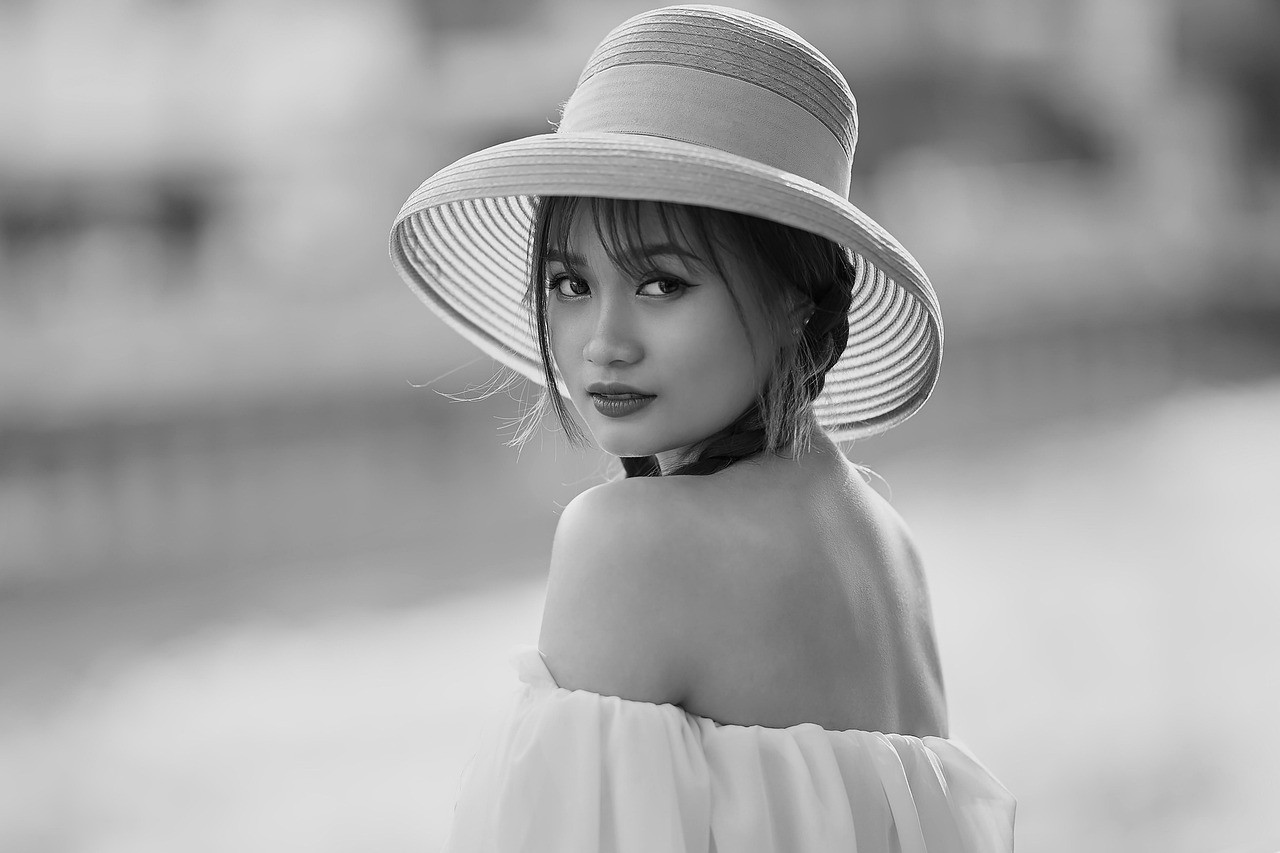
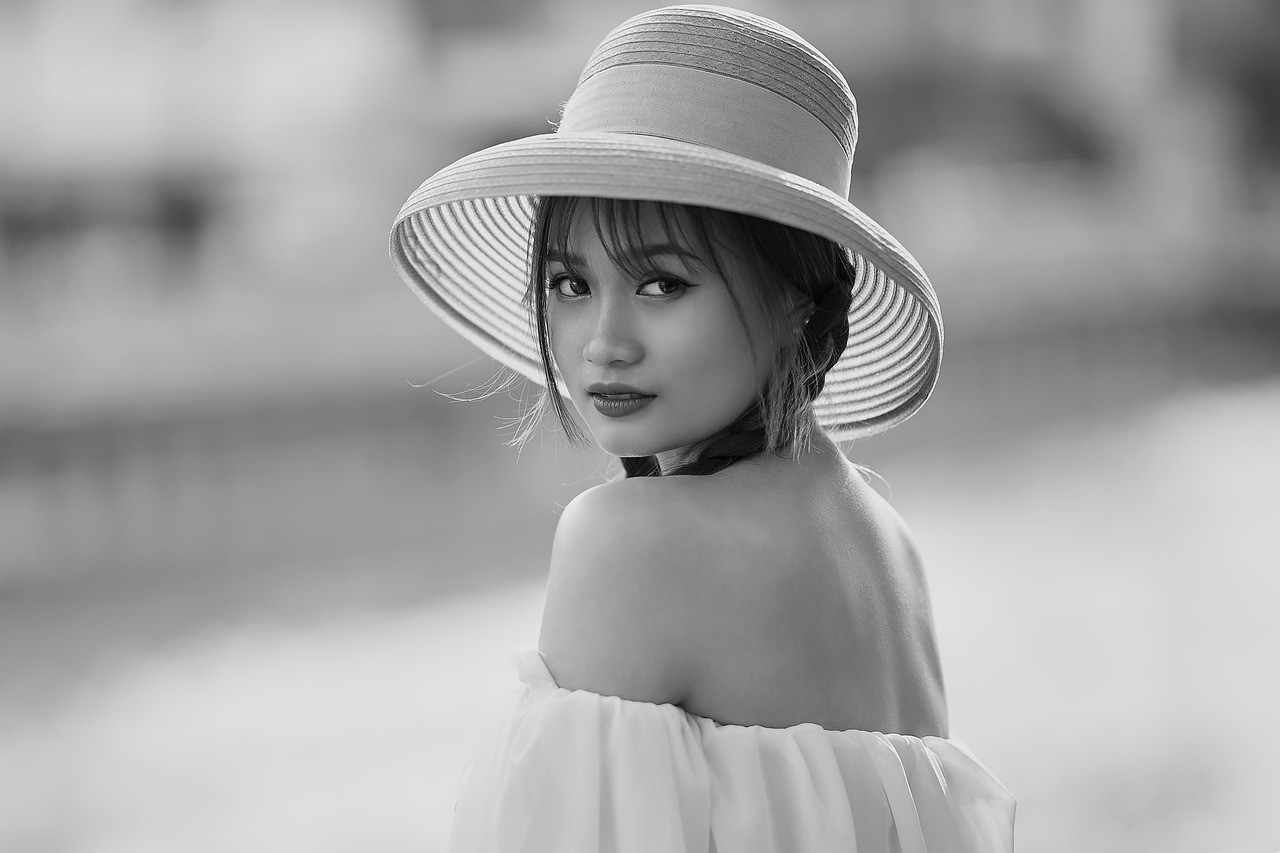
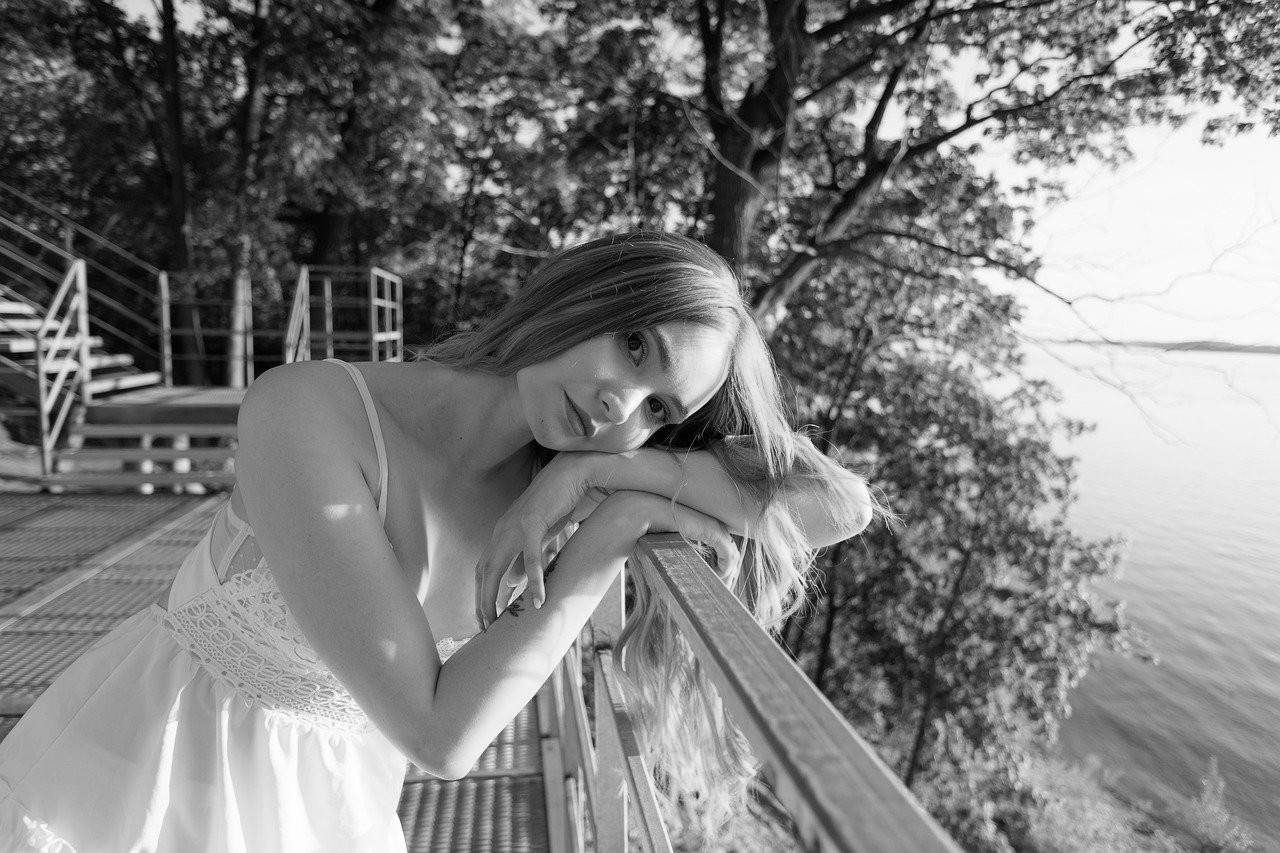
Portraits
Faces often gain stronger focus when color is removed from the scene.
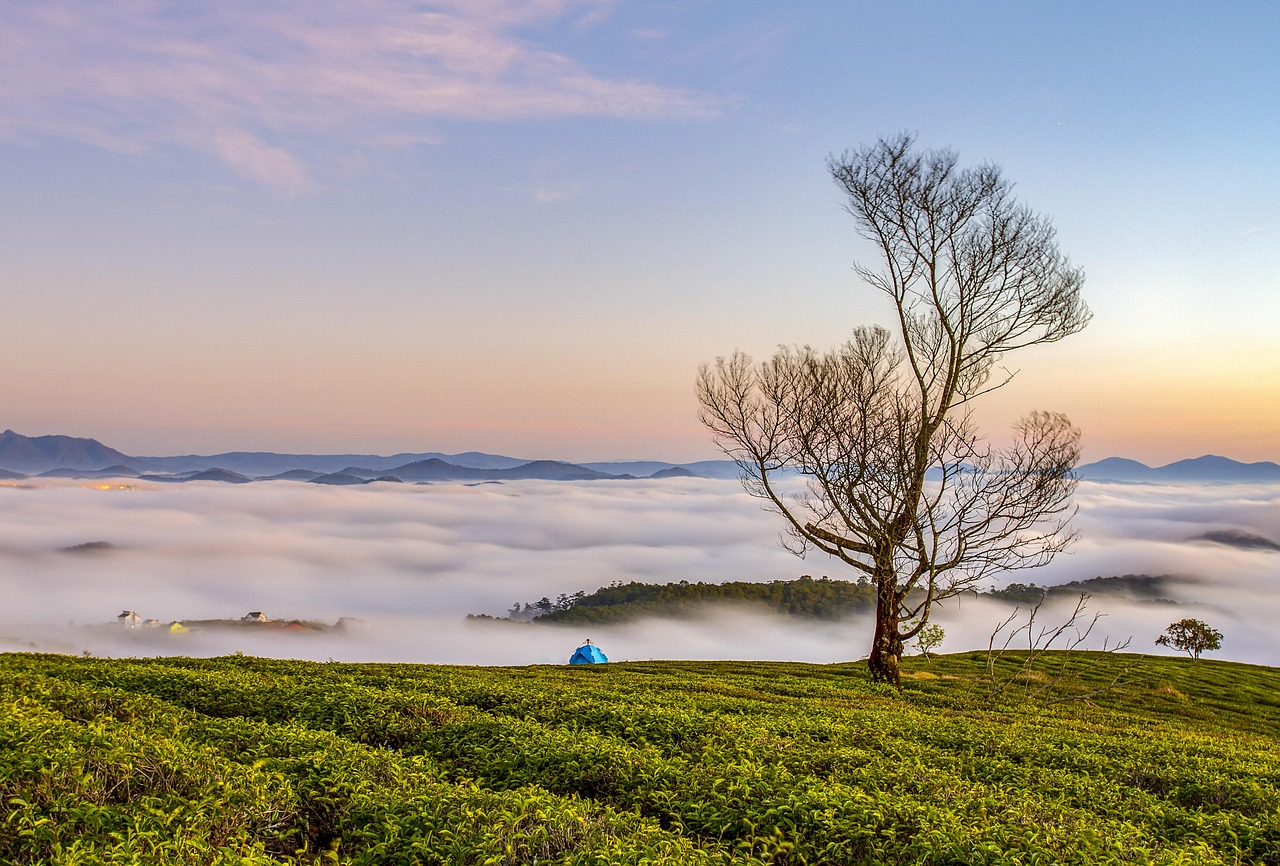
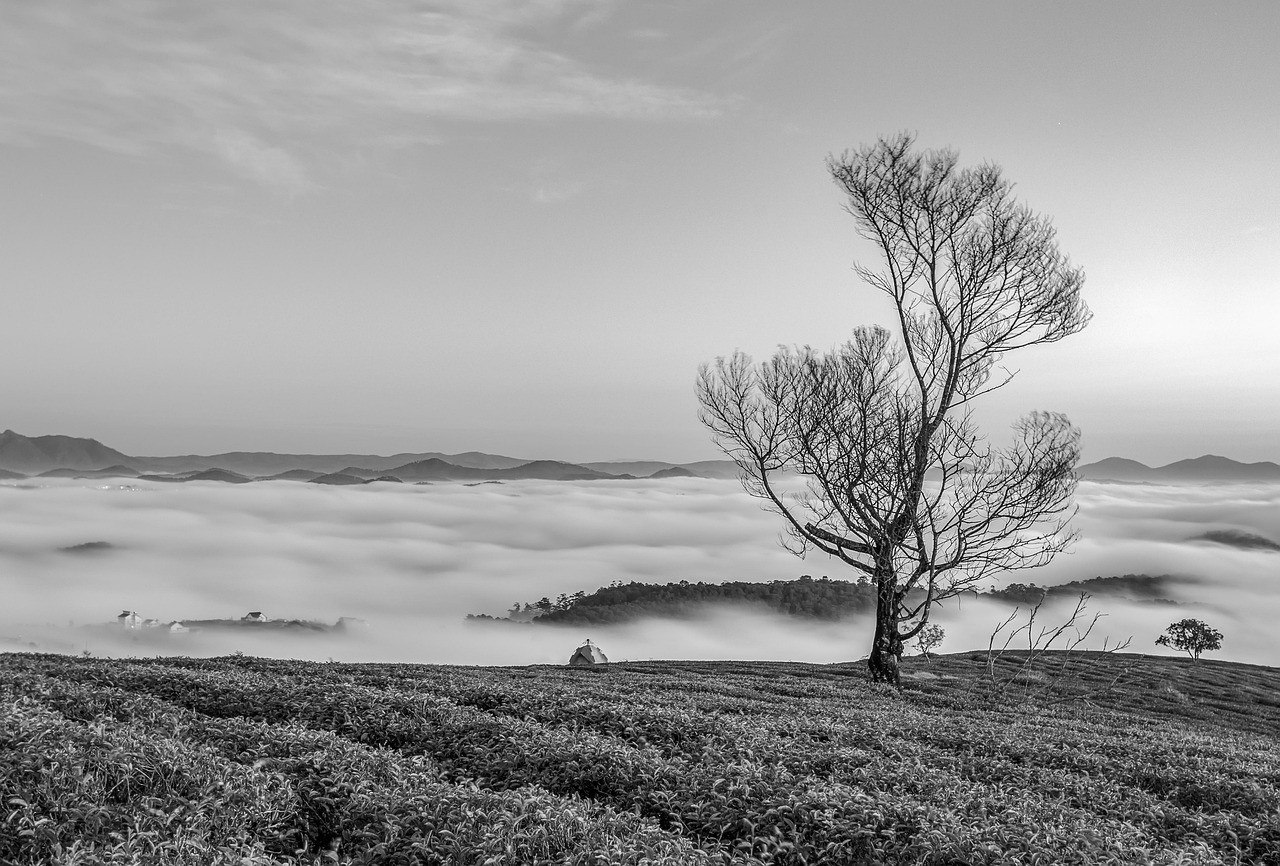
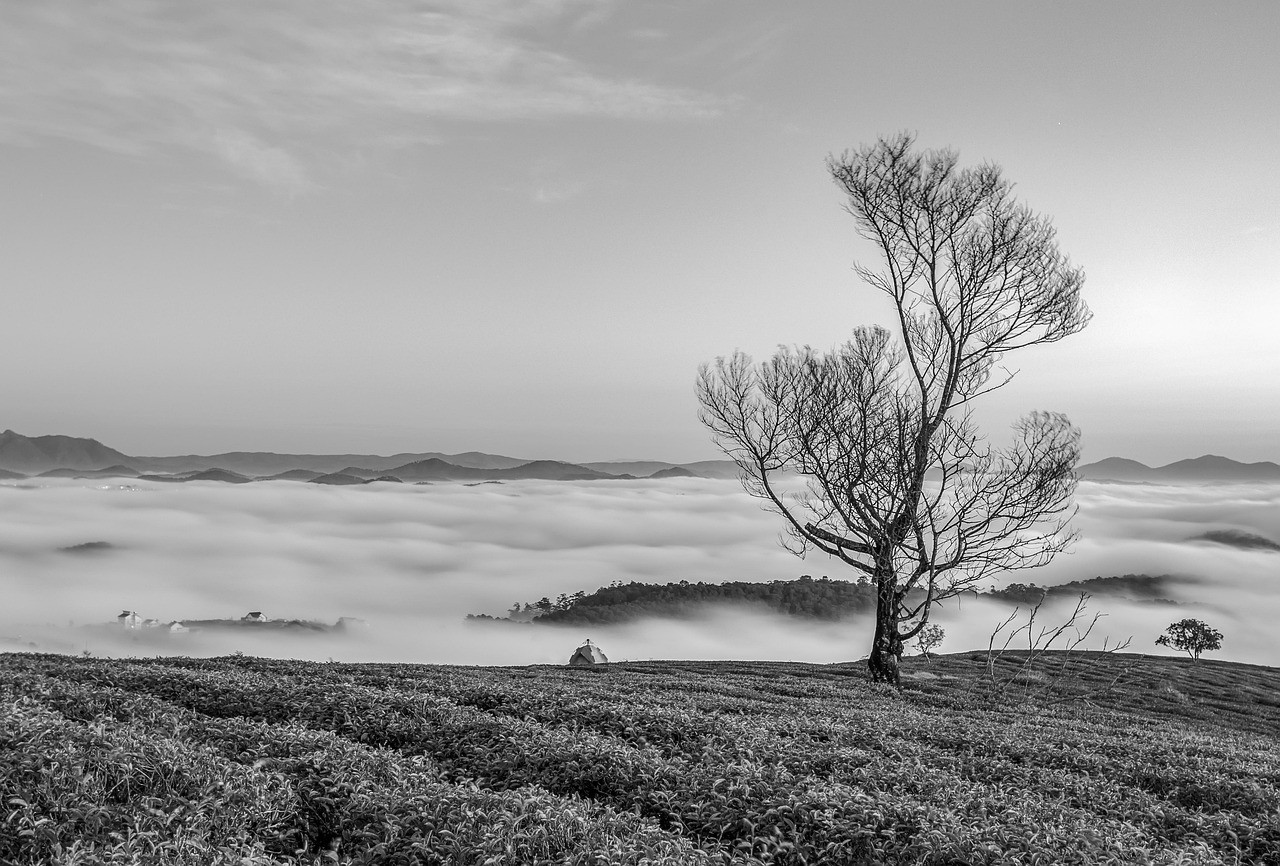
Travel and City Scenes
Buildings and streets become more about lines, light, and atmosphere.
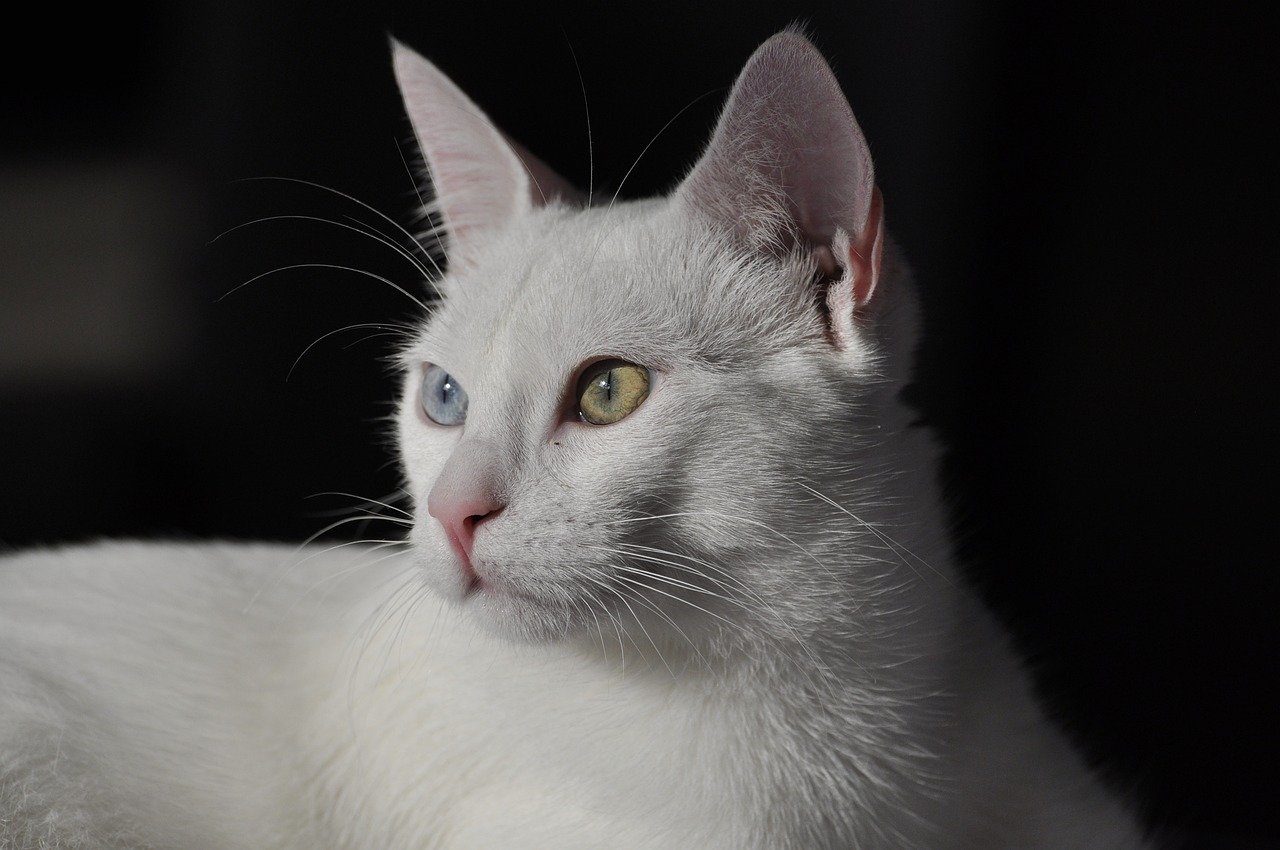
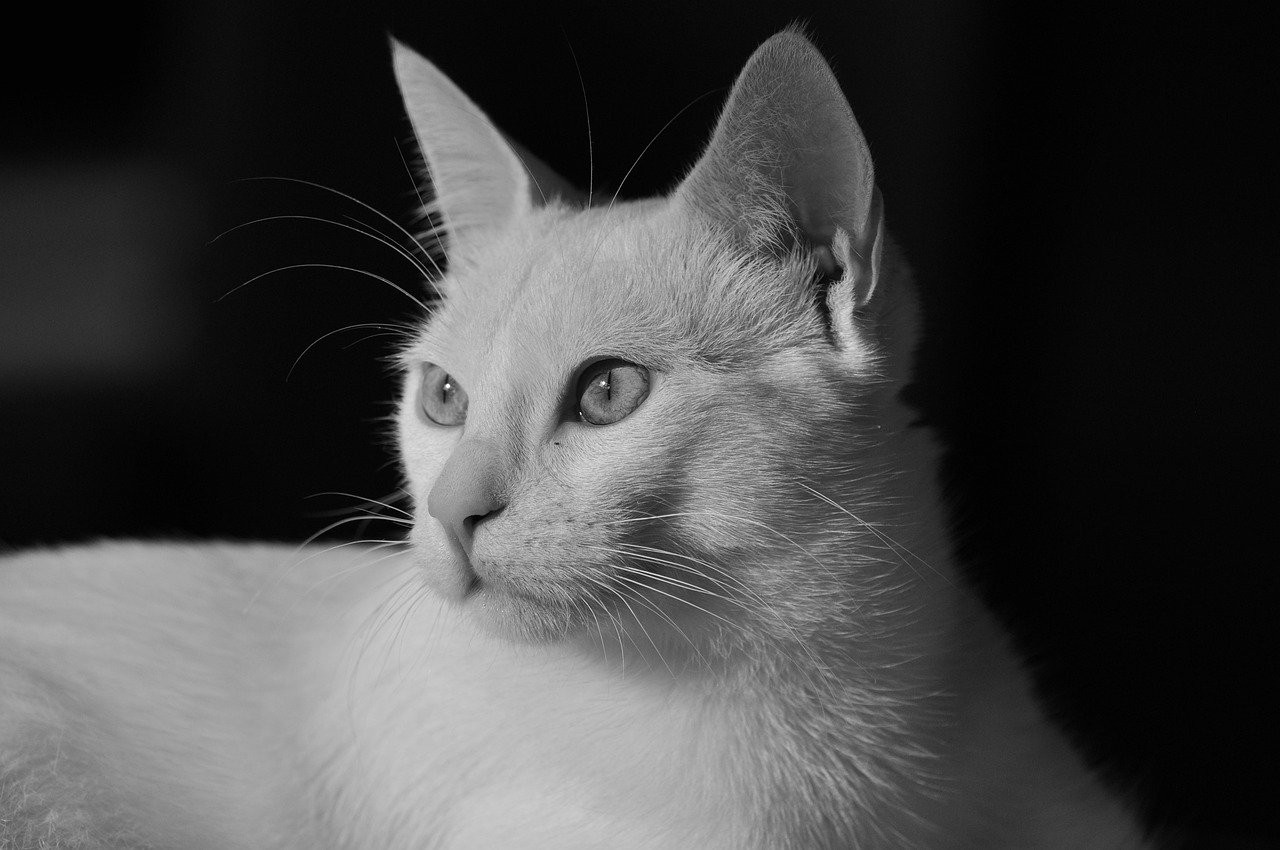
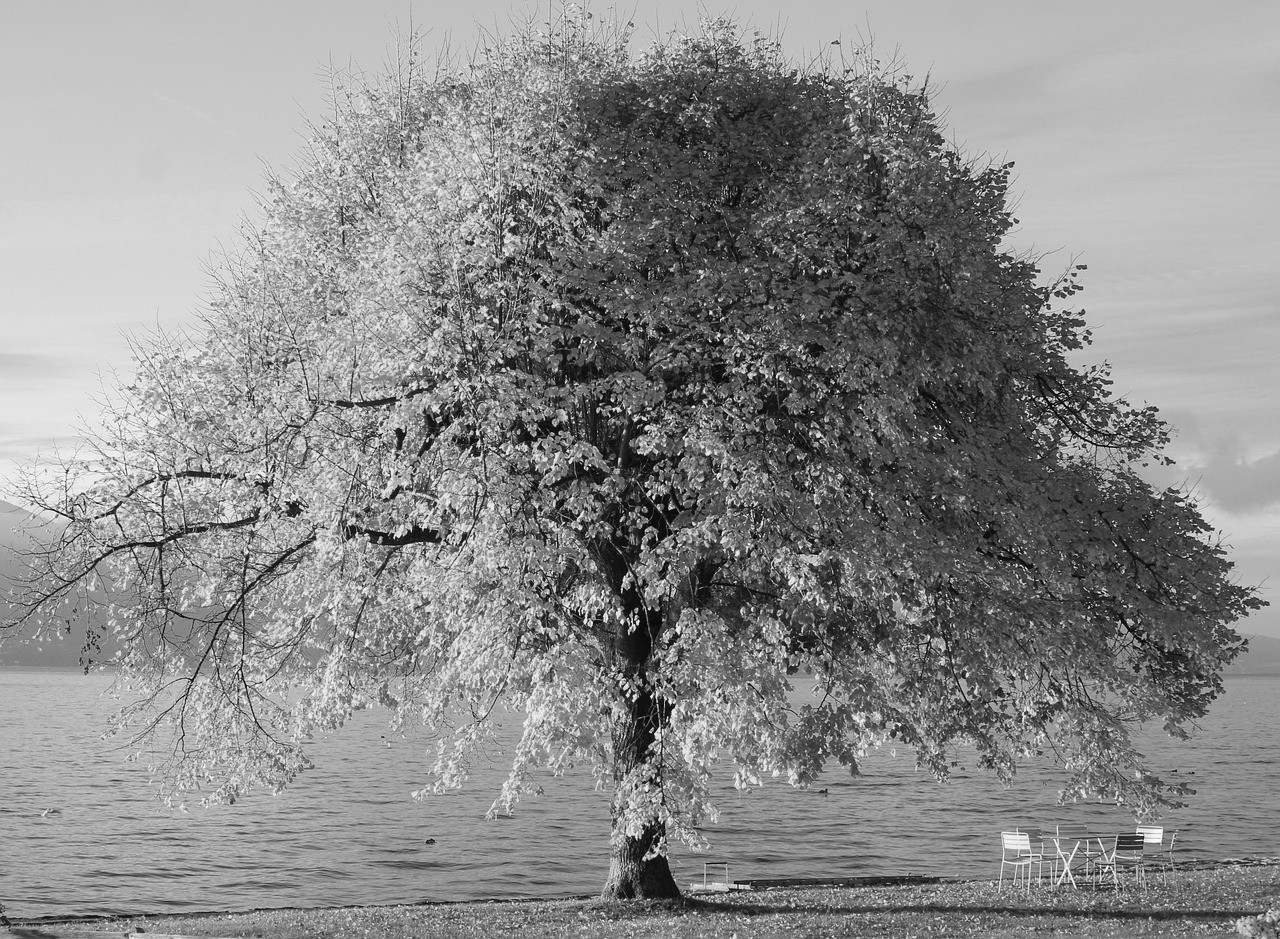
Personal Images
Small details stay readable while the overall image becomes calmer.
When Should You Make an Image Black and White?
Choose a monochrome version when the subject, contrast, or message matters more than color. It can make a busy image feel simpler, help a document look cleaner, or give a portrait a more classic tone.
It is also a practical choice for design work. A grayscale image can sit behind text, fit a neutral brand layout, or prepare a picture for print where color is not needed.
Simple Conversion With Useful Quality
The tool is designed for a direct conversion, so you do not have to learn layers, masks, or advanced editor panels. Upload, preview, and save is the whole workflow.
If the first result feels too flat, try another source image with stronger lighting. Black and white output depends heavily on the contrast and texture already present in the original file.
Make an Image Black and White FAQ
How do I make an image black and white online?
Upload your image into the converter, wait for the instant preview, then download the finished black and white version.
Can I make an image black and white without uploading it?
Yes. The browser processes your file locally, so the image does not need to leave your device.
Will the downloaded image have a watermark?
No. The downloaded file is clean and ready to use for personal, school, work, or design projects.
Can I use this for documents and scans?
Yes. It can help simplify documents, scans, and reference images when you want a grayscale version.
Does black and white conversion reduce quality?
The tool keeps the original dimensions where possible. The main change is color removal, not intentional compression.
Can I make multiple images black and white?
Yes. You can use the same process for several files and download each finished result.
More Photo Tools
Discover our collection of free online photo editing tools designed to enhance your images with professional quality.
Image to Black & White
For all images
Convert any image to black and white instantly.
Photo to Black & White
For photos
Advanced photo converter for portraits and photography.
Black and White Filter
Classic filter
Apply a classic monochrome filter with instant private preview.
Black & White Image Maker
Image maker
Create high-quality monochrome images online and download them free.
Make My Image B&W
Personal edit
A private personal converter for your own image on phone or desktop.
Picture B&W Guide
Step-by-step
Follow simple online steps to make a picture black and white.
Image Editor
Advanced editing
Professional image editor with advanced filters and adjustments.