Black and White Filter
Apply a black and white filter to portraits, landscapes, product shots, and social images in seconds. This free online tool keeps the process simple: choose an image, preview the monochrome result, and download the finished file without sending your picture to a server.
Upload Your Image
Drag and drop your image here, or click to browse
Supports JPEG, PNG, WEBP, BMP formats
Apply a Black and White Filter Online
A black and white filter is useful when color distracts from shape, contrast, and emotion. Use it when you want a classic editorial look, a quieter profile image, a stronger product mood, or a more timeless scene.
Create a classic monochrome style without opening desktop editing software.
Preview portraits, outdoor photos, products, and graphics before downloading.
Keep private images local with browser-based image processing.
Move from color to grayscale quickly while preserving important detail.
Why Use a Black and White Filter?
The tool is built for people who want the feel of a photo filter with the speed of an online converter.
Instant Filter Preview
See the monochrome result as soon as your image loads, with no waiting queue.
Private by Design
Your image stays in your browser, so personal photos and client visuals are not uploaded.
One-Click Download
Save the finished black and white photo directly to your device without a watermark.
Works for Many Images
Use it for portraits, landscapes, product images, documents, and social media graphics.
Clean Monochrome Tone
The grayscale conversion keeps texture and contrast readable instead of flattening every detail.
Multiple Files Friendly
Process a single image or prepare several images for a consistent monochrome set.
How This Online Filter Works
The workflow is intentionally short, so the filter stays focused on the result instead of complicated editing controls.
Choose an Image
Drag in a JPG, PNG, WebP, or another common image file.
Apply the Filter
The monochrome effect is applied locally in your browser.
Preview the Look
Check the contrast, mood, and details before saving the result.
Download the File
Export the monochrome image instantly and use it anywhere.
Monochrome Filter Examples
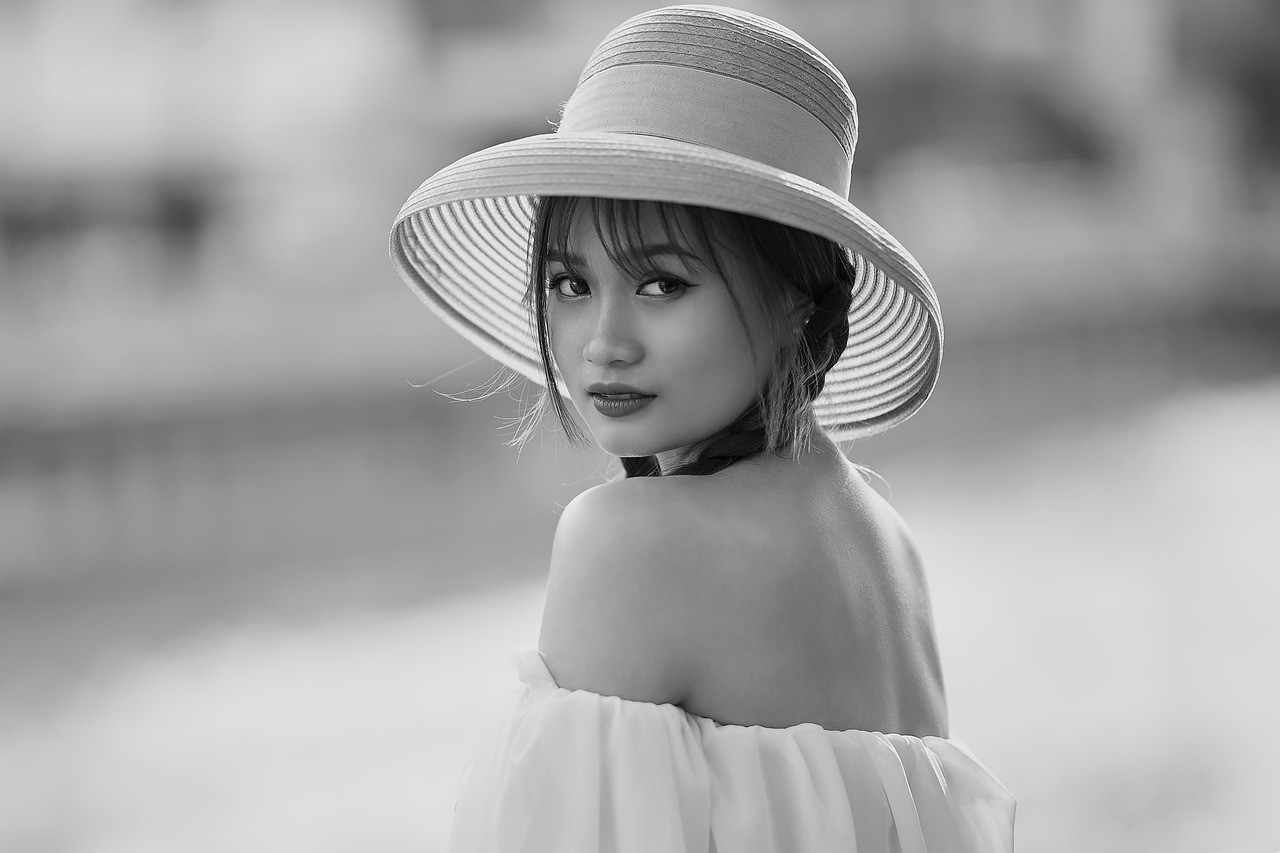
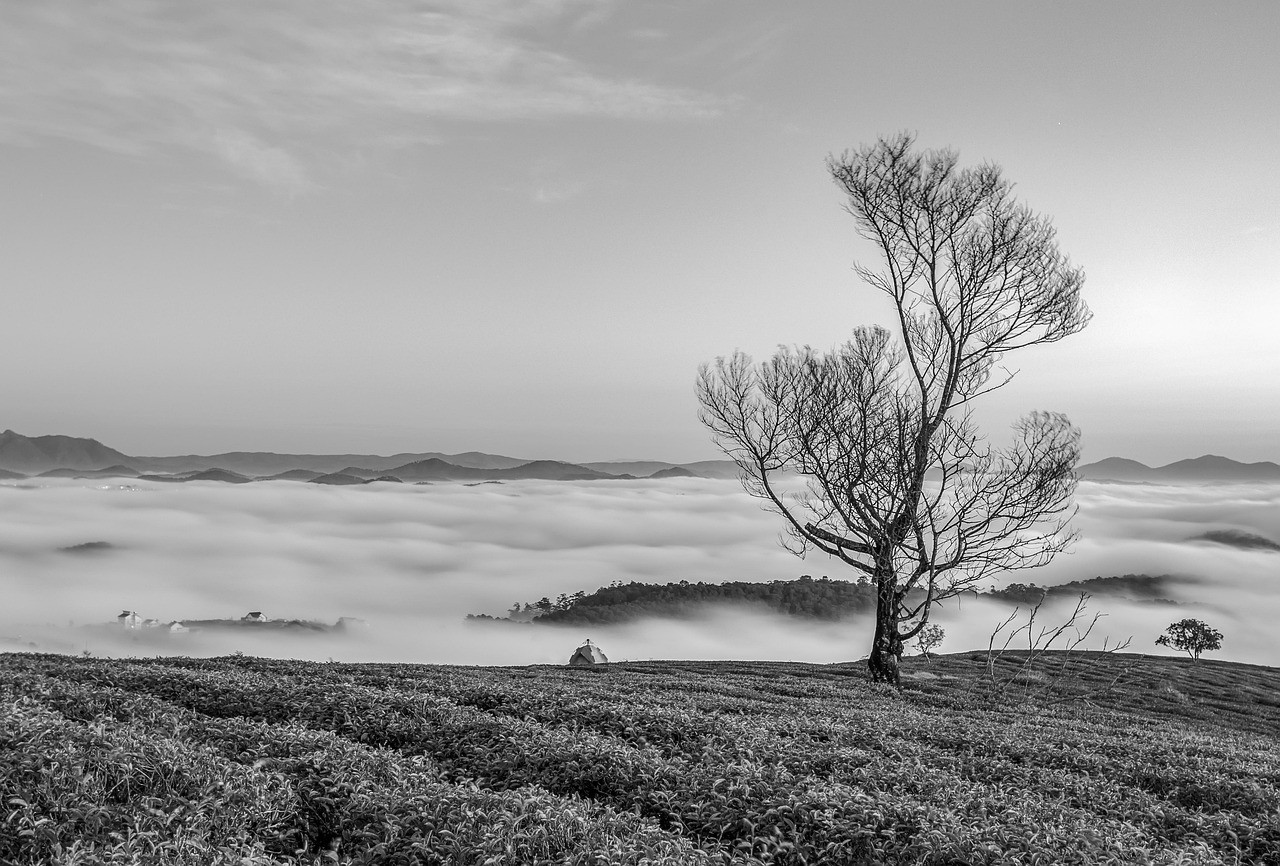
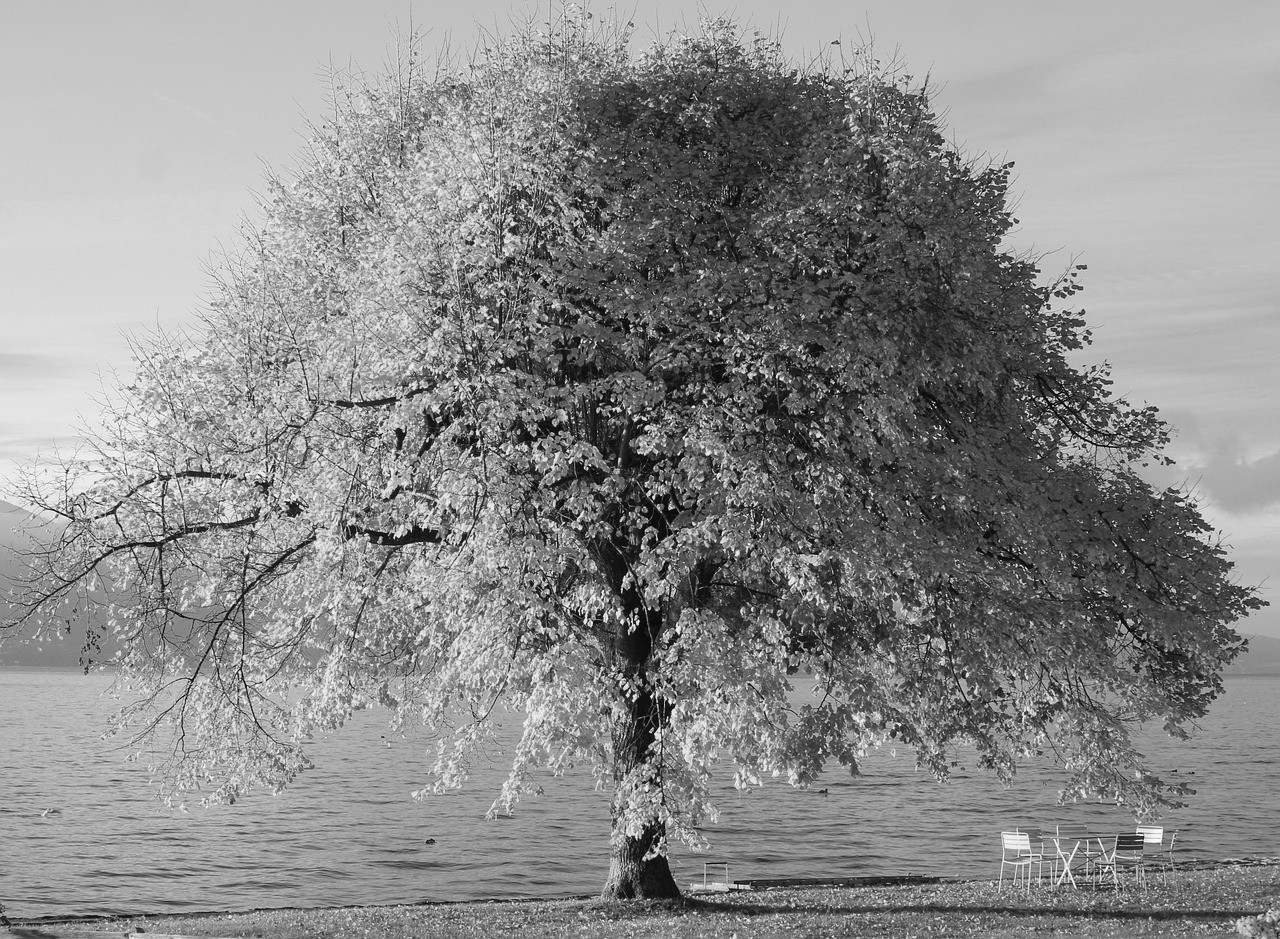
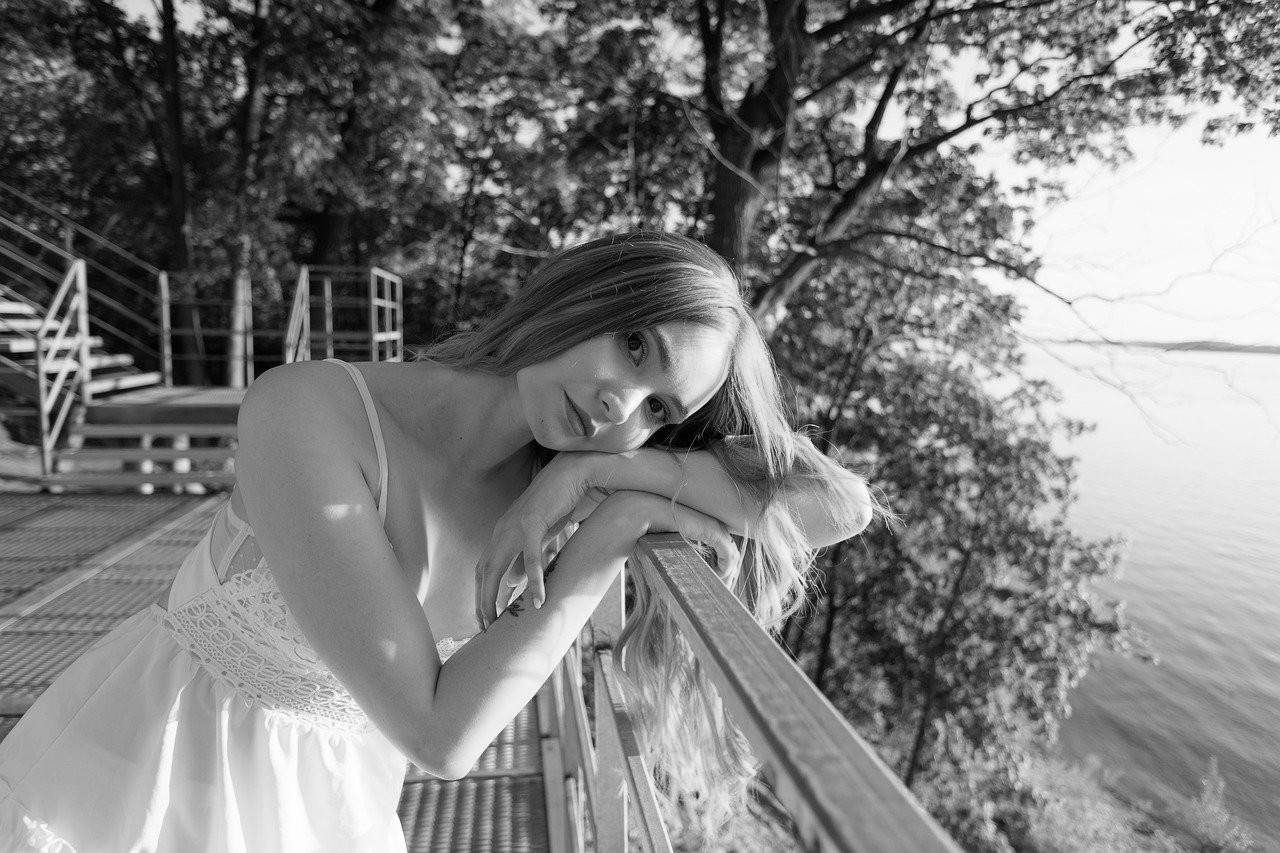
These examples show how a simple filter can shift the focus from color to light, form, and texture.
View Full Gallery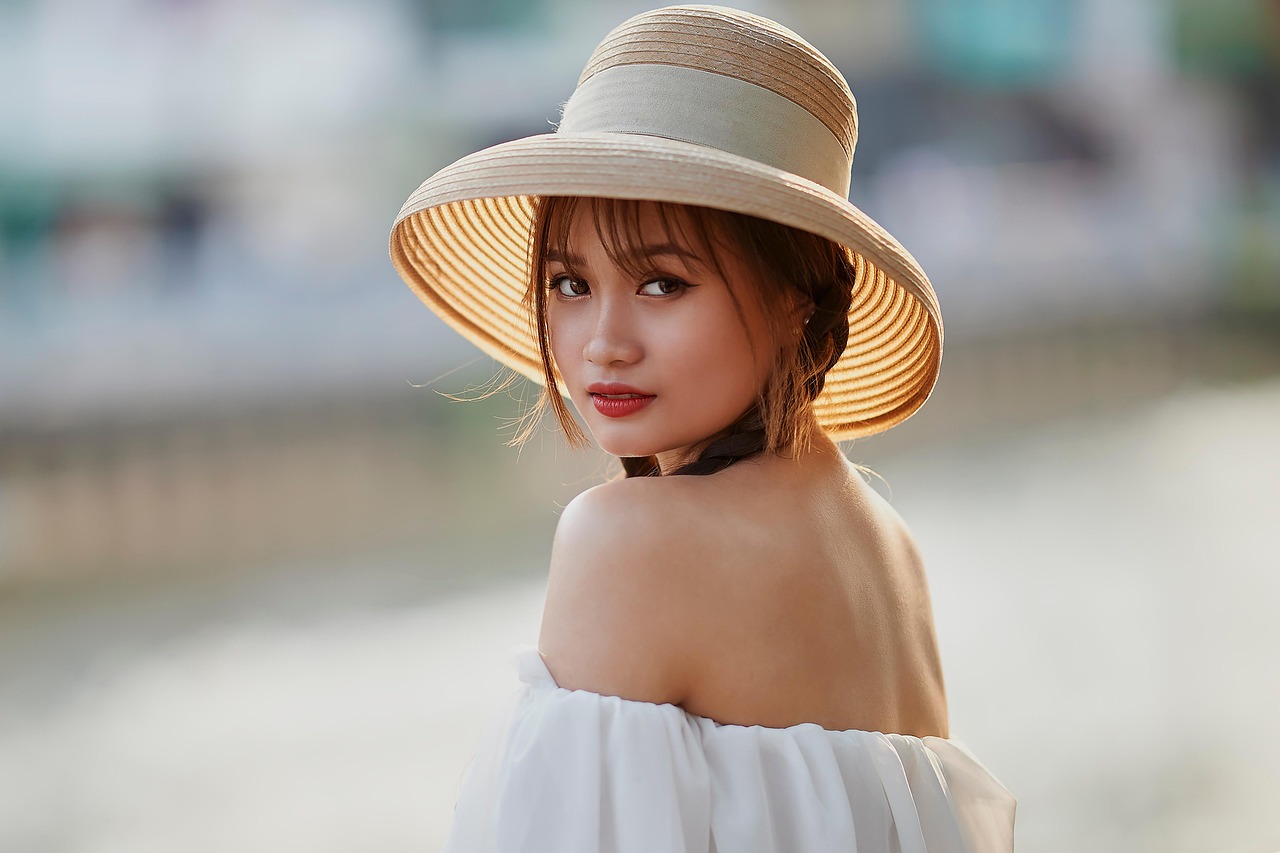
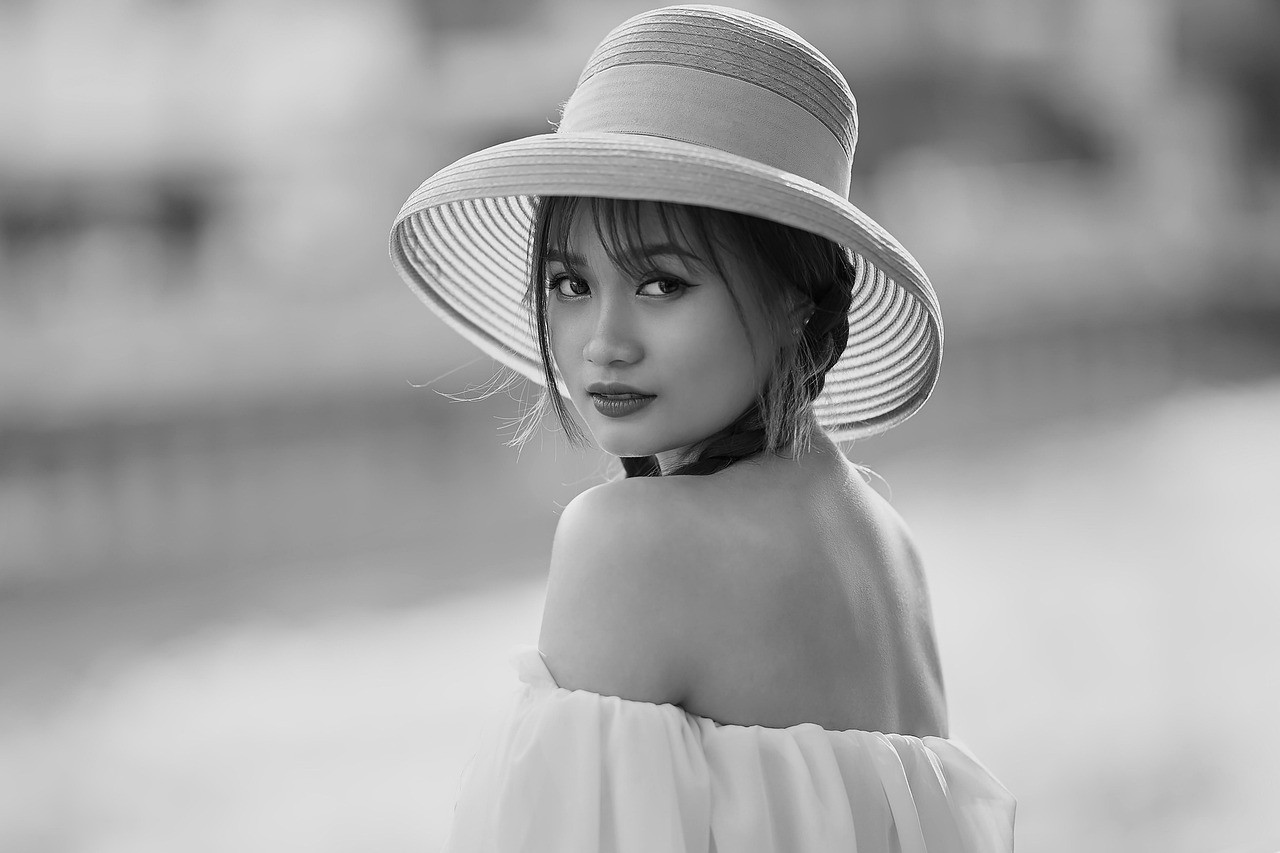
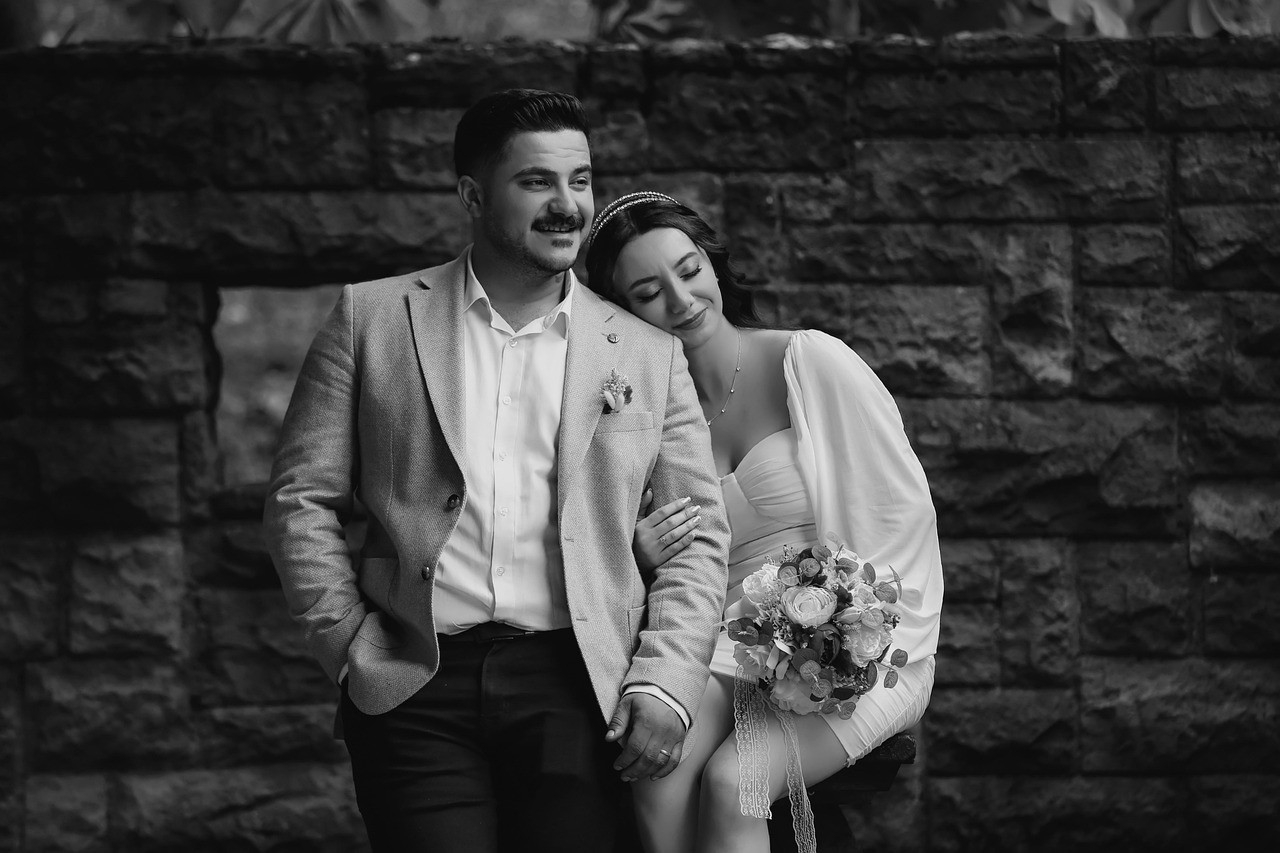
Portrait Mood
Reduce color distraction and bring more attention to expression and contrast.
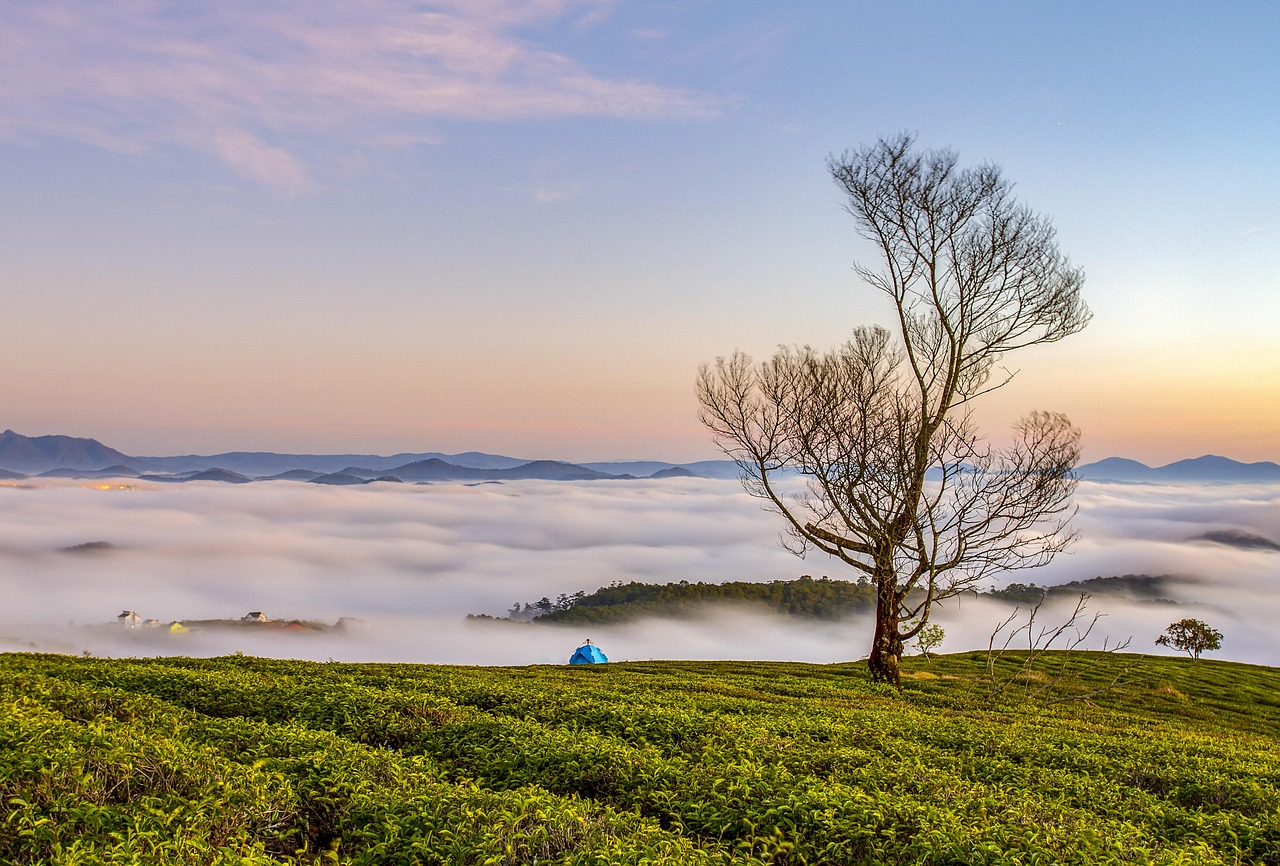
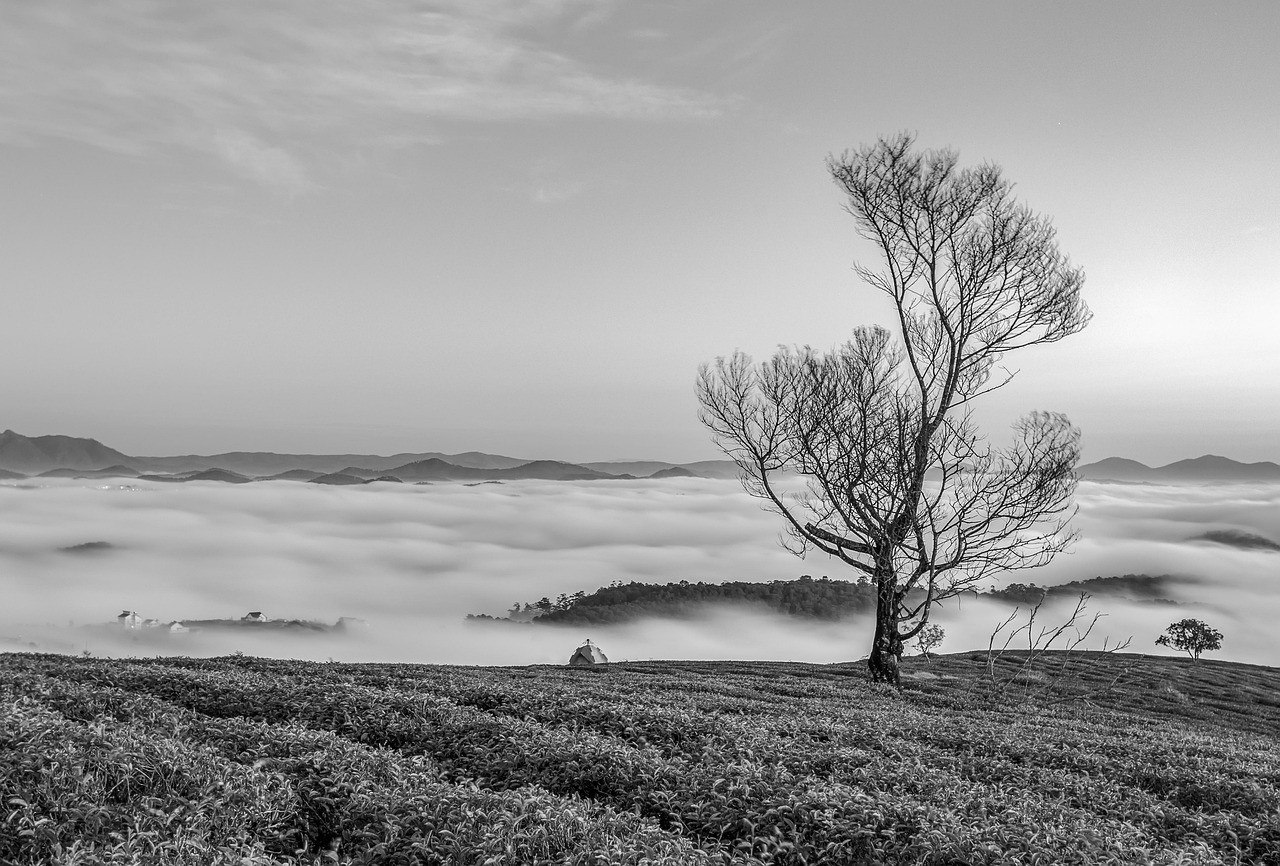
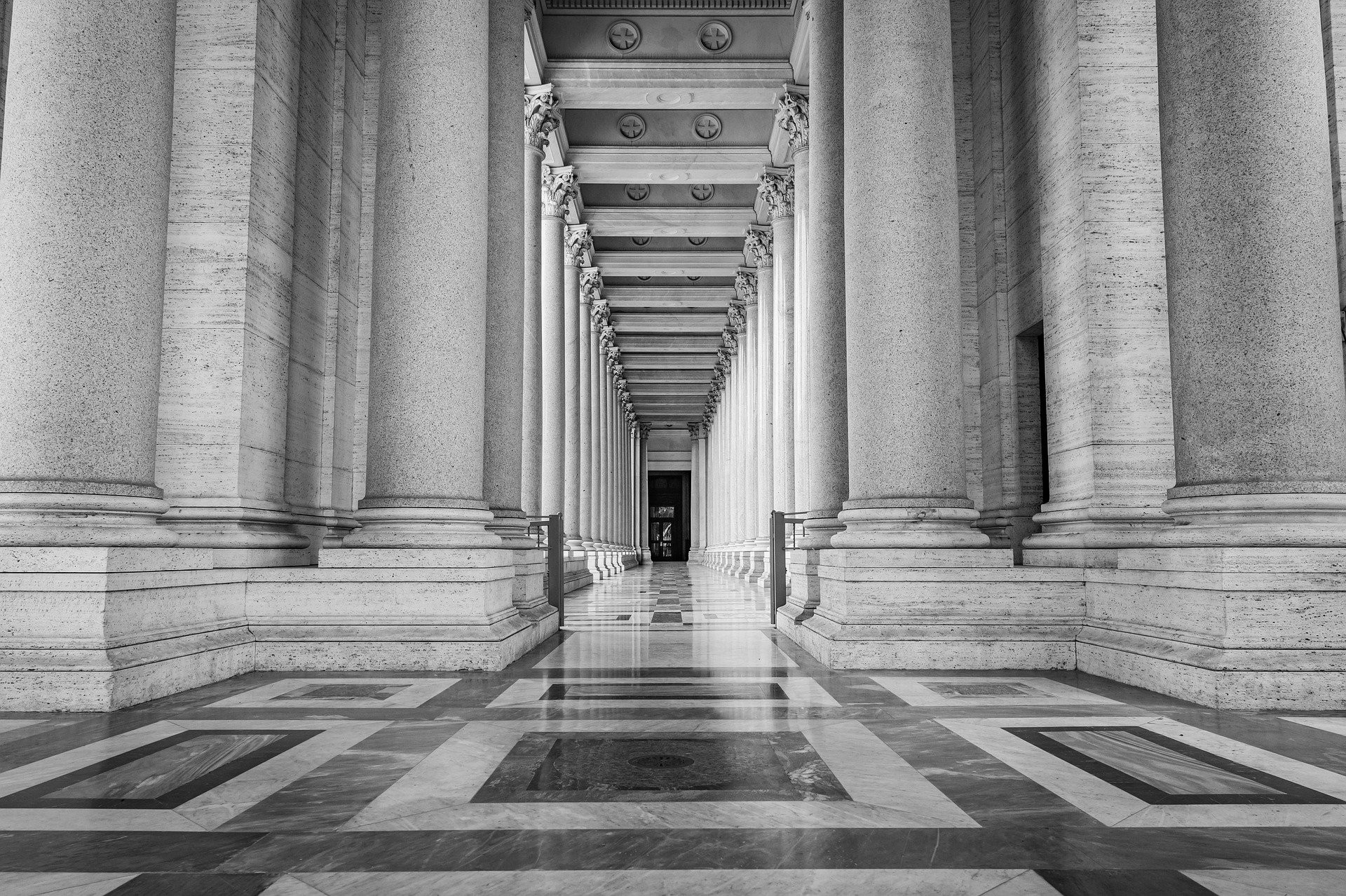
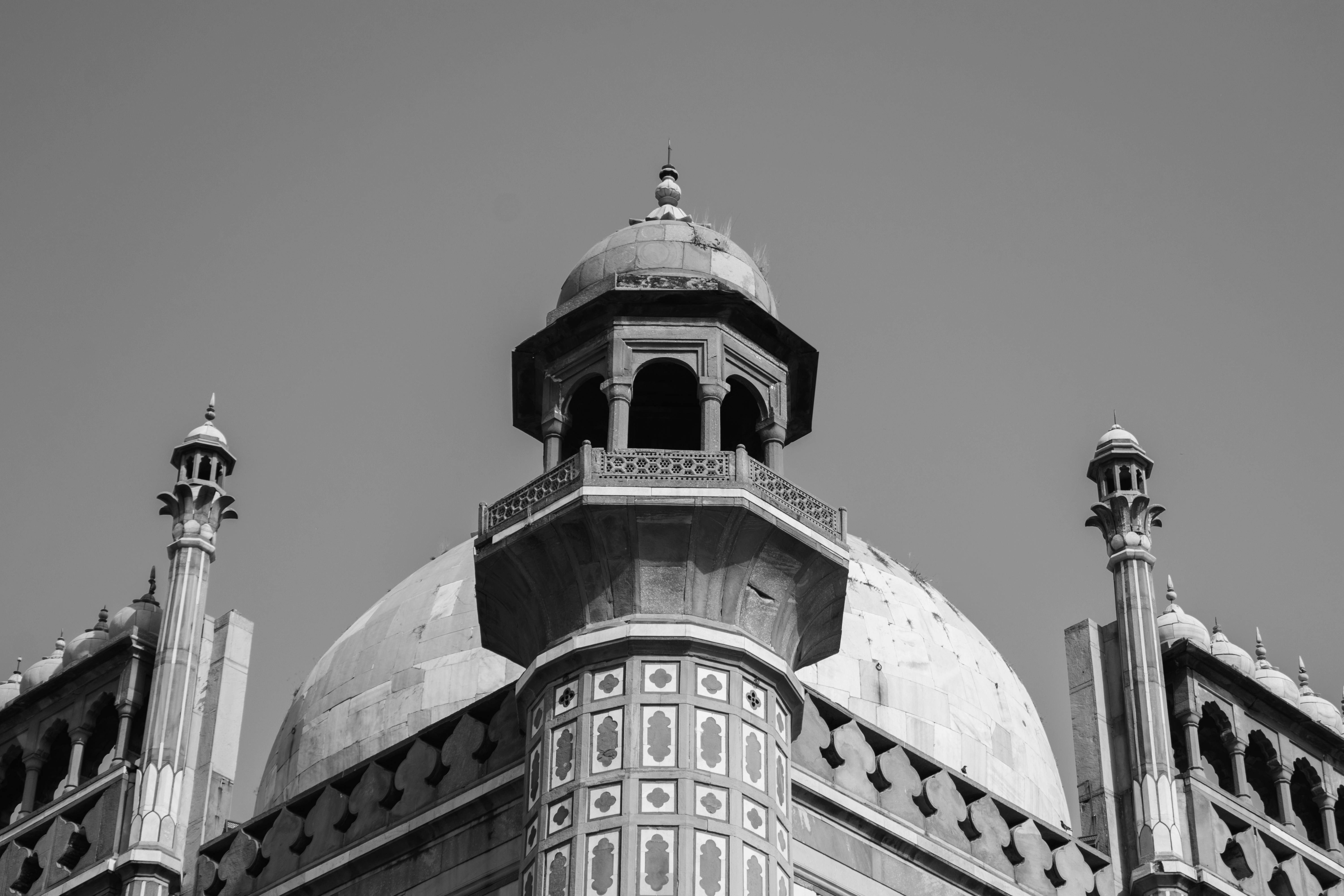
Architecture Contrast
Make buildings, skies, and street details feel more graphic and structured.
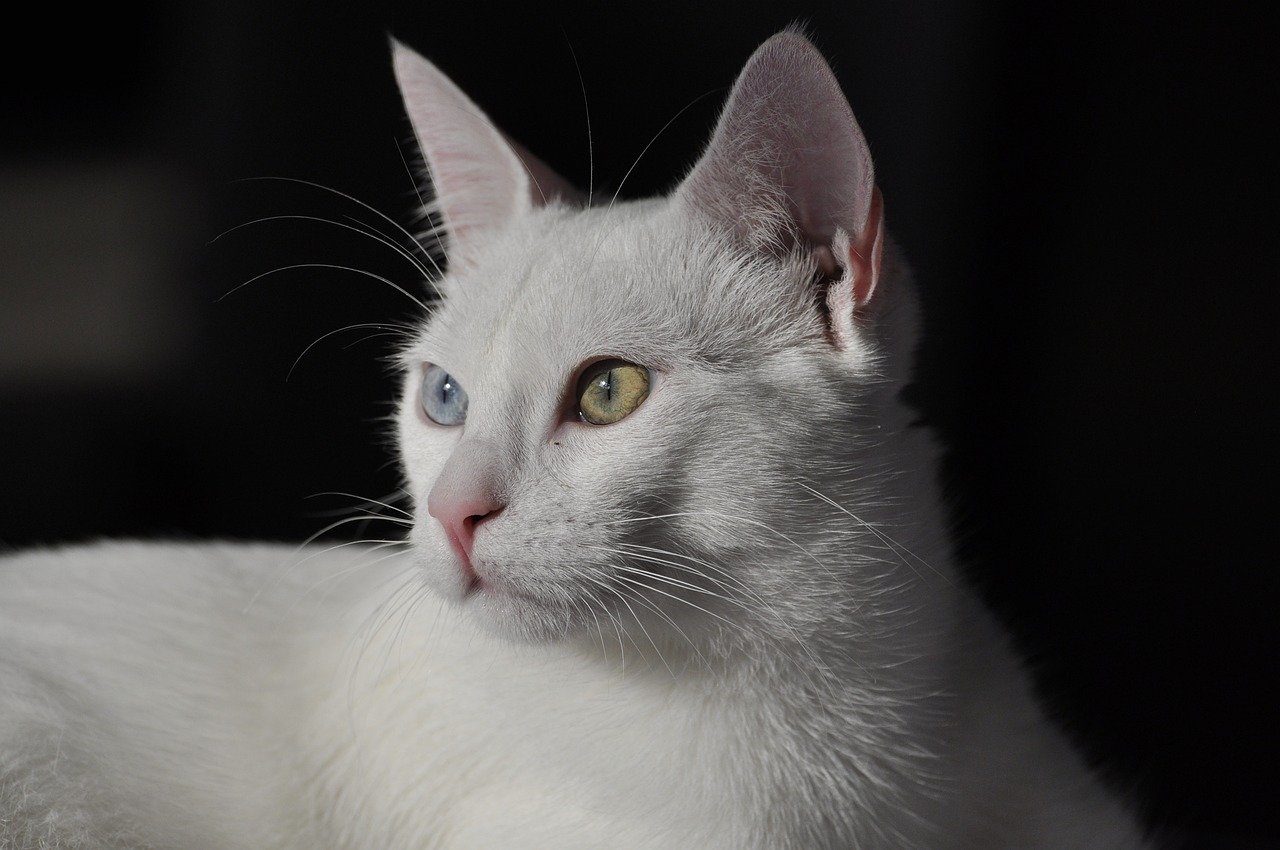
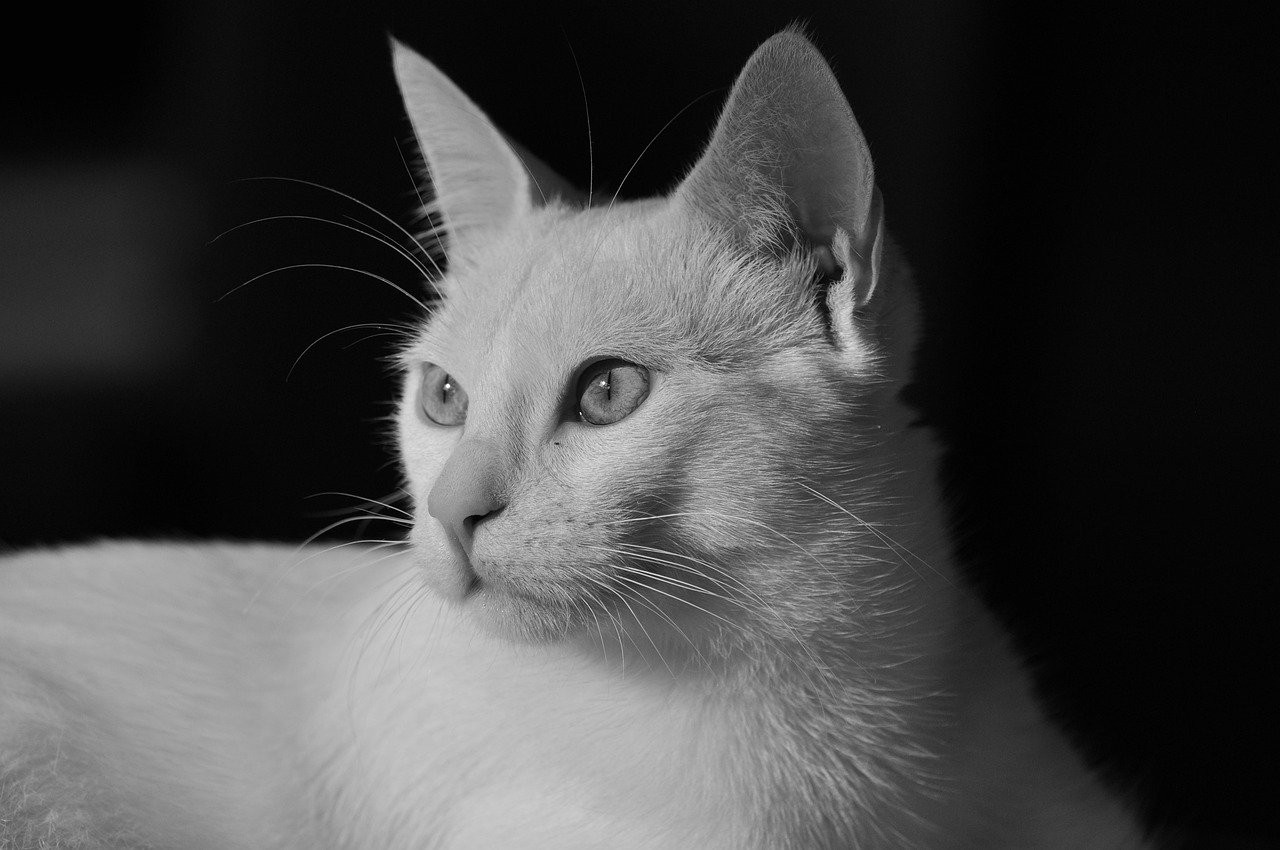
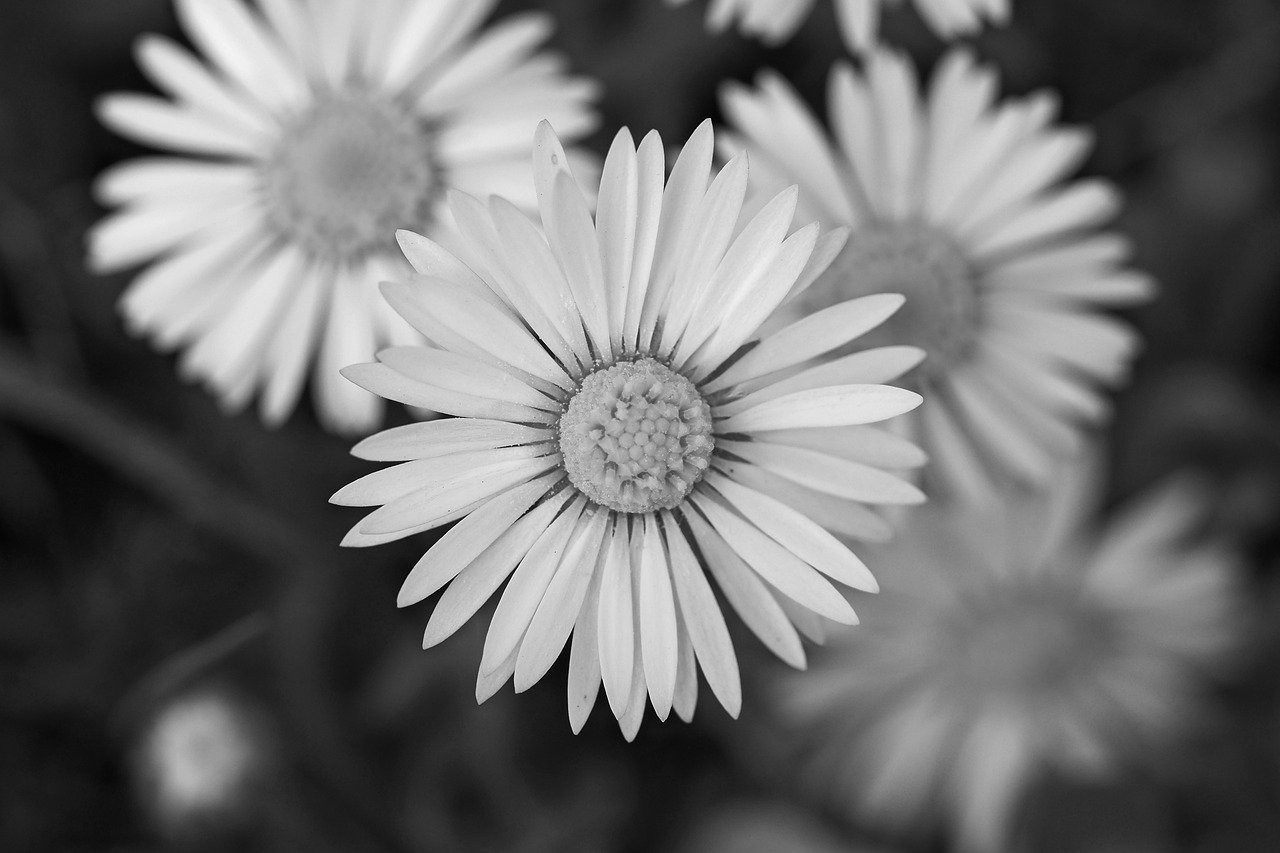
Soft Detail
Keep fur, edges, and small highlights visible in a clean grayscale image.
When a Filter Works Better Than Heavy Editing
A monochrome filter is the quickest choice when you already like the image but want a more focused style. Instead of changing the story, it removes color and lets composition carry the image.
Because the tool runs in your browser, it also works well for fast review. You can test a black and white photo idea, download it, and keep the original file untouched.
Private Browser-Based Image Processing
The converter uses local browser processing, so your image does not need to be uploaded for the effect to work. That makes it practical for personal portraits, product drafts, school projects, and work-in-progress visuals.
For best results, start with an image that has clear light and shadow. The filter will usually look strongest when the original photo already has visible contrast.
Black and White Filter FAQ
Is this black and white filter free?
Yes. You can use this online photo filter for free, preview the result, and download the finished image without a watermark.
Does the black and white filter upload my image?
No. The conversion happens in your browser, which means your image stays on your device while the tool creates the monochrome preview.
Can I use this filter for portraits?
Yes. Portraits often work especially well because monochrome tones can emphasize expression, skin texture, hair, and lighting.
Will the downloaded image keep good quality?
The tool keeps the original dimensions where possible and exports a clean black and white version for web, print drafts, and sharing.
What is the difference between a grayscale image and a filter?
A grayscale image describes the final color mode. A filter describes the effect you apply to create that monochrome look quickly.
Can I apply a black and white filter on mobile?
Yes. The tool works in modern mobile and desktop browsers, so you can edit an image from your phone or computer.
More Photo Tools
Discover our collection of free online photo editing tools designed to enhance your images with professional quality.
Image to Black & White
For all images
Convert any image to black and white instantly.
Photo to Black & White
For photos
Advanced photo converter for portraits and photography.
Black & White Image Maker
Image maker
Create high-quality monochrome images online and download them free.
Make an Image B&W
Quick conversion
Turn a specific image into black and white with no upload required.
Make My Image B&W
Personal edit
A private personal converter for your own image on phone or desktop.
Picture B&W Guide
Step-by-step
Follow simple online steps to make a picture black and white.
Image Editor
Advanced editing
Professional image editor with advanced filters and adjustments.