
Black and White Image Maker
Use this black and white image maker to create clean monochrome pictures from any image. Upload a file, preview the result instantly, and download a high-quality black and white image for design, printing, profile photos, or art projects.
Upload Your Image
Drag and drop your image here, or click to browse
Supports JPEG, PNG, WEBP, BMP formats
Create Images with a Black and White Image Maker
A black and white image maker is for users who want an output, not a long editing lesson. It helps you create a finished monochrome file quickly while keeping the process browser-based and easy to repeat.
Make black and white images online for social posts, documents, prints, and design drafts.
Create a polished grayscale image without installing an app.
Download a high-quality file that keeps the original composition and detail.
Use the same tool for one image or a small set of related images.
What Makes This Black and White Image Maker Useful?
The tool focuses on fast creation, reliable output, and private browser processing.
Create a Finished Image
Turn a color file into a ready-to-use black and white image in a few clicks.
No Upload Required
The image maker runs locally in your browser, so your files stay private.
High-Quality Output
Download a clean monochrome file that keeps important details and resolution.
Simple Input
Start with JPG, PNG, WebP, and other common image formats from your device.
Useful for Many Projects
Prepare profile photos, print layouts, artwork, school work, and product images.
Batch-Friendly Workflow
When you have several images, the same workflow helps you keep a consistent style.
How to Use the Black and White Image Maker
The process is built around making and saving a usable file, not learning a complex editing suite.
Upload Your Image
Choose the picture you want to turn into monochrome.
Create the Version
The browser tool creates the result automatically.
Preview the Output
Review the grayscale image before saving it to your device.
Download and Use
Save the finished image for design, printing, sharing, or archiving.
Image Maker Output Examples
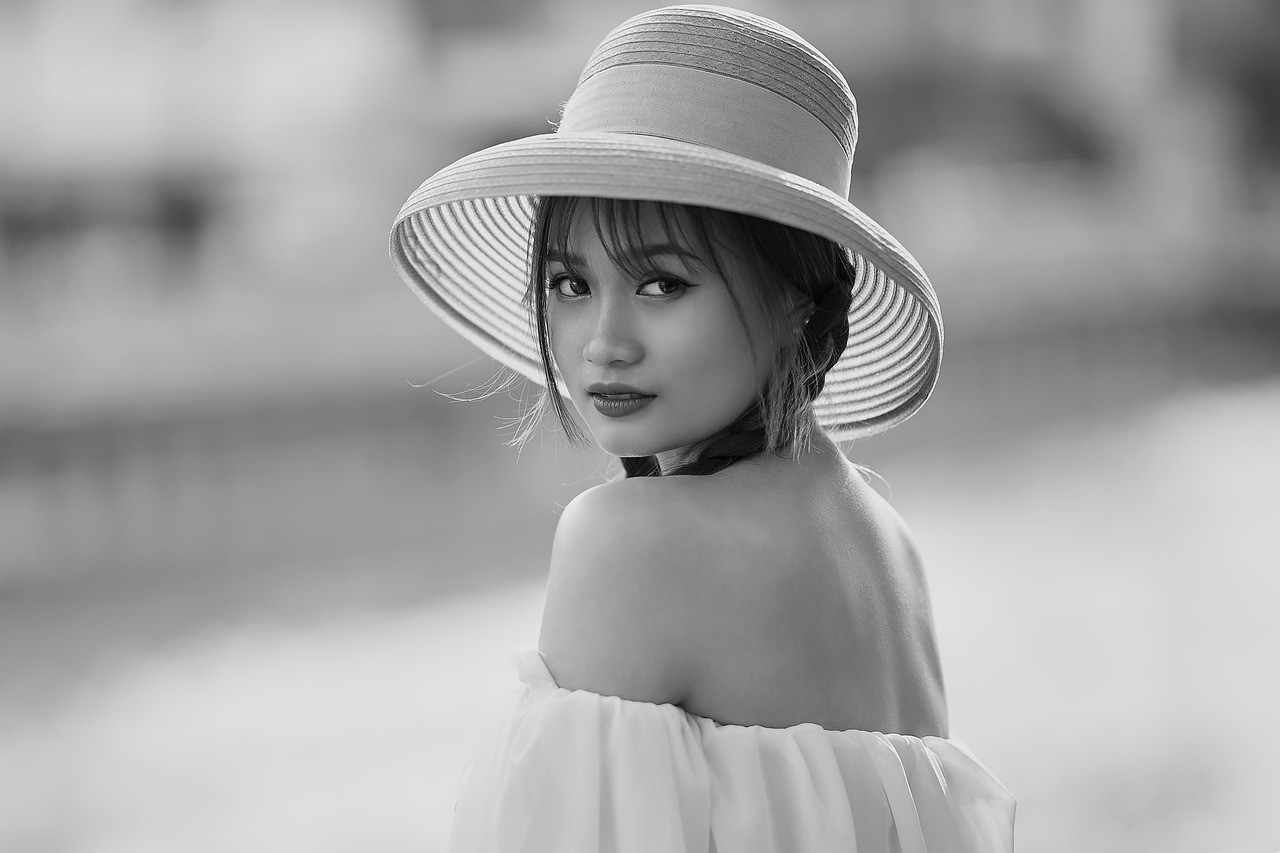
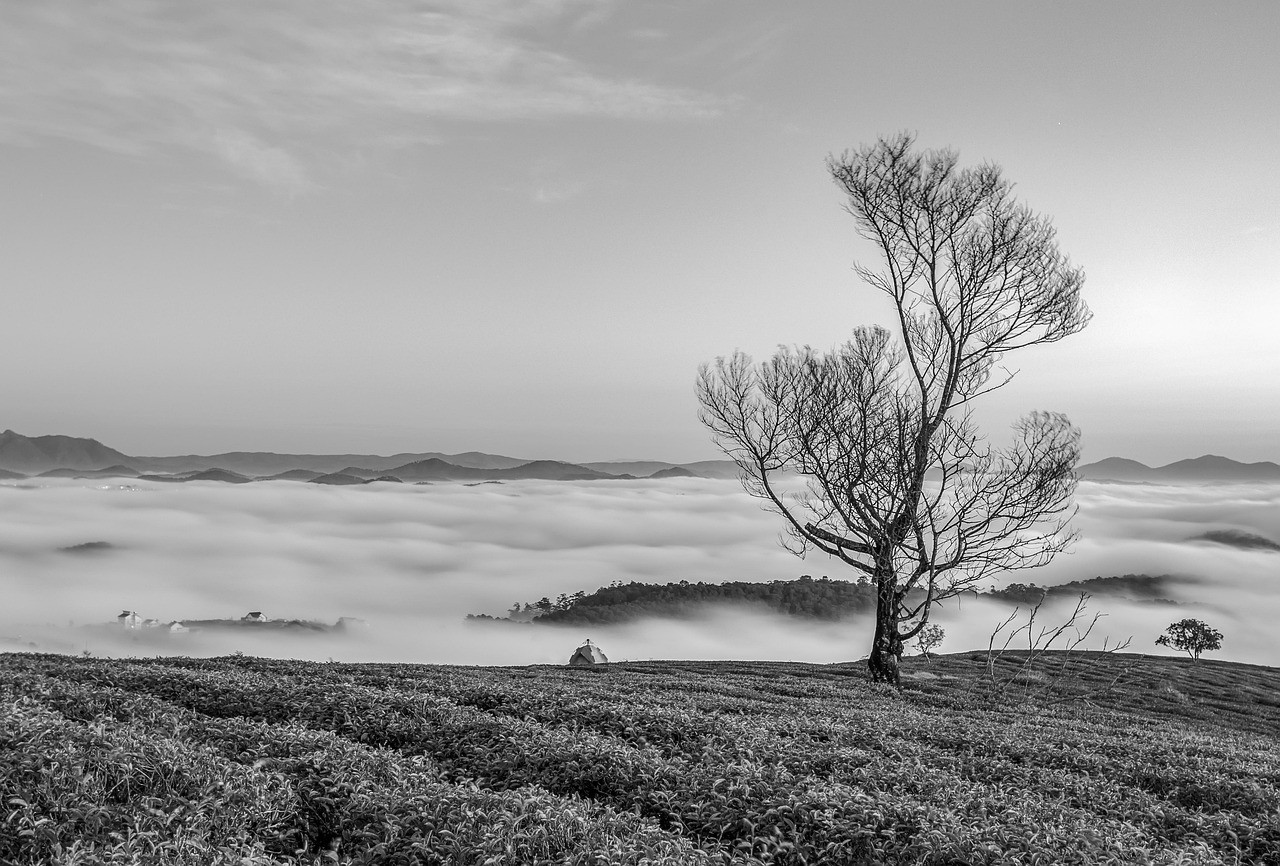
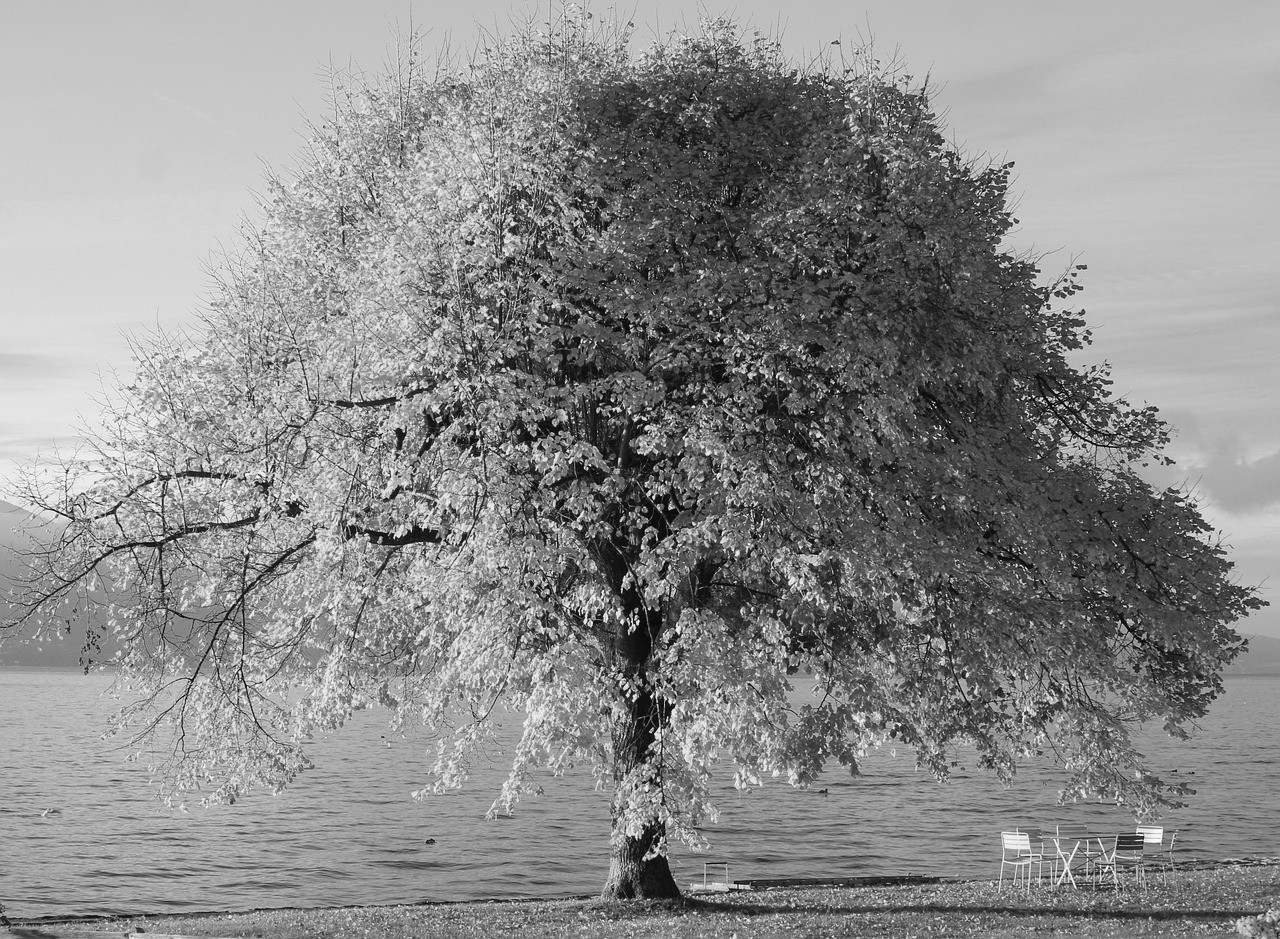
Use these examples as a quick reference for the type of output the tool can create.
View Full Gallery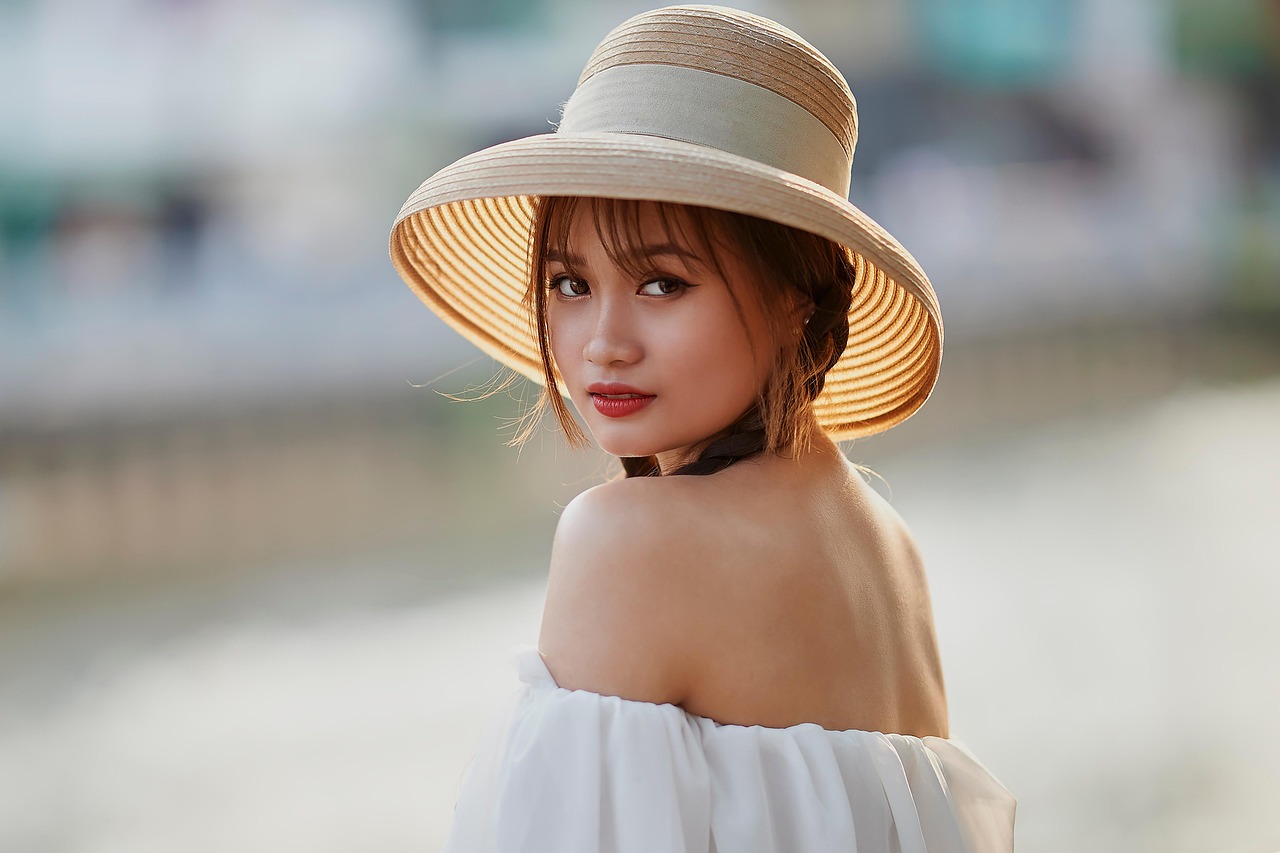
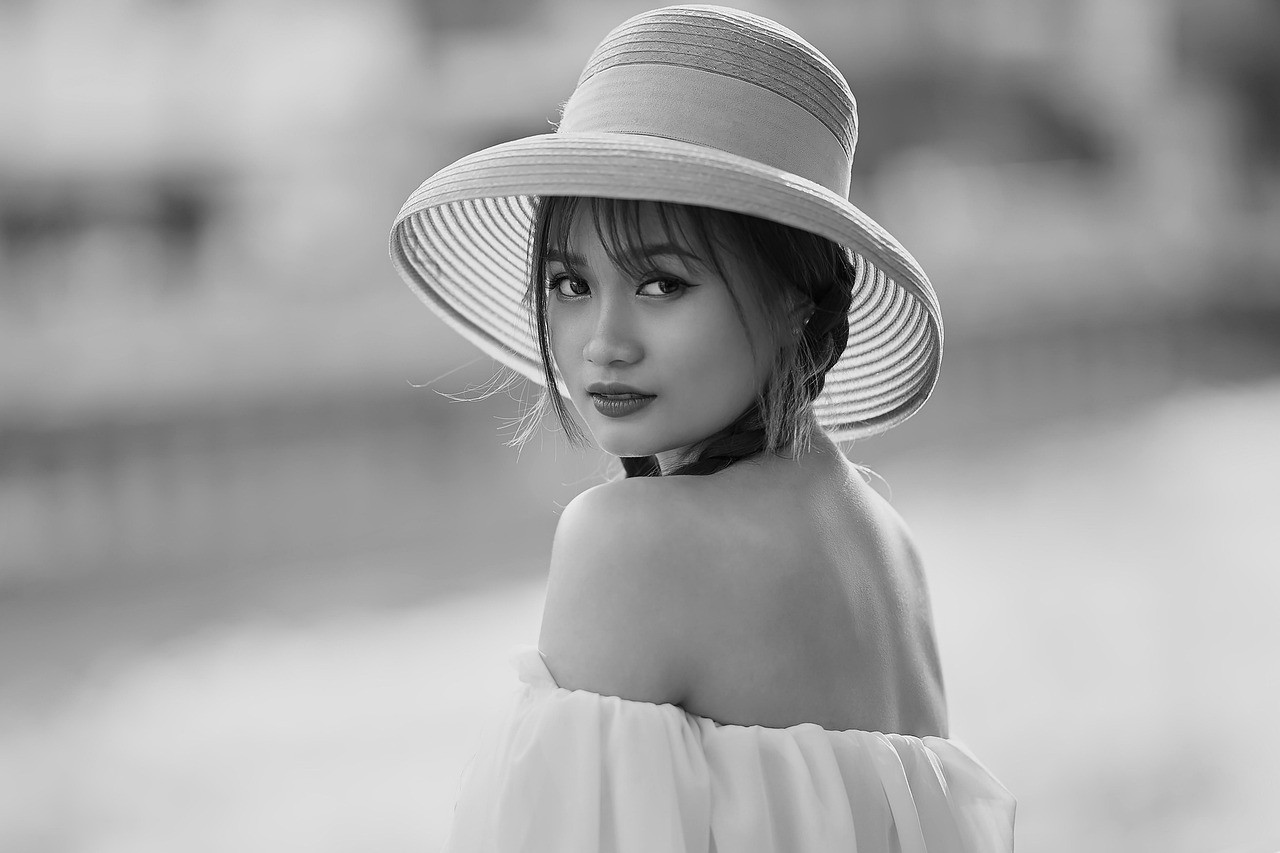
Profile Photos
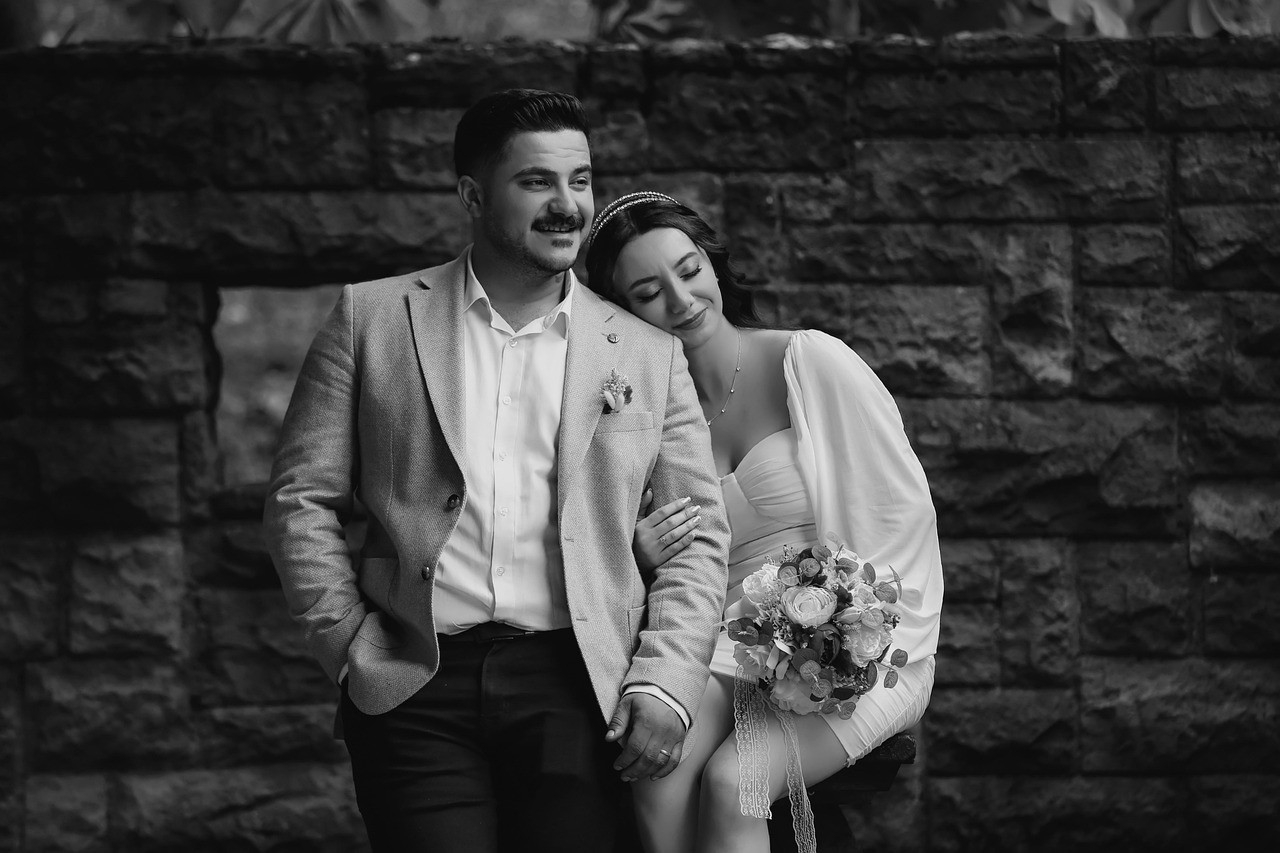
Create a direct, timeless profile image for personal or professional use.
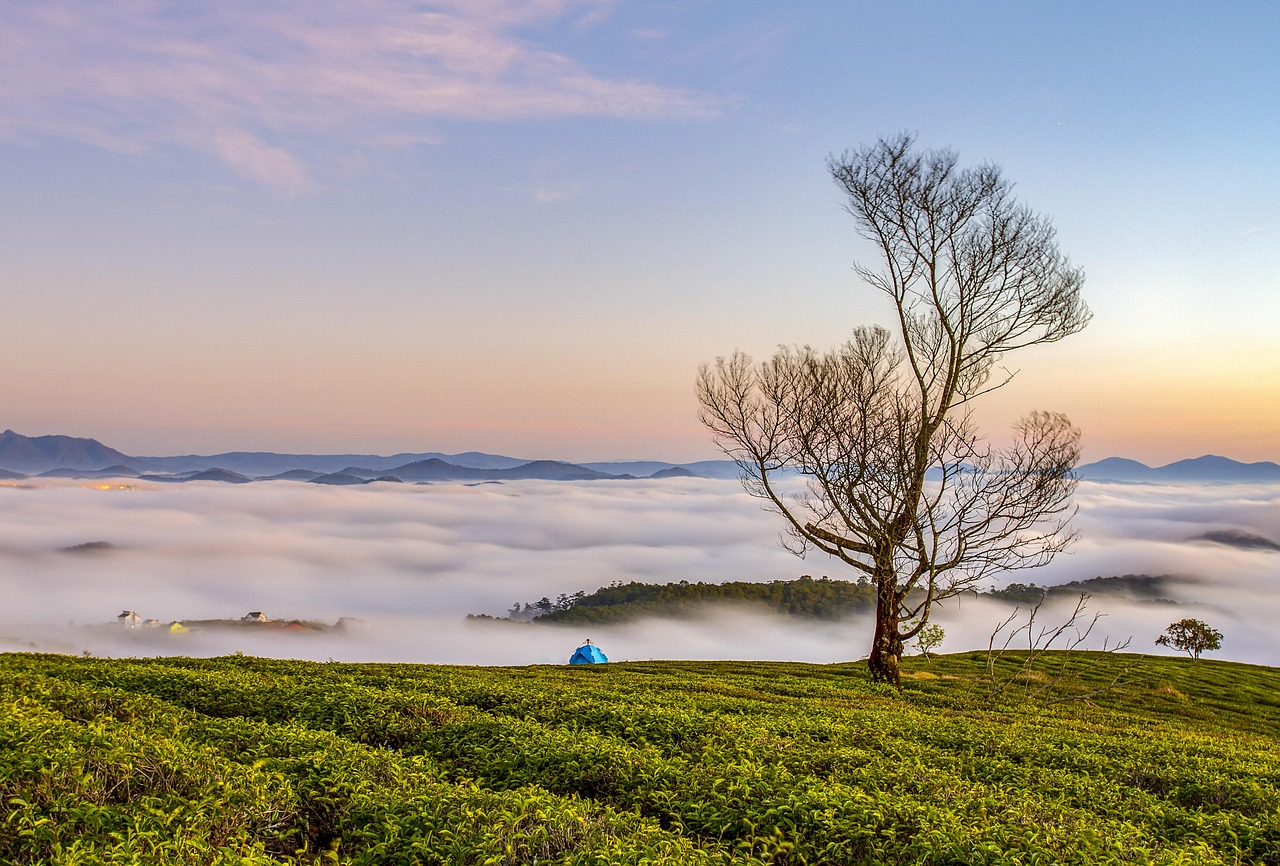
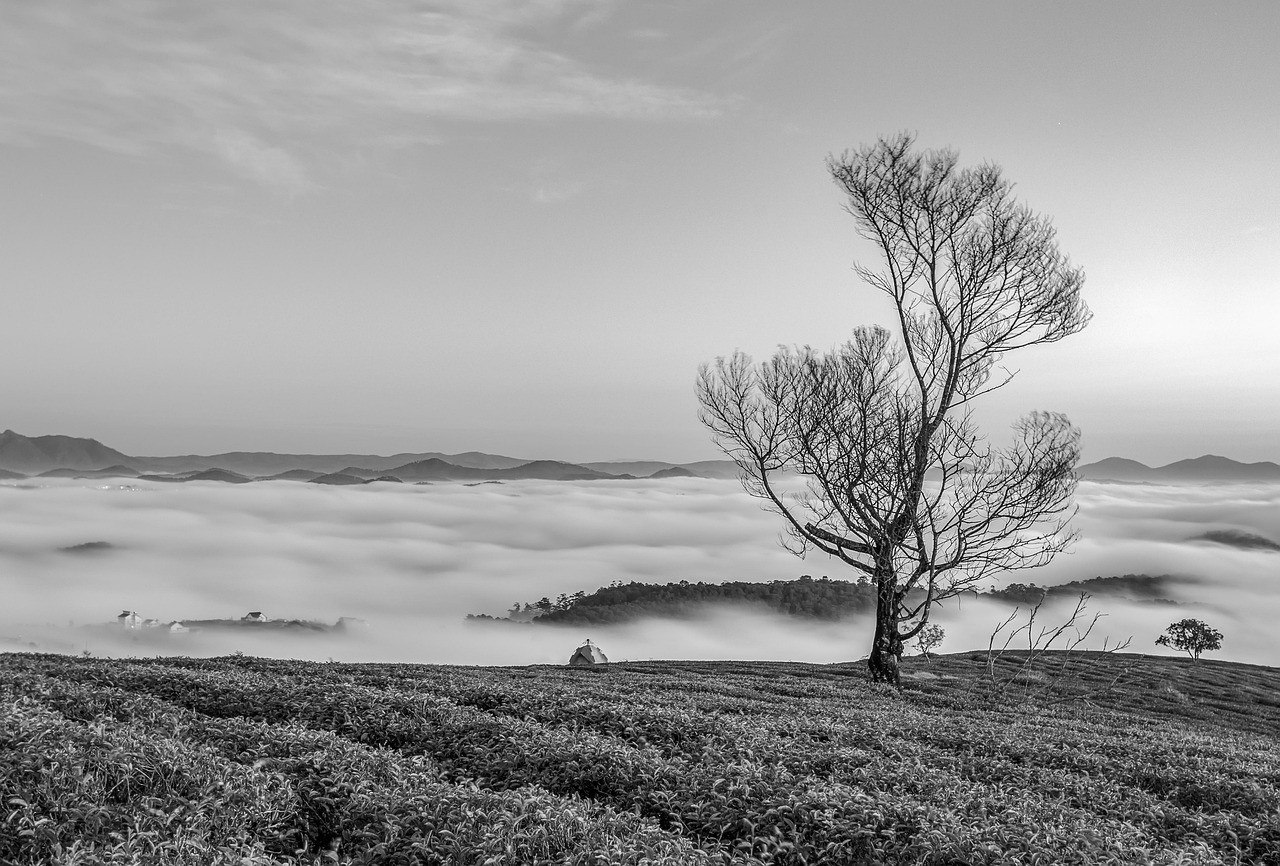
Print-Friendly Scenes
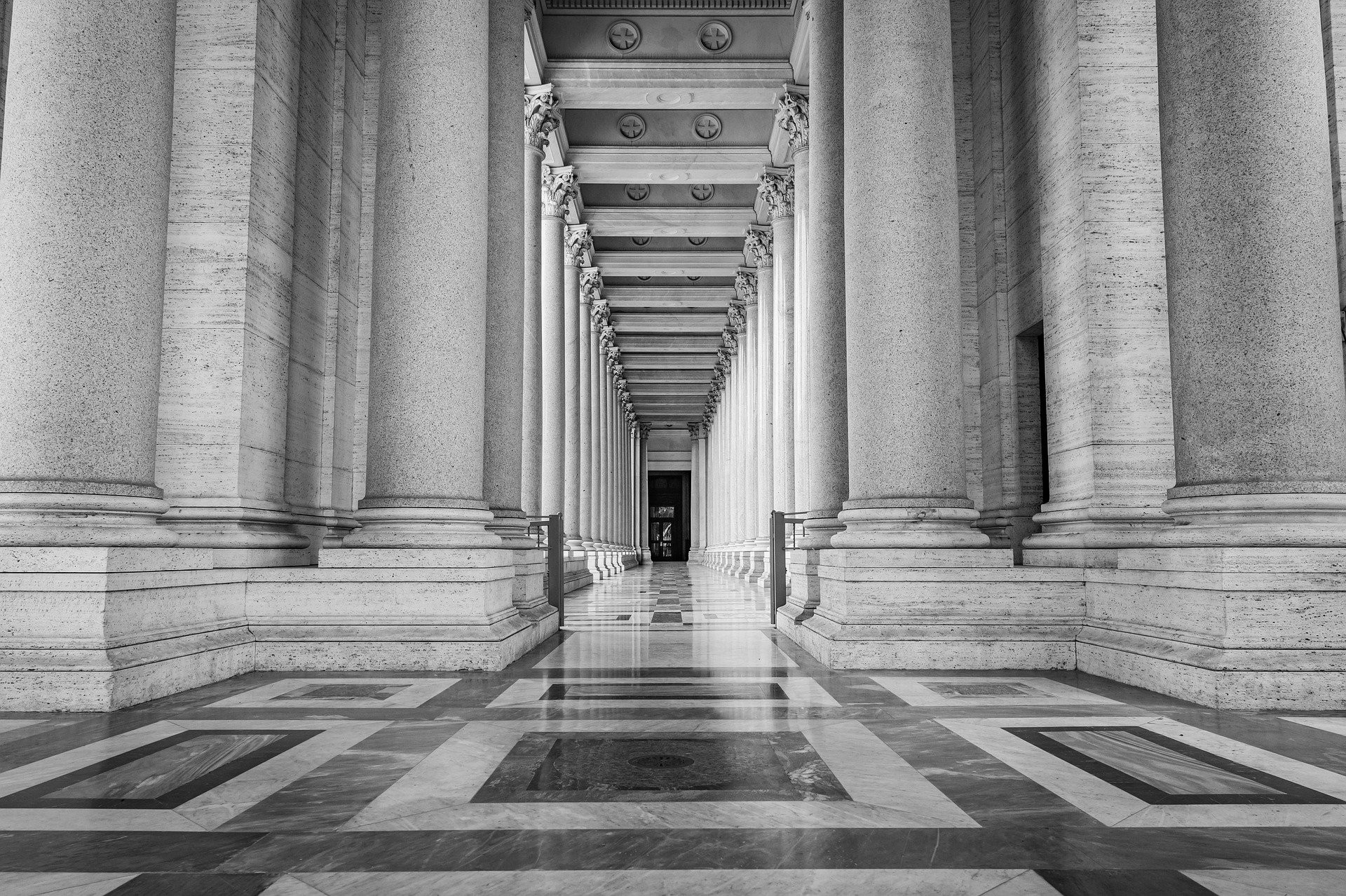
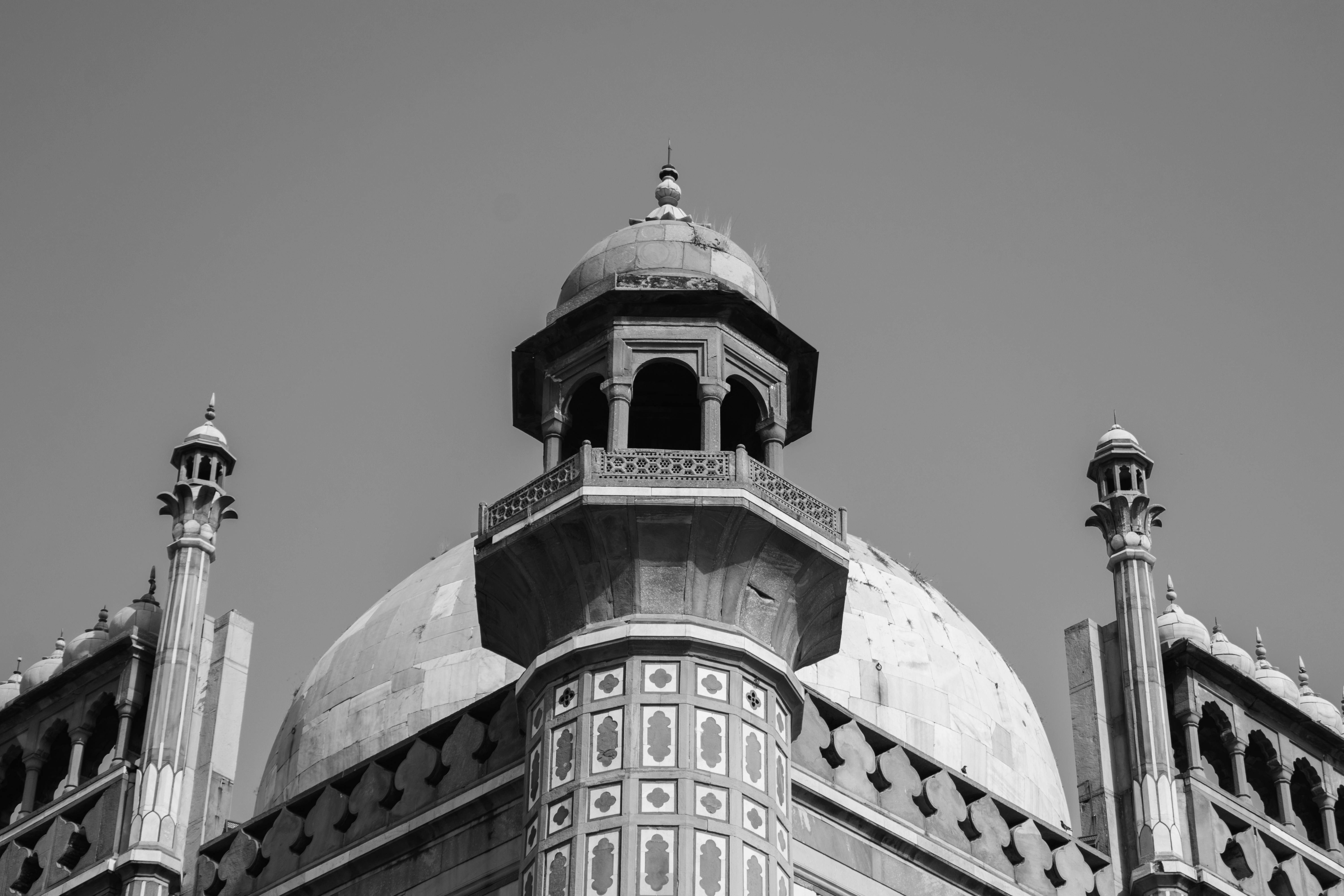
Prepare city, travel, and landscape images with stronger tonal structure.
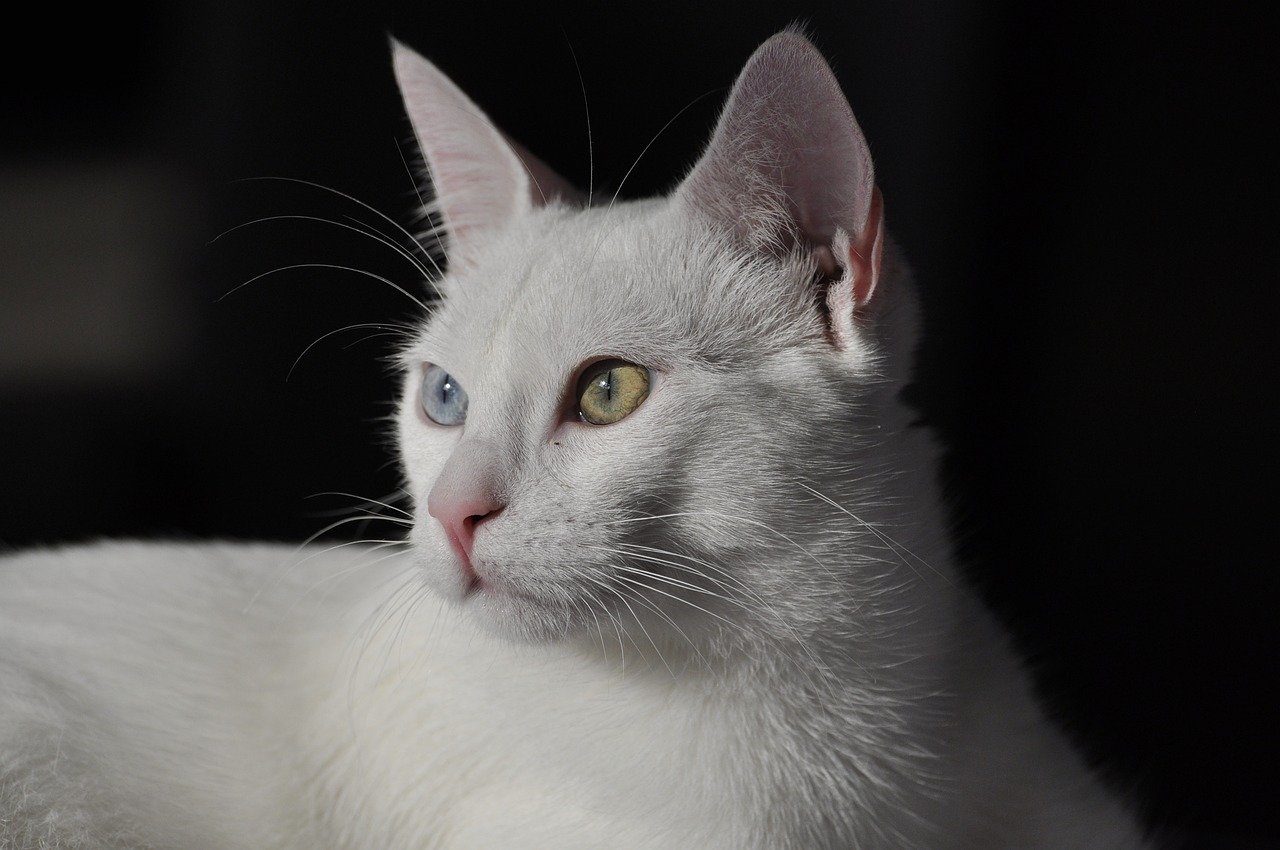
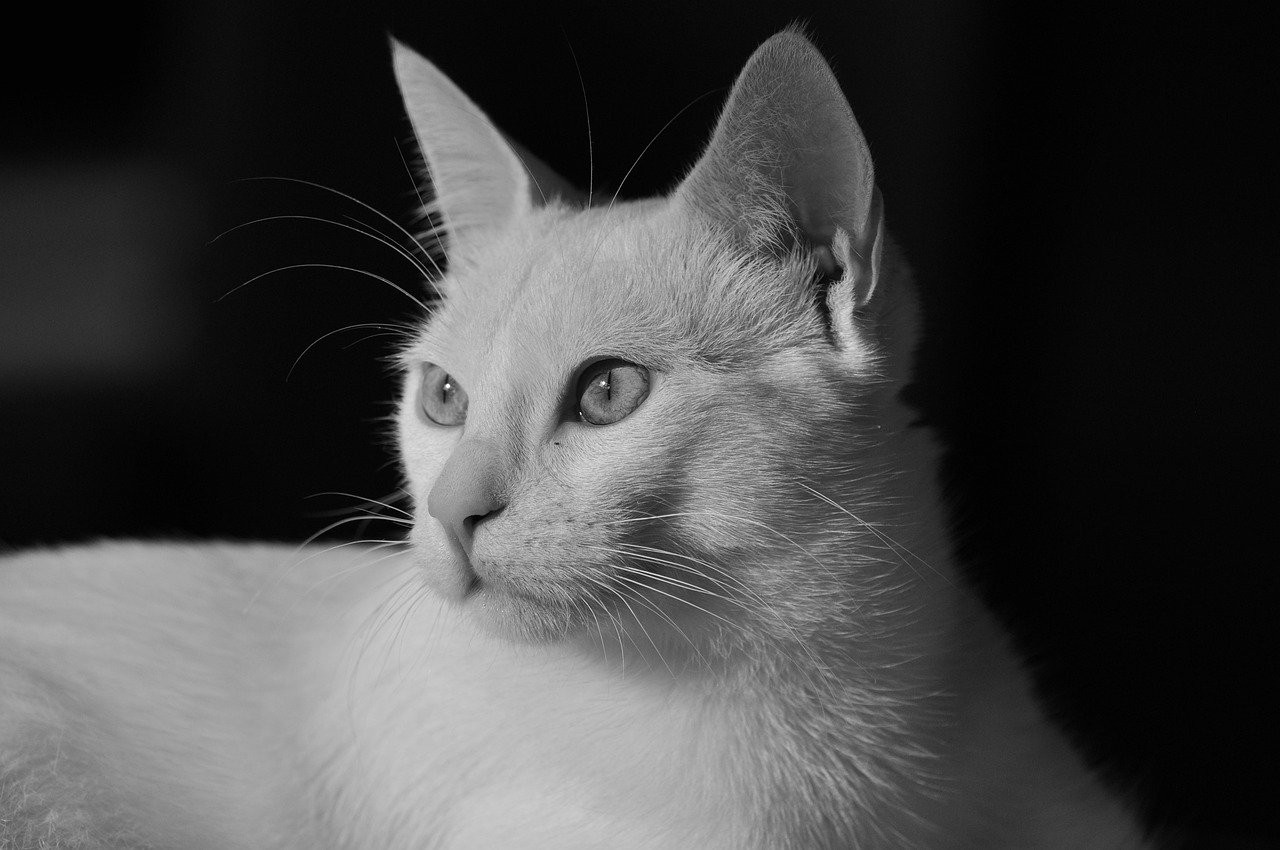
Personal Projects
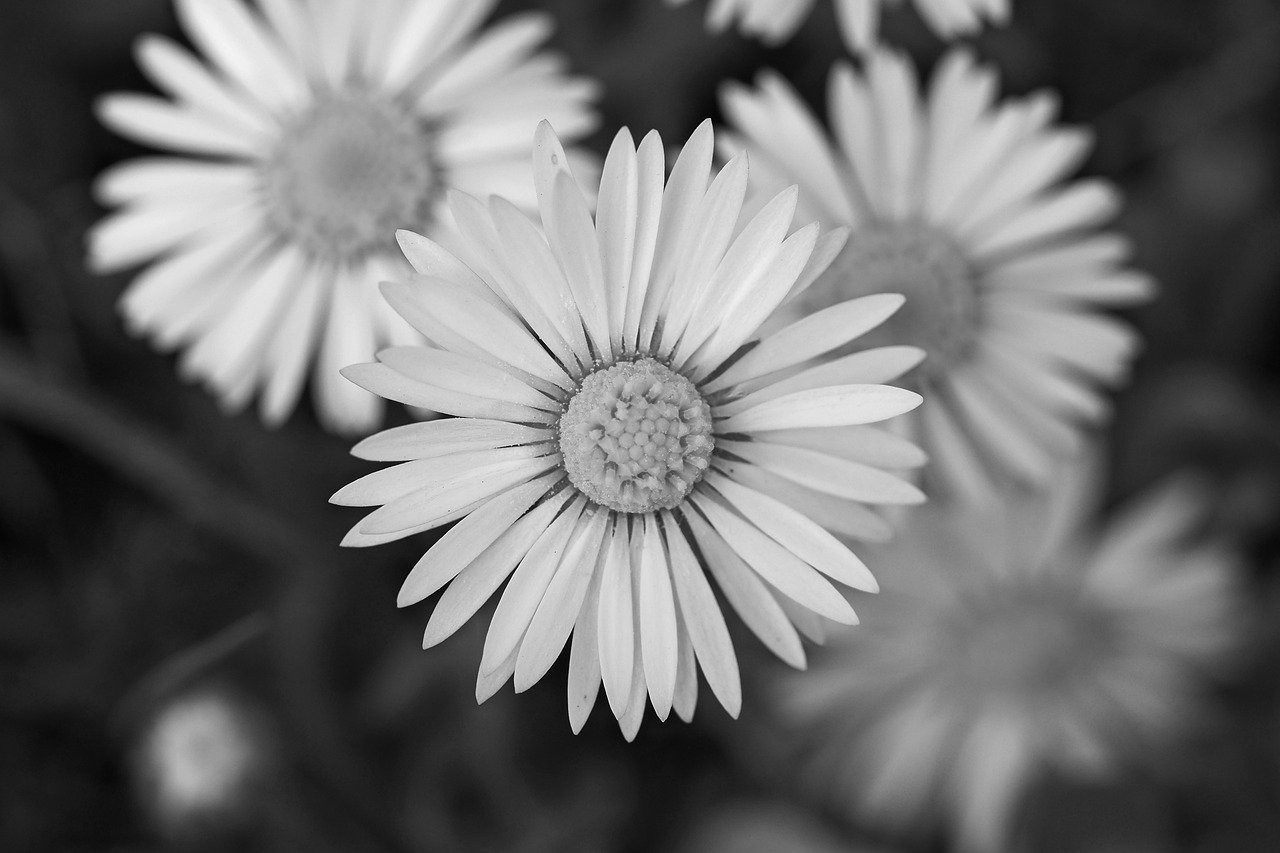
Create gentle black and white versions of memories, pets, and daily moments.
A Tool for Creating, Not Just Previewing
An image maker should give you a usable file quickly. This page keeps the converter at the top, then supports it with examples, steps, and practical guidance for getting a clean result.
The output is useful when you need a monochrome picture for a profile, a flyer, a school assignment, a print mockup, or a design layout where color would compete with the message.
Make Monochrome Images Without Extra Software
You do not need Photoshop, an account, or a mobile app to create a simple black and white photo. Choose an image, let the tool process it in the browser, and download the result.
For sharper results, choose source images with clear contrast. Strong light, readable shapes, and distinct subject edges usually translate well into black and white.
Black and White Image Maker FAQ
What does a black and white image maker do?
This tool creates a monochrome version of your image and lets you download it as a finished file.
Is this black and white image maker private?
Yes. The image is processed in your browser, so the tool does not need to upload your file to create the preview.
Can I use the output for printing?
Yes. The downloaded black and white image keeps the original dimensions where possible, which makes it suitable for print drafts and many design uses.
Does the tool add a watermark?
No. You can download the finished monochrome image without a watermark or signup requirement.
Can I make several images black and white?
Yes. You can repeat the same process for multiple images, and the workflow is friendly for small batches.
What images work best in a black and white image maker?
Images with strong light, shadow, texture, and clear subjects usually produce the most striking monochrome output.
More Photo Tools
Discover our collection of free online photo editing tools designed to enhance your images with professional quality.
Image to Black & White
For all images
Convert any image to black and white instantly.
Photo to Black & White
For photos
Advanced photo converter for portraits and photography.
Black and White Filter
Classic filter
Apply a classic monochrome filter with instant private preview.
Make an Image B&W
Quick conversion
Turn a specific image into black and white with no upload required.
Make My Image B&W
Personal edit
A private personal converter for your own image on phone or desktop.
Picture B&W Guide
Step-by-step
Follow simple online steps to make a picture black and white.
Image Editor
Advanced editing
Professional image editor with advanced filters and adjustments.