
How to Make a Picture Black and White
Learn how to make a picture black and white with a free online tool. Start by choosing your picture above, preview the monochrome result instantly, then follow the simple guide below for better contrast, privacy, and download quality.
Upload Your Image
Drag and drop your image here, or click to browse
Supports JPEG, PNG, WEBP, BMP formats
How to Make a Picture Black and White Online
The easiest method is to use a browser-based converter first. It avoids software menus, keeps your picture local, and gives you a quick preview before you decide whether the black and white result works.
Use the online tool method before trying complex editor workflows.
Understand the difference between grayscale and harsh two-tone black and white.
Improve results by choosing pictures with clear light, shadow, and texture.
Download the final picture without signup or watermark.
Best Settings for a Clean Black and White Picture
Good results usually come from clear source images and a simple grayscale workflow.
Start With a Clear Picture
Choose a file where the subject is visible and the lighting is not too flat.
Use Instant Preview
Check the result quickly so you can decide if the picture has enough contrast.
Look for Contrast
Black and white pictures work best when shadows and highlights separate the subject.
Keep It Private
Browser-based processing means your picture does not need to be uploaded.
Save the Final Version
Download a clean file after you confirm that the preview looks right.
Use Common Formats
The converter supports common picture formats such as JPG, PNG, and WebP.
How to Make a Picture Black and White in Four Steps
This is the quick online method for users who want both instructions and a working tool on the same page.
Choose Your Picture
Upload or drag in the picture you want to change.
Apply the Conversion
The tool creates a grayscale version in your browser.
Preview the Picture
Check detail, contrast, and subject clarity before exporting.
Download the Result
Save the finished black and white picture to your device.
Picture Examples and Contrast Tips
Use these examples to understand what changes when a picture becomes monochrome.
View Full Gallery
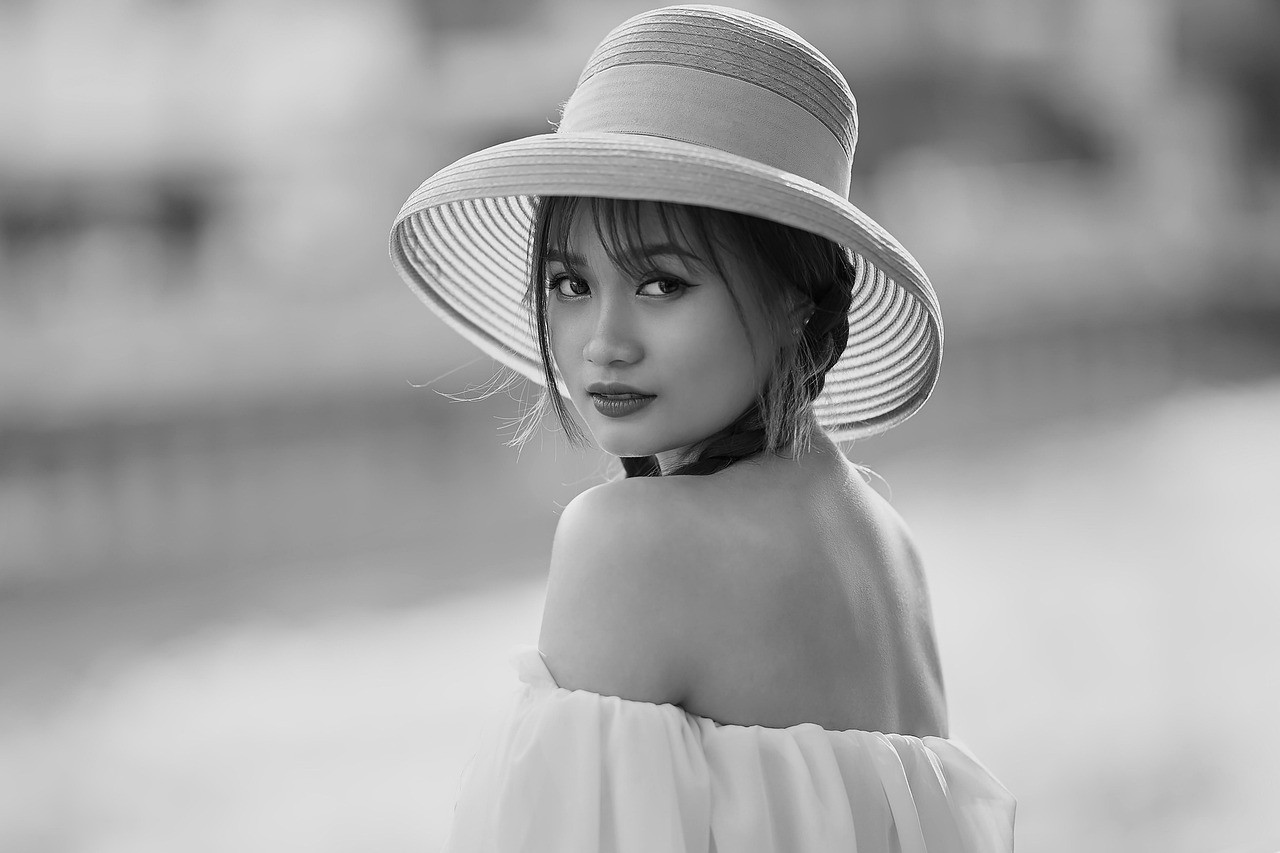
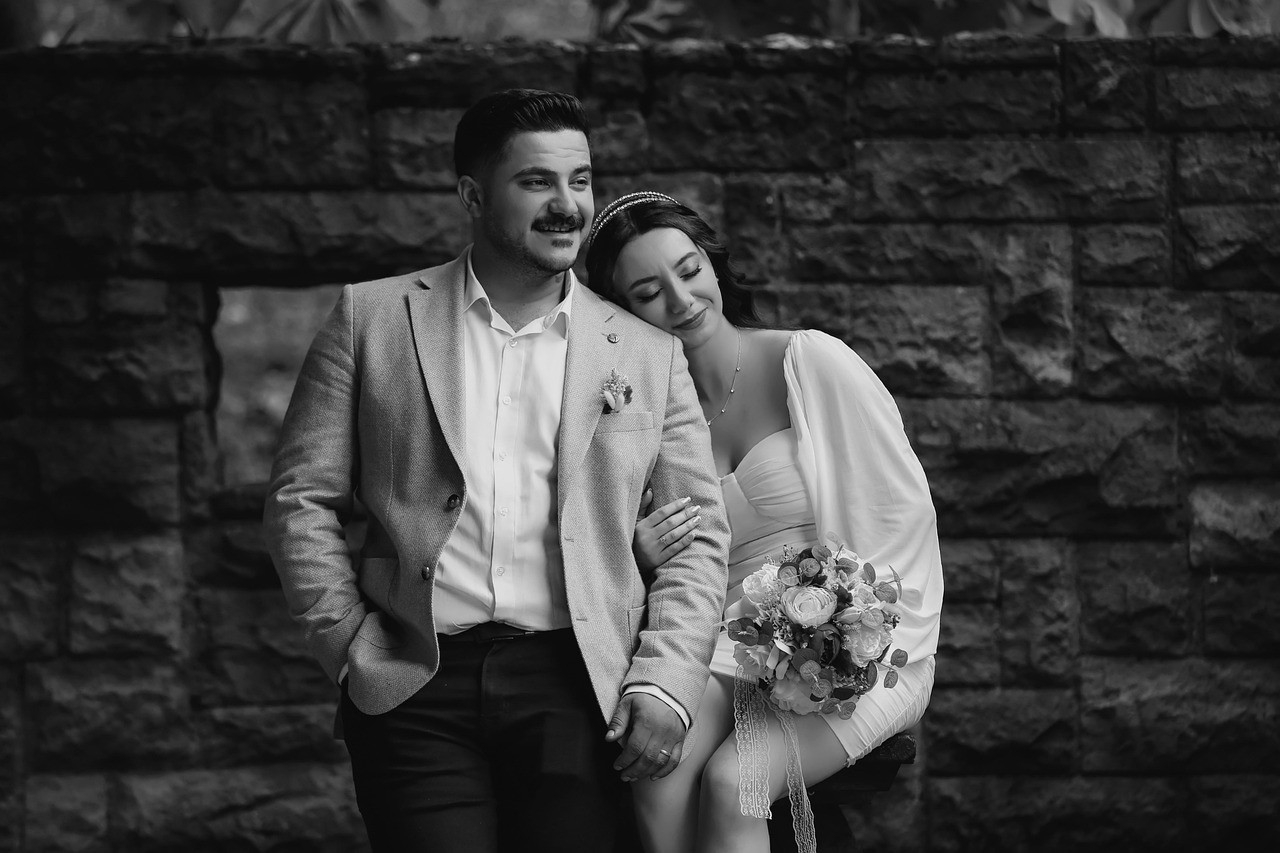
Portrait Picture
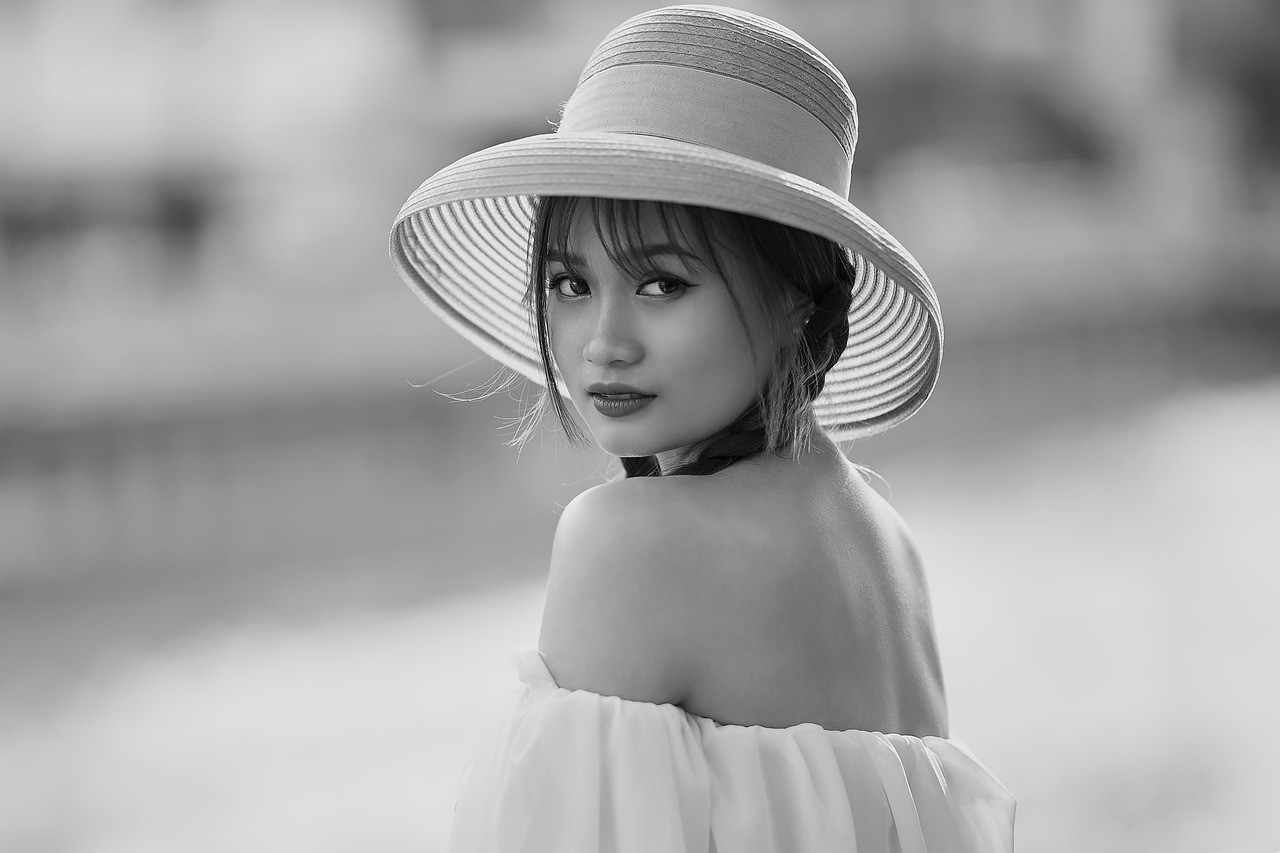
Faces benefit from soft tones and clear separation from the background.
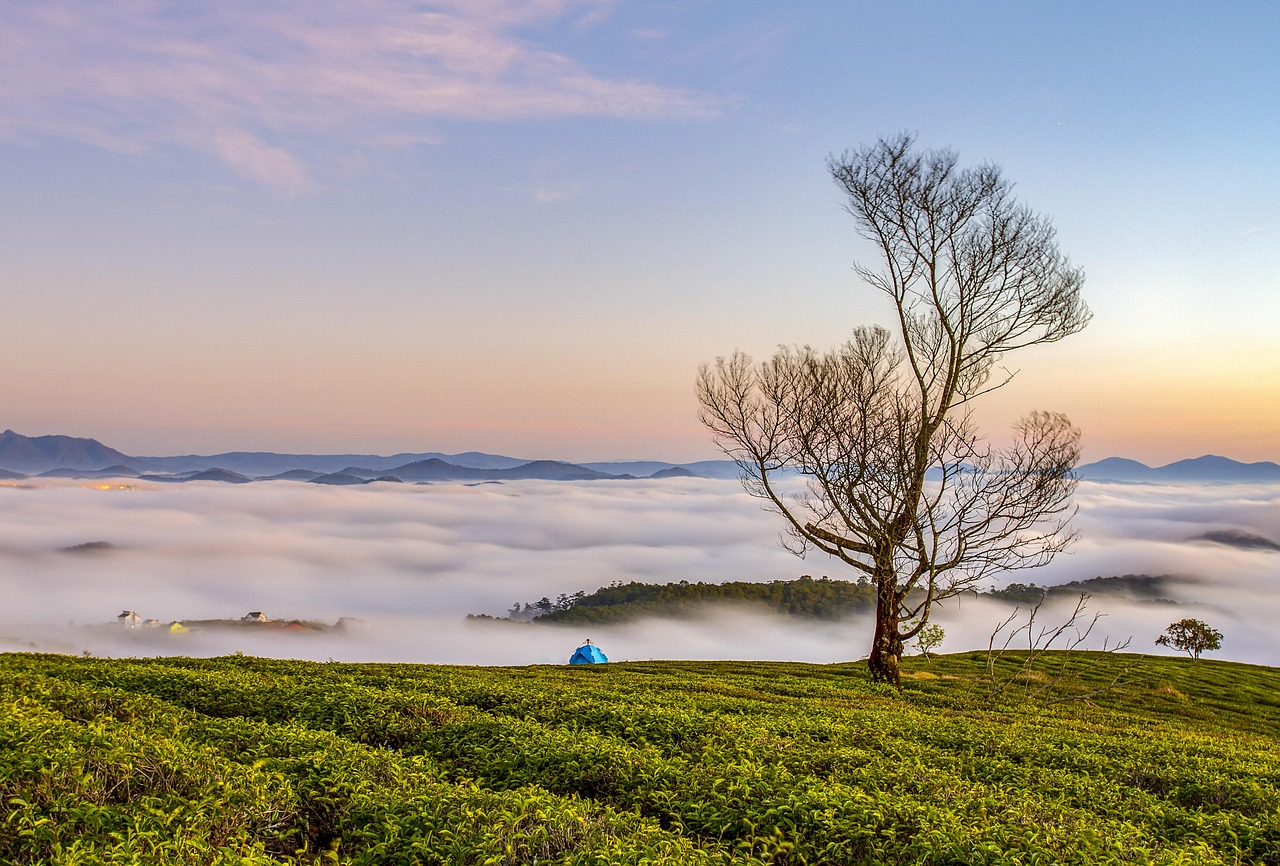
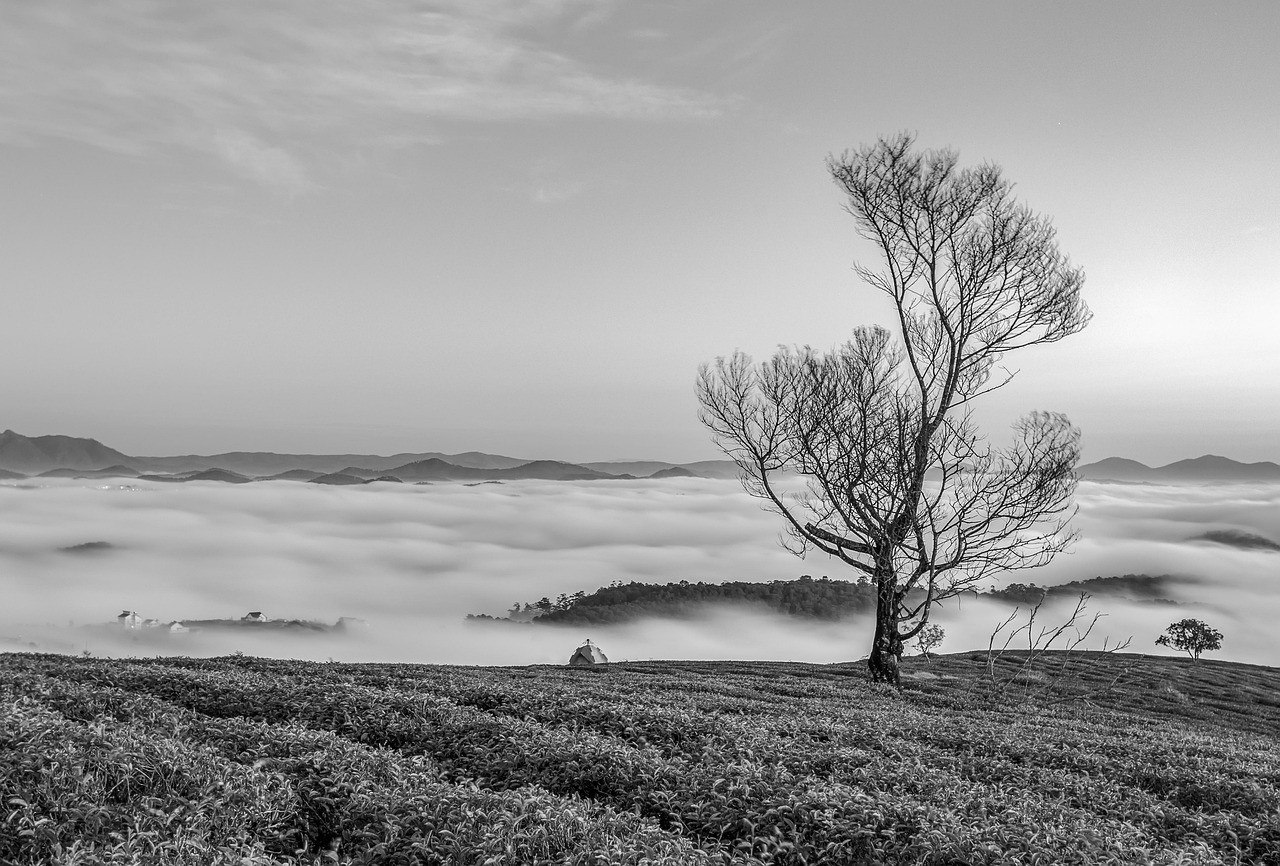
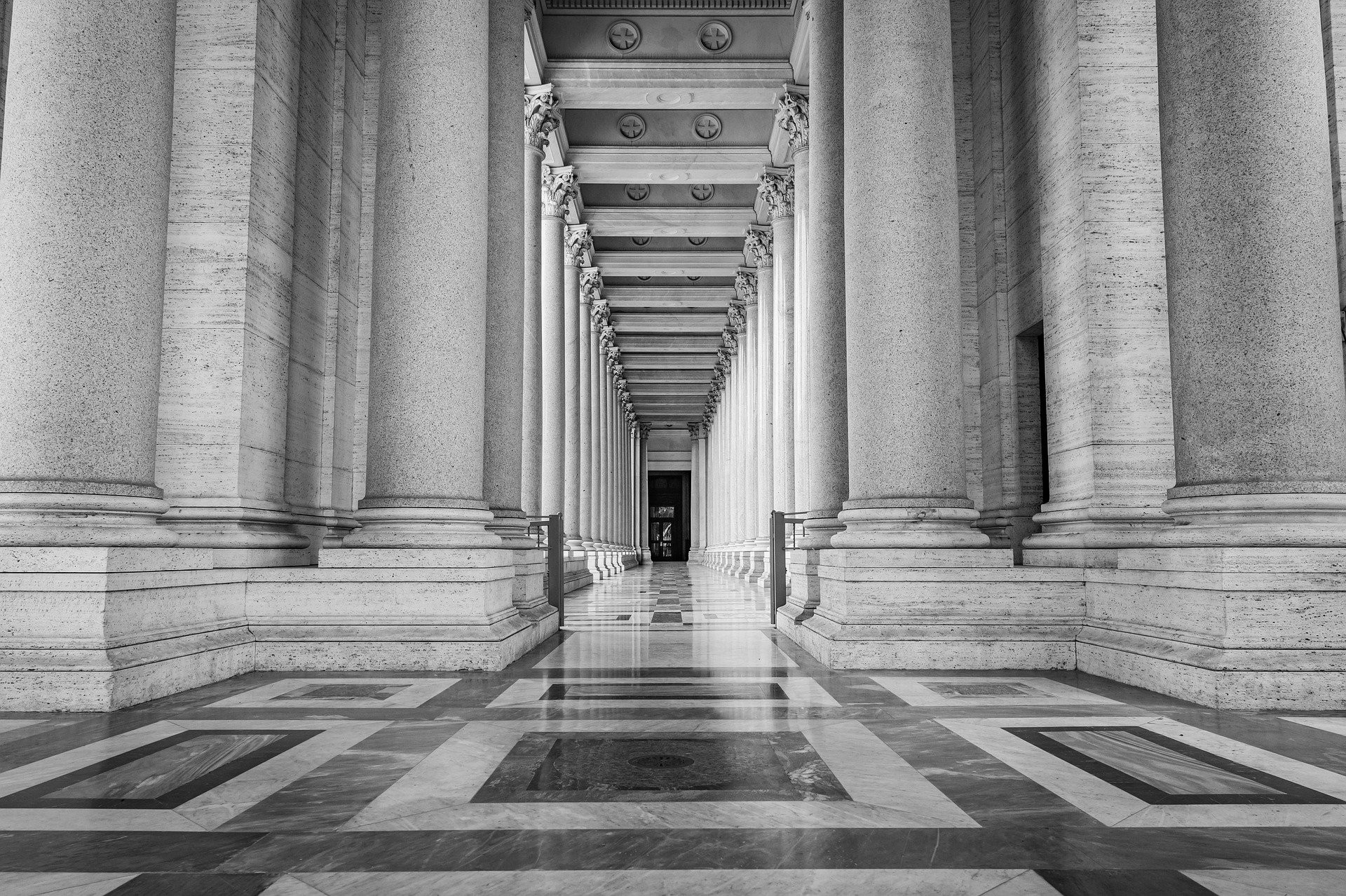
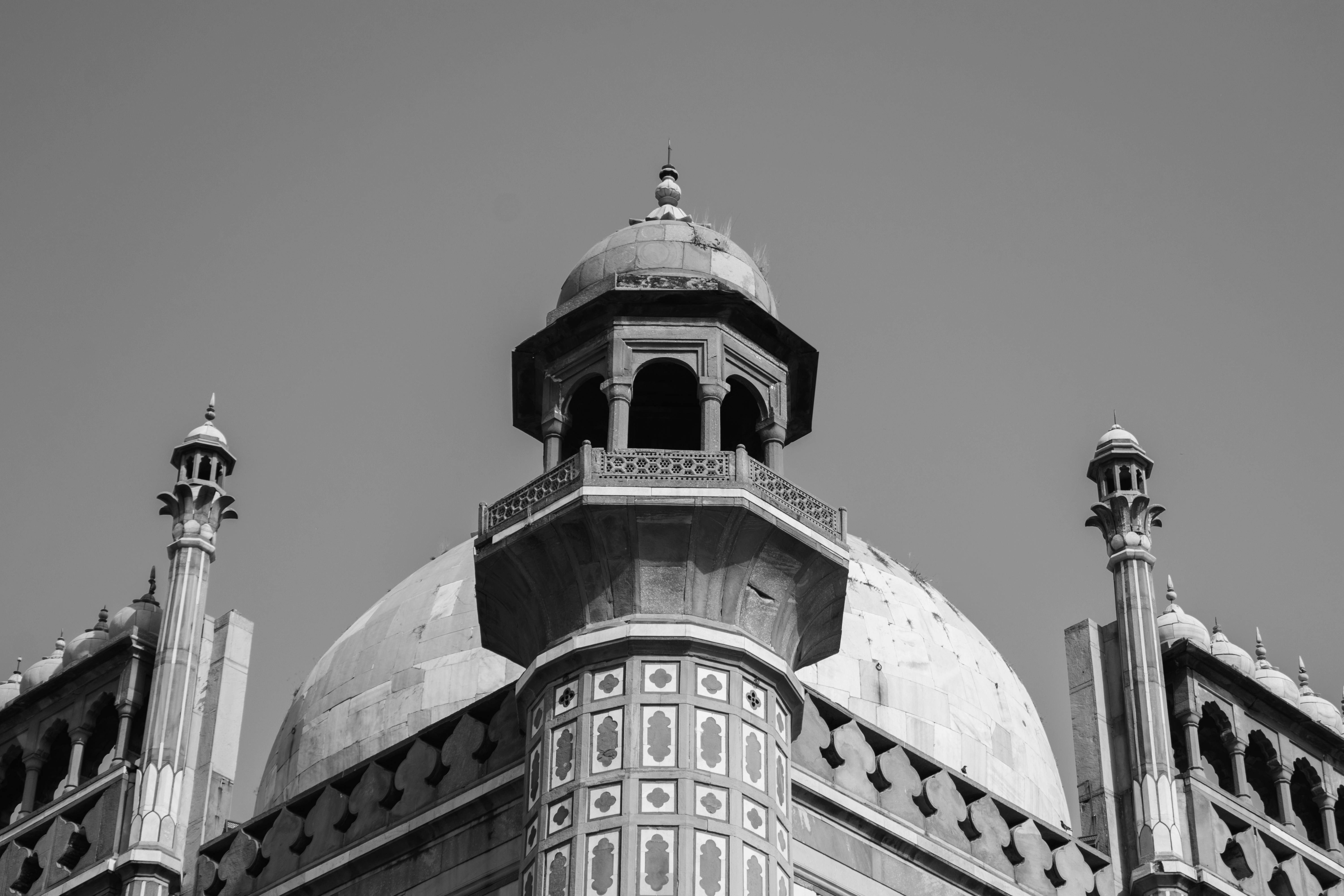
Architecture Picture
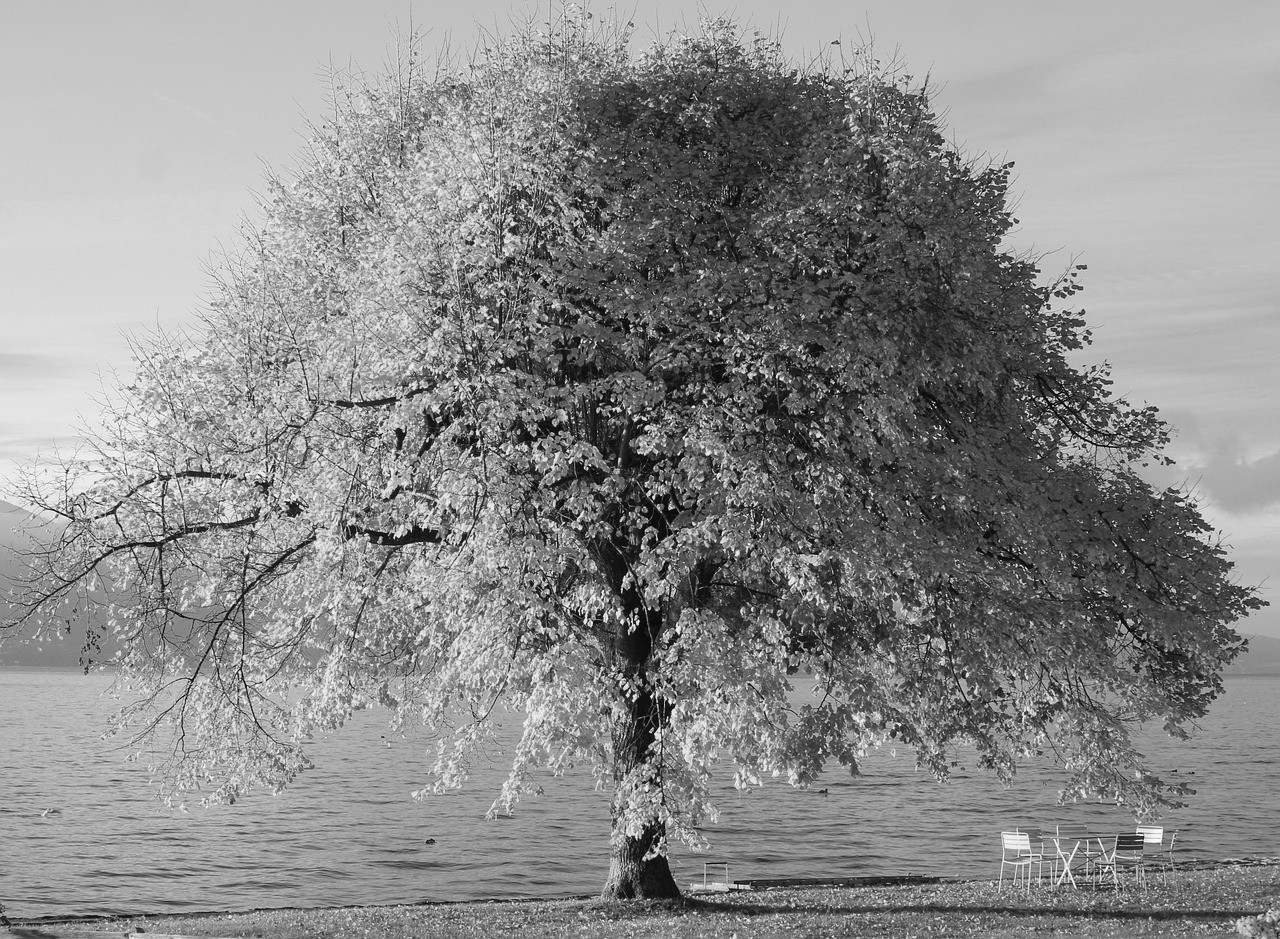
Strong lines and shadows help buildings look crisp in monochrome.
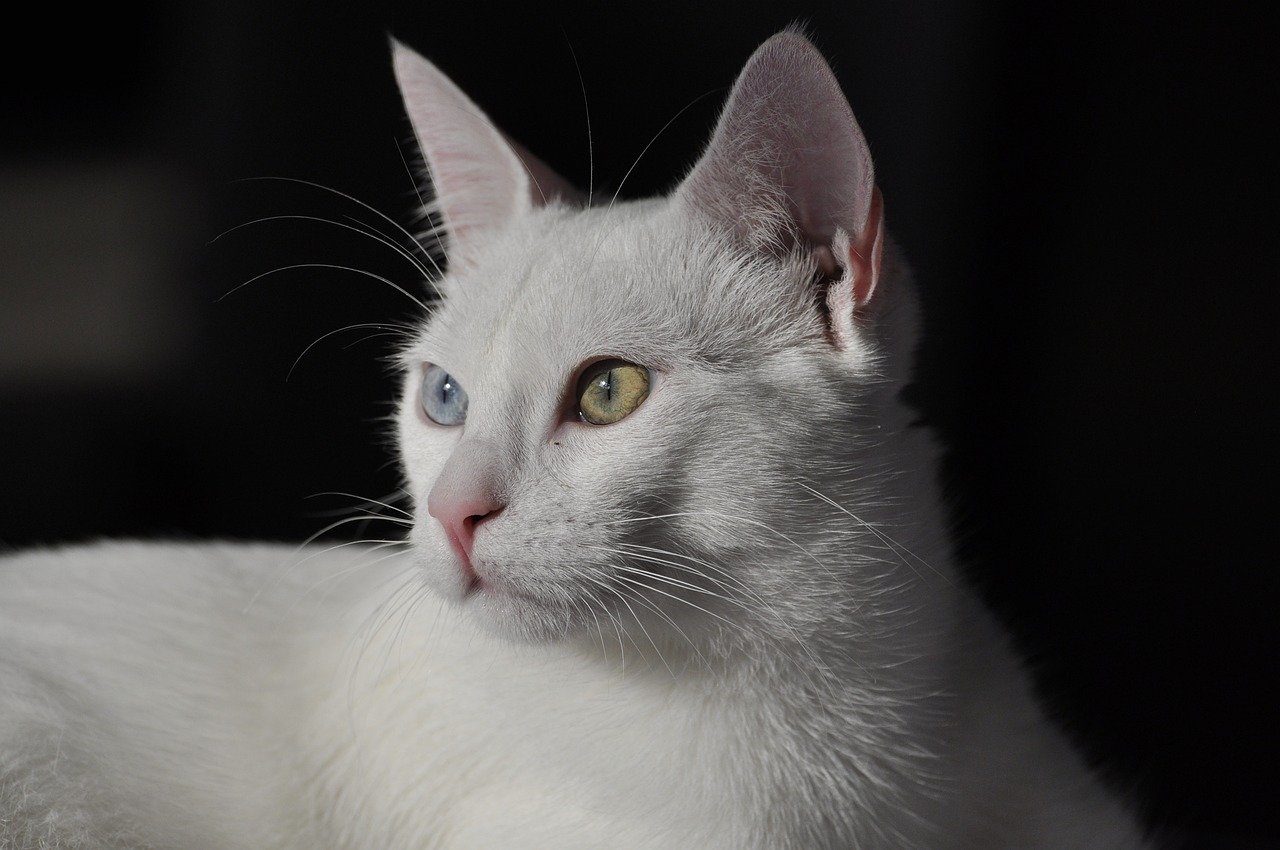
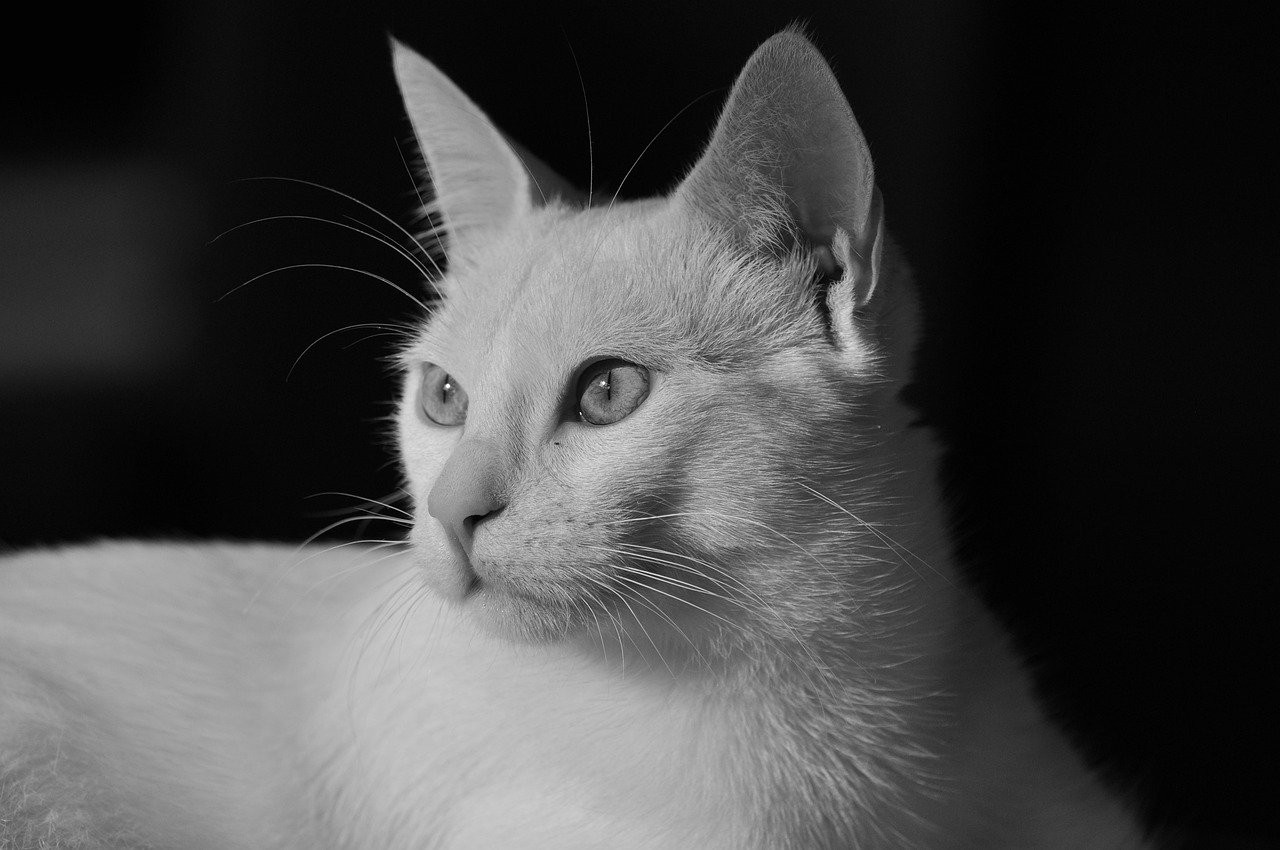
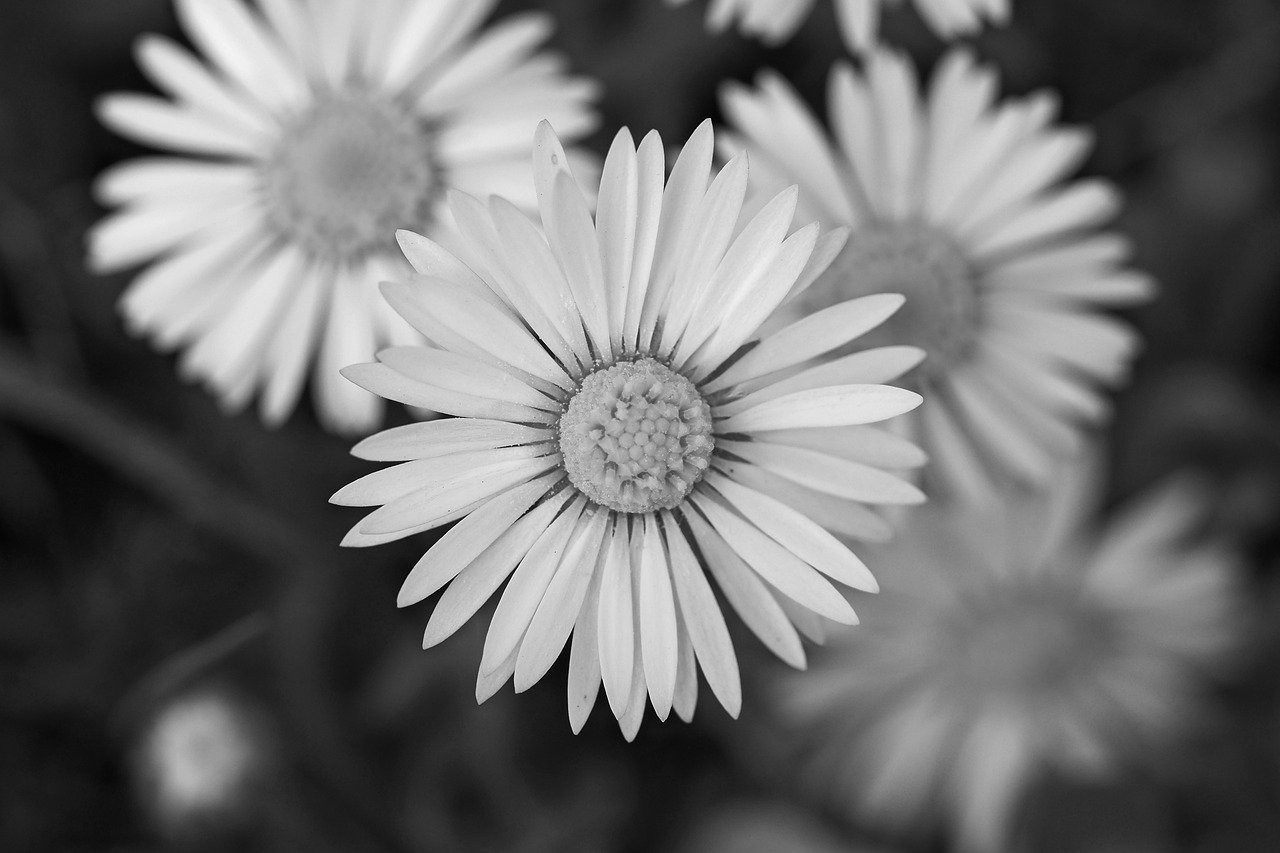
Everyday Picture
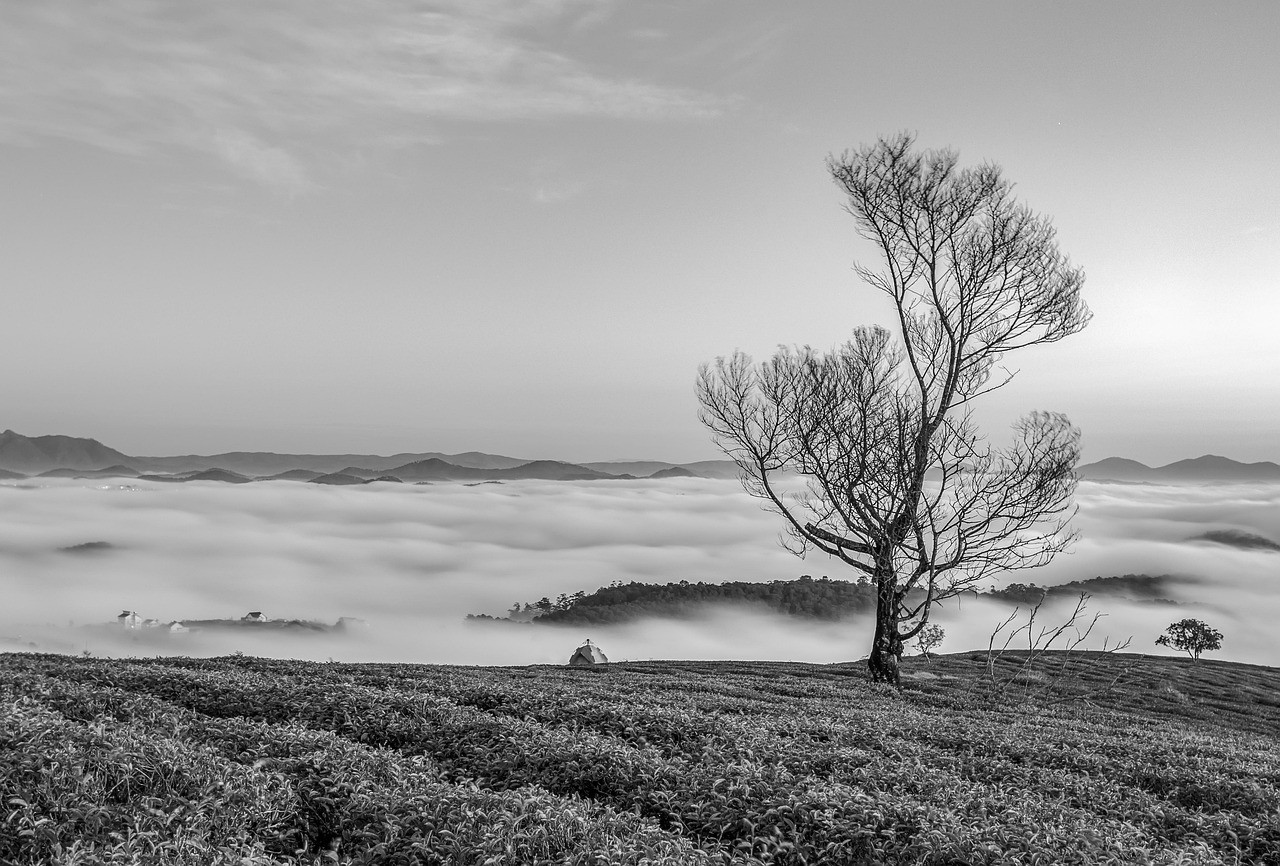
Subtle textures can stay visible when the original has enough tonal range.
Grayscale vs True Black and White
When people ask how to make a picture black and white, they usually mean a grayscale picture with many shades between black and white. This is the natural photo look used for portraits, landscapes, and most online images.
True two-tone black and white removes most gray values and can look like a stamp, scan, or threshold effect. That can be useful for graphics, but for photos a grayscale image usually looks smoother and more detailed.
Common Reasons to Make a Picture Black and White
Black and white can make a picture feel classic, reduce distracting colors, prepare a file for print, or help text sit cleanly over an image in a layout.
If your result looks dull, try a picture with clearer light direction or stronger subject separation. The online tool handles the conversion, but the original picture still controls much of the final mood.
How to Make a Picture Black and White FAQ
How to make a picture black and white online?
Upload your picture, let the browser-based tool create the black and white preview, then download the finished file.
How to make a picture black and white without uploading it?
Use this local browser converter. The image processing happens on your device, so the picture does not need to be sent to a server.
What is the best picture type for black and white?
Pictures with visible contrast, texture, and strong subject shape usually produce the clearest monochrome result.
Will the black and white picture keep its quality?
The converter keeps the original dimensions where possible and exports a clean grayscale file for download.
Is grayscale the same as black and white?
For most photos, yes in everyday language. Technically, grayscale includes many gray tones, while true black and white may use only black and white pixels.
Can I follow these steps on mobile?
Yes. The same four-step workflow works in modern mobile browsers: choose, convert, preview, and download.
More Photo Tools
Discover our collection of free online photo editing tools designed to enhance your images with professional quality.
Image to Black & White
For all images
Convert any image to black and white instantly.
Photo to Black & White
For photos
Advanced photo converter for portraits and photography.
Black and White Filter
Classic filter
Apply a classic monochrome filter with instant private preview.
Black & White Image Maker
Image maker
Create high-quality monochrome images online and download them free.
Make an Image B&W
Quick conversion
Turn a specific image into black and white with no upload required.
Make My Image B&W
Personal edit
A private personal converter for your own image on phone or desktop.
Image Editor
Advanced editing
Professional image editor with advanced filters and adjustments.