Make My Image Black and White
If you are thinking, make my image black and white, this private online converter is ready. Add your own picture, see the black and white version immediately, and download it for free on phone or desktop with no signup and no watermark.
Upload Your Image
Drag and drop your image here, or click to browse
Supports JPEG, PNG, WEBP, BMP formats
Make My Image Black and White Online
This page is written for a personal, immediate edit. Maybe it is a profile photo, an old memory, a school project, a scanned page, or a picture you want to post with a quieter style.
Edit your own image without creating an account.
Use it from a phone, tablet, laptop, or desktop browser.
Keep private photos local because the conversion happens in your browser.
Download a clean monochrome image without a watermark.
A Private Way to Edit Your Image
The converter is simple enough for a quick personal edit and private enough for images you do not want to upload.
Your Image Stays Local
The tool processes your picture in the browser, which keeps the workflow private.
Fast Personal Edit
Use the converter when you need a black and white version quickly.
Free Download
Save the finished image with no watermark, account, or hidden step.
Works on Phone and Desktop
Open the page in a modern browser and choose an image from your device.
Good for Everyday Photos
Use it for memories, profile images, school projects, documents, and social posts.
Easy to Start
Drag, drop, or select a file. The preview appears without a complicated editor.
How to Turn Your Image Monochrome
These steps answer the task directly, from your file to a downloaded monochrome version.
Choose My Image
Select the picture you want to edit from your device.
Make It Black and White
The converter creates a grayscale version in your browser.
Check My Preview
Review the result and make sure it fits the style you want.
Download My Image
Save the finished black and white file instantly.
Personal Image Examples
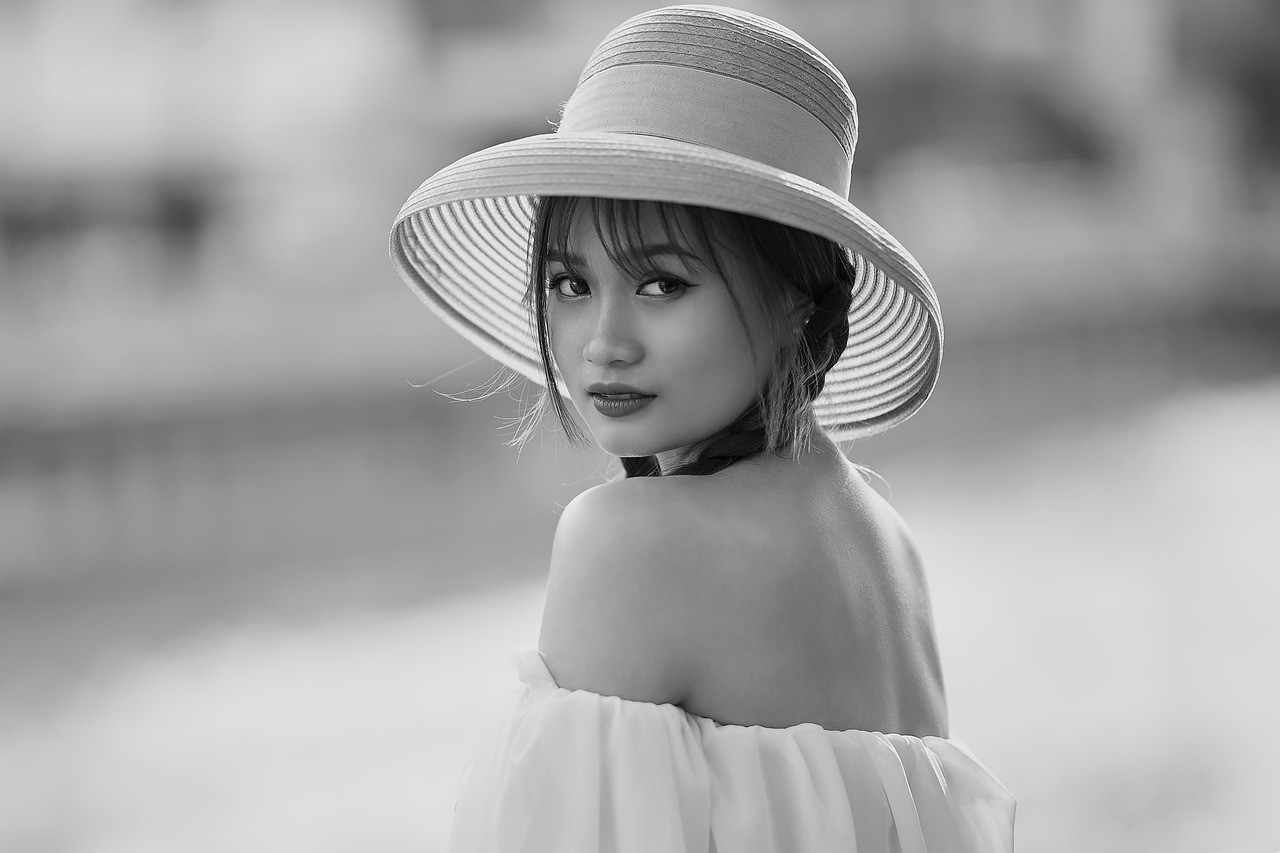
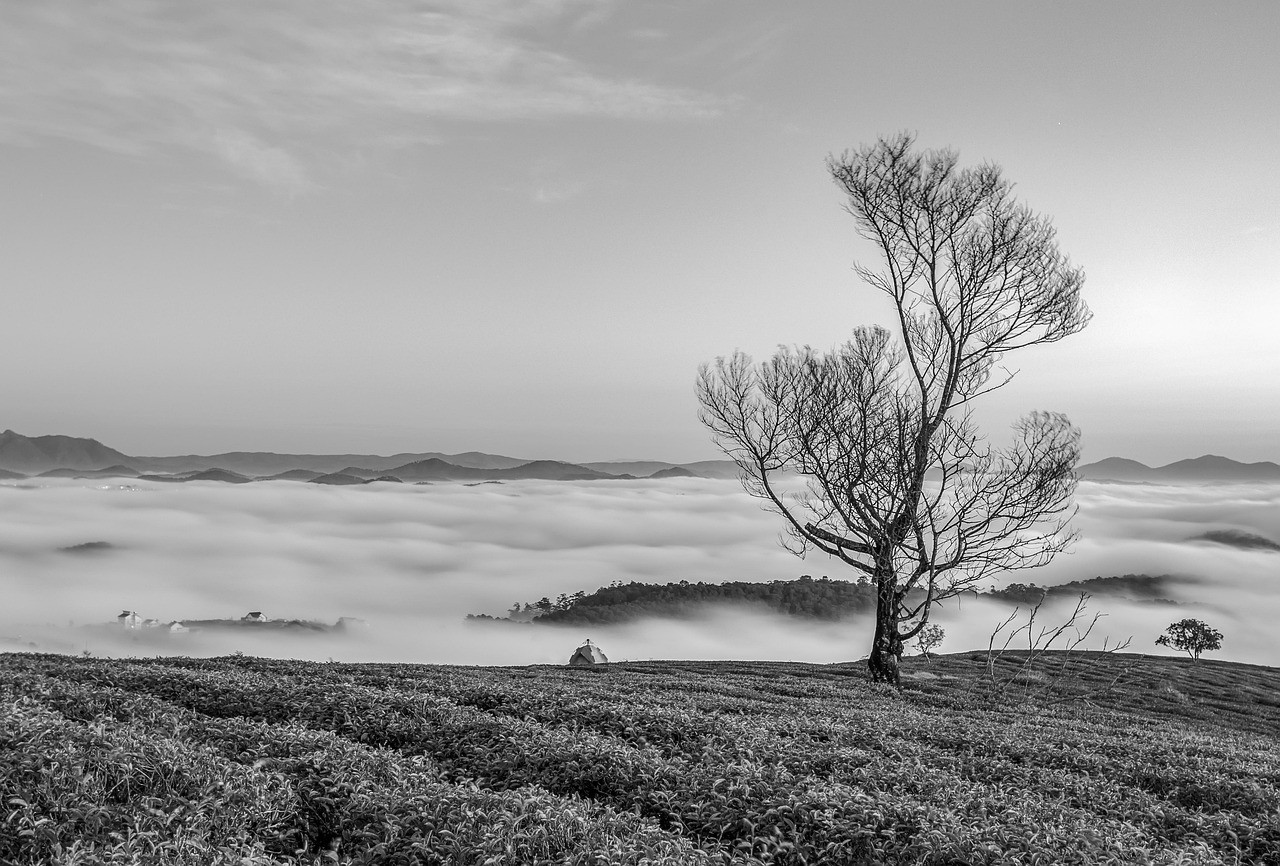
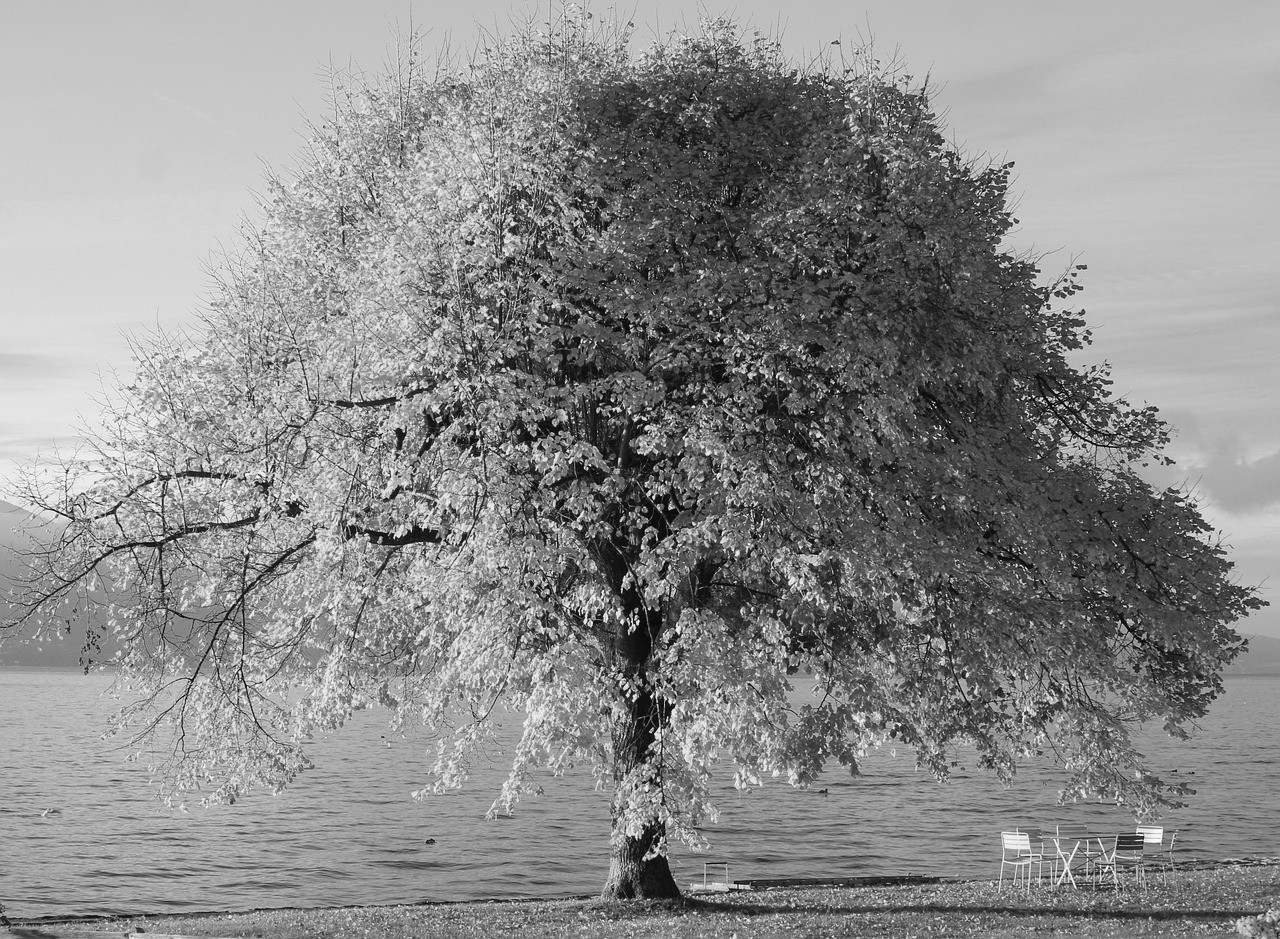
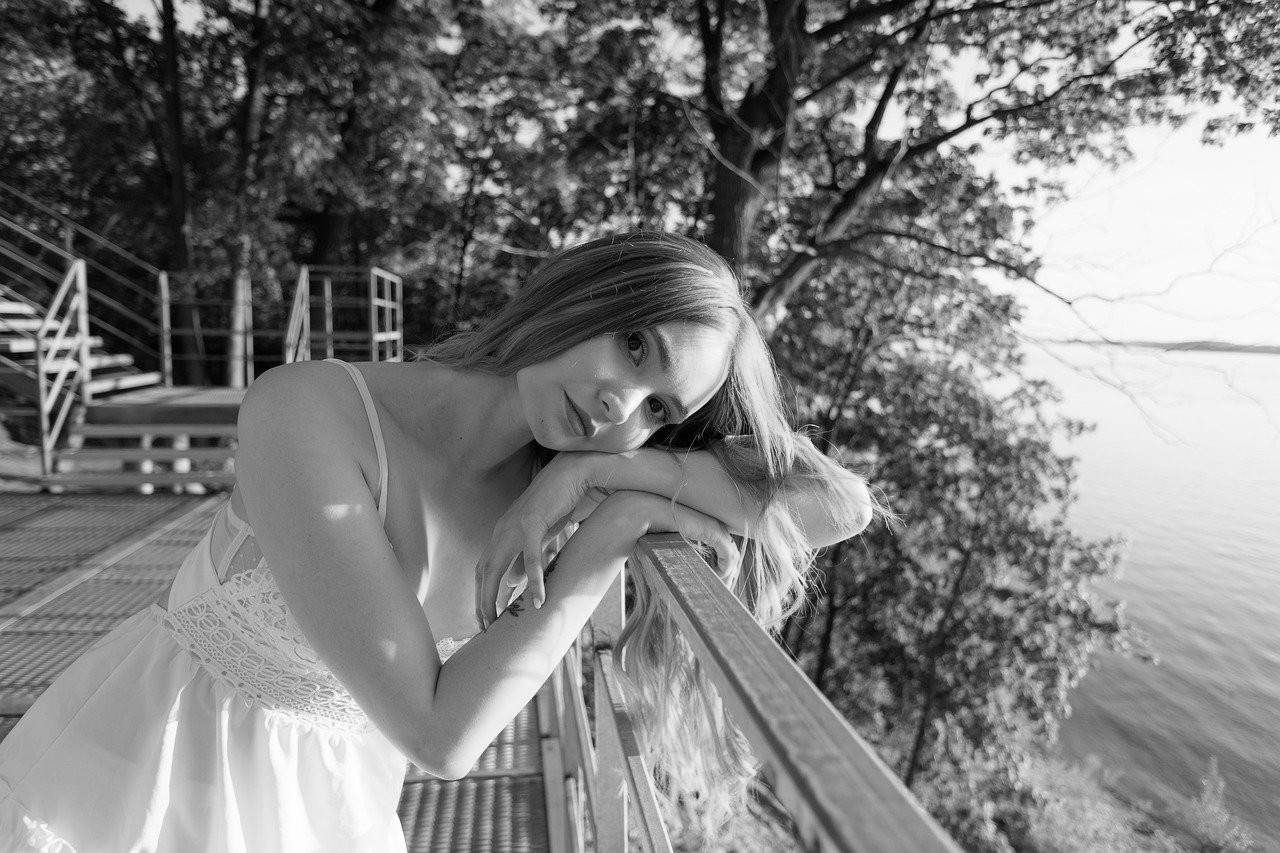
Different personal images can become calmer, cleaner, or more classic after conversion.
View Full Gallery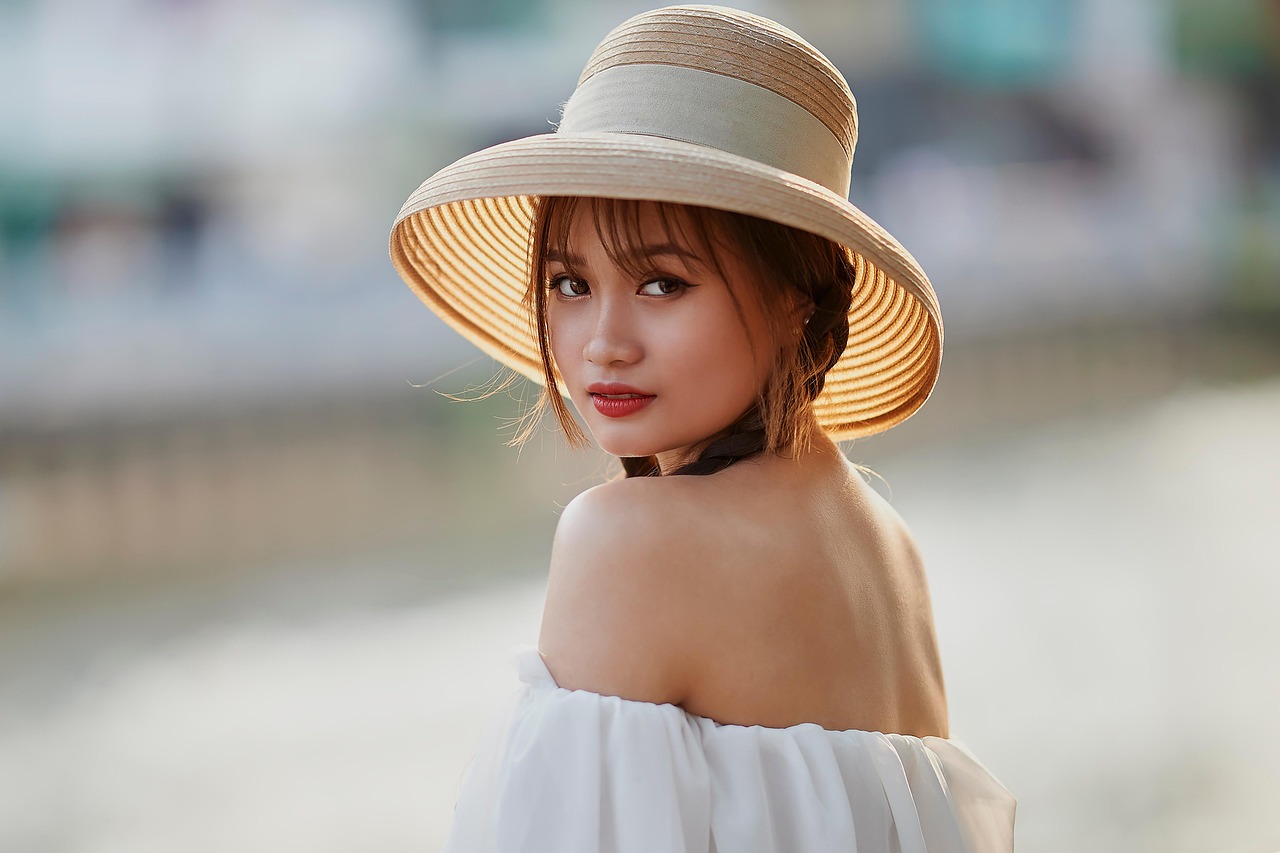
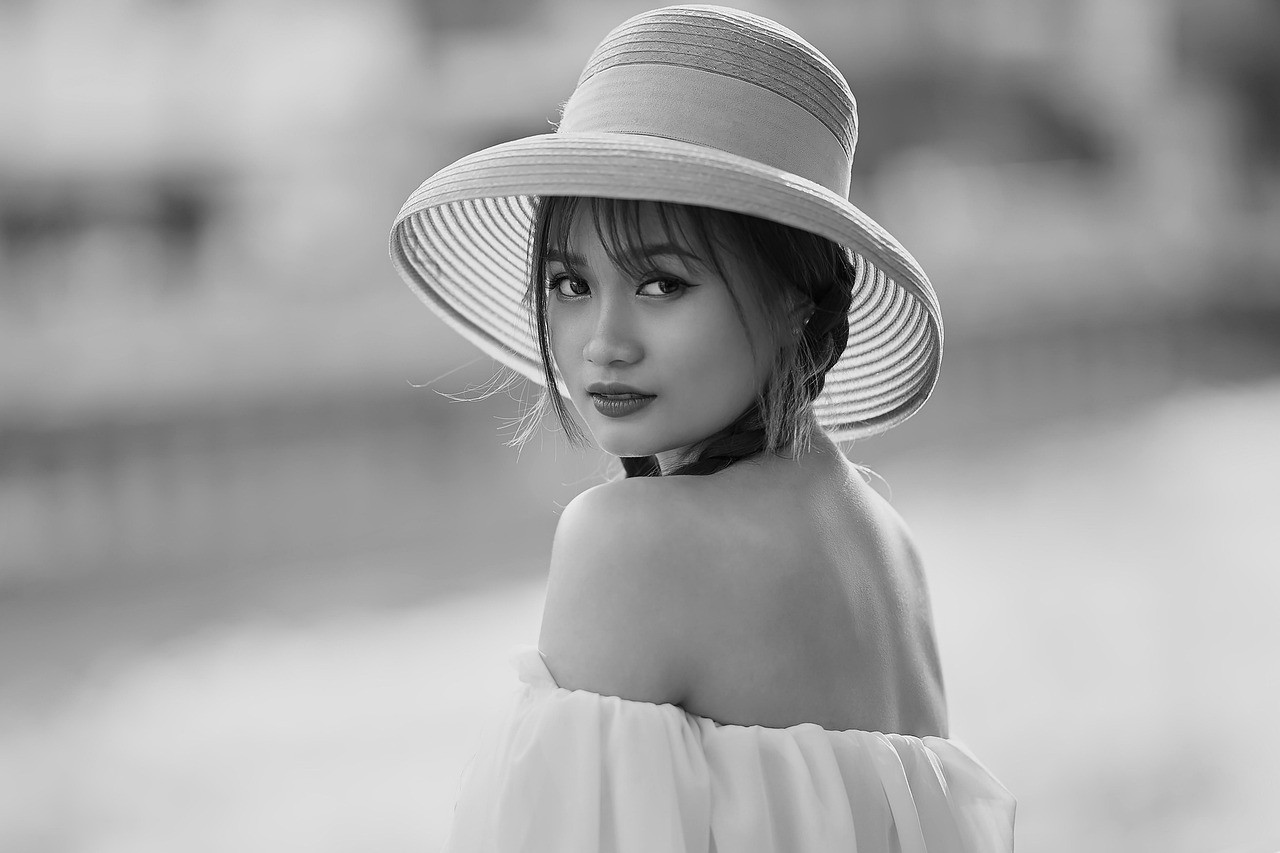
Profile Picture
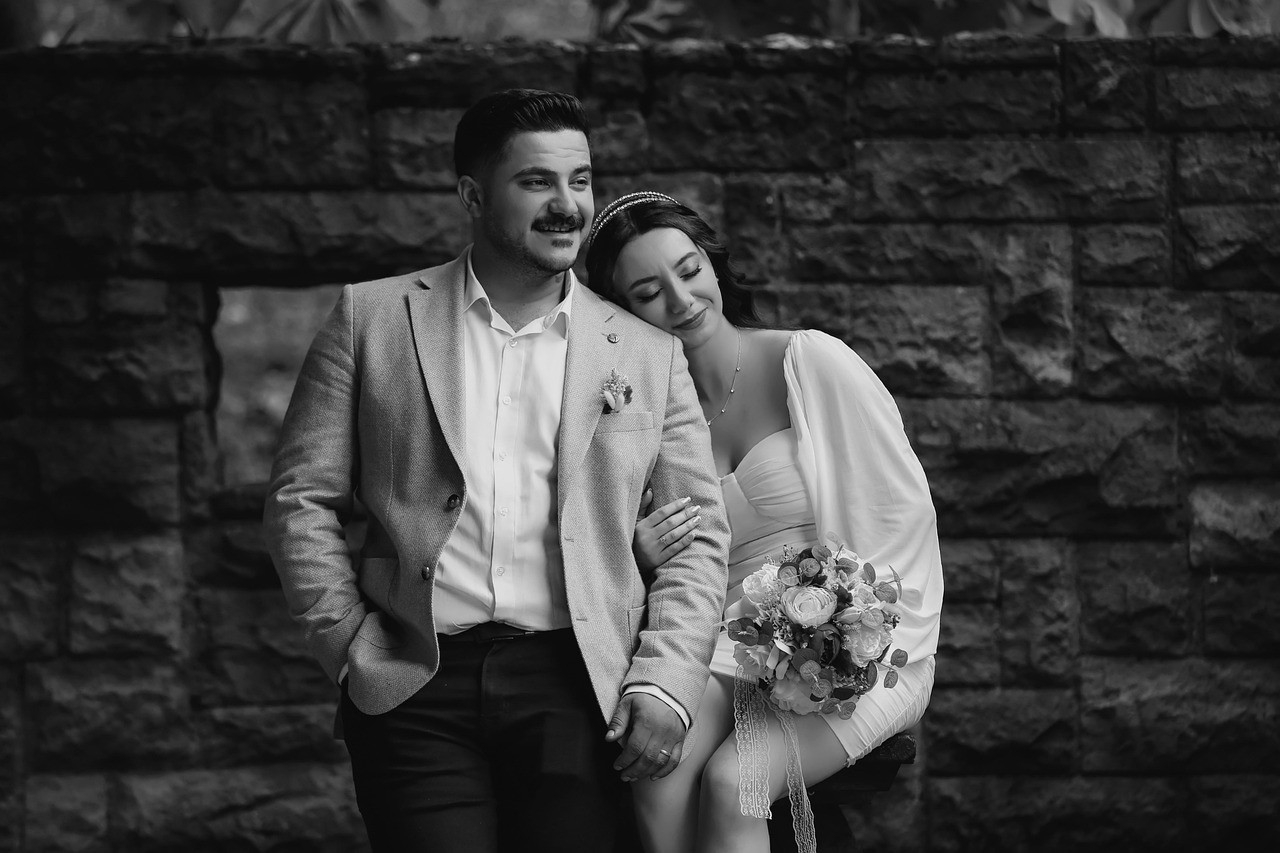
Create a cleaner profile image with less visual noise from color.
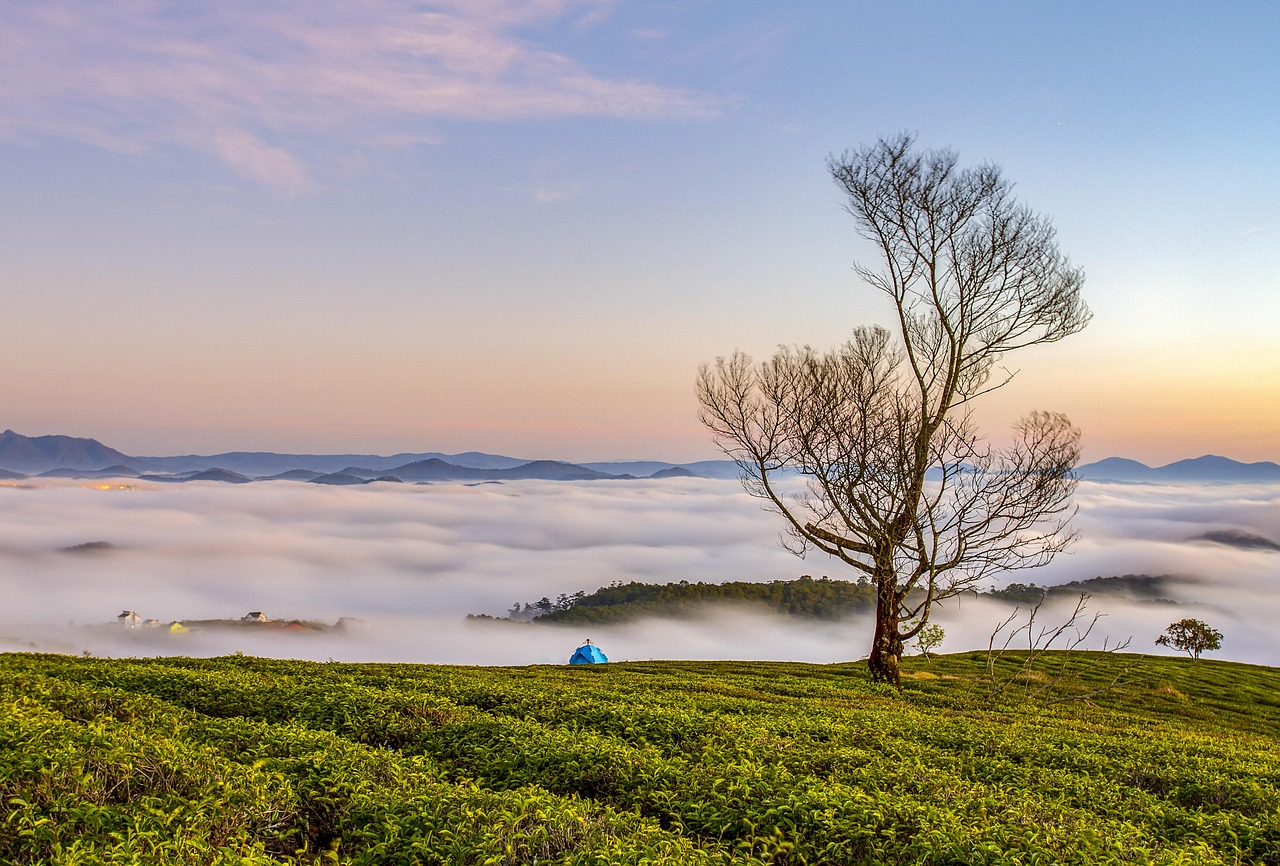
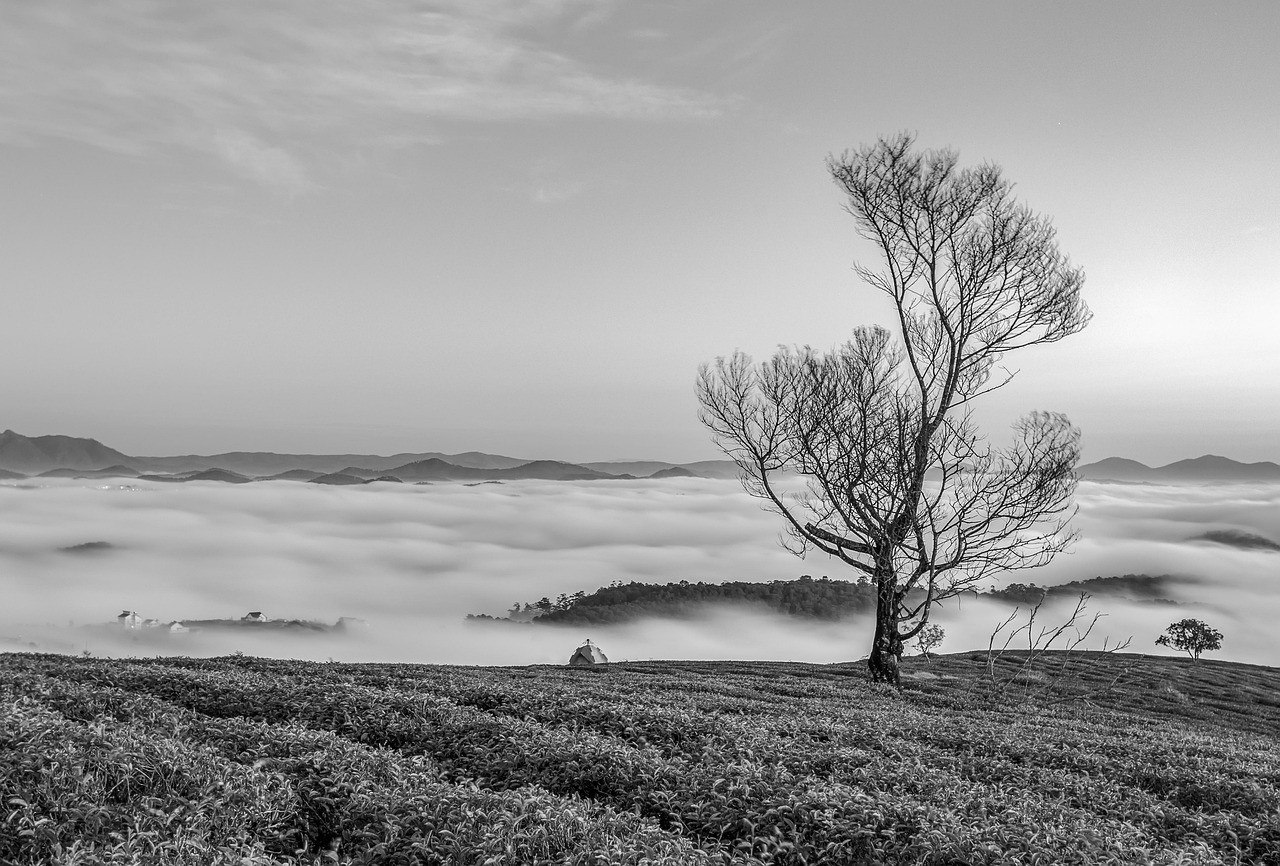
Travel Memory
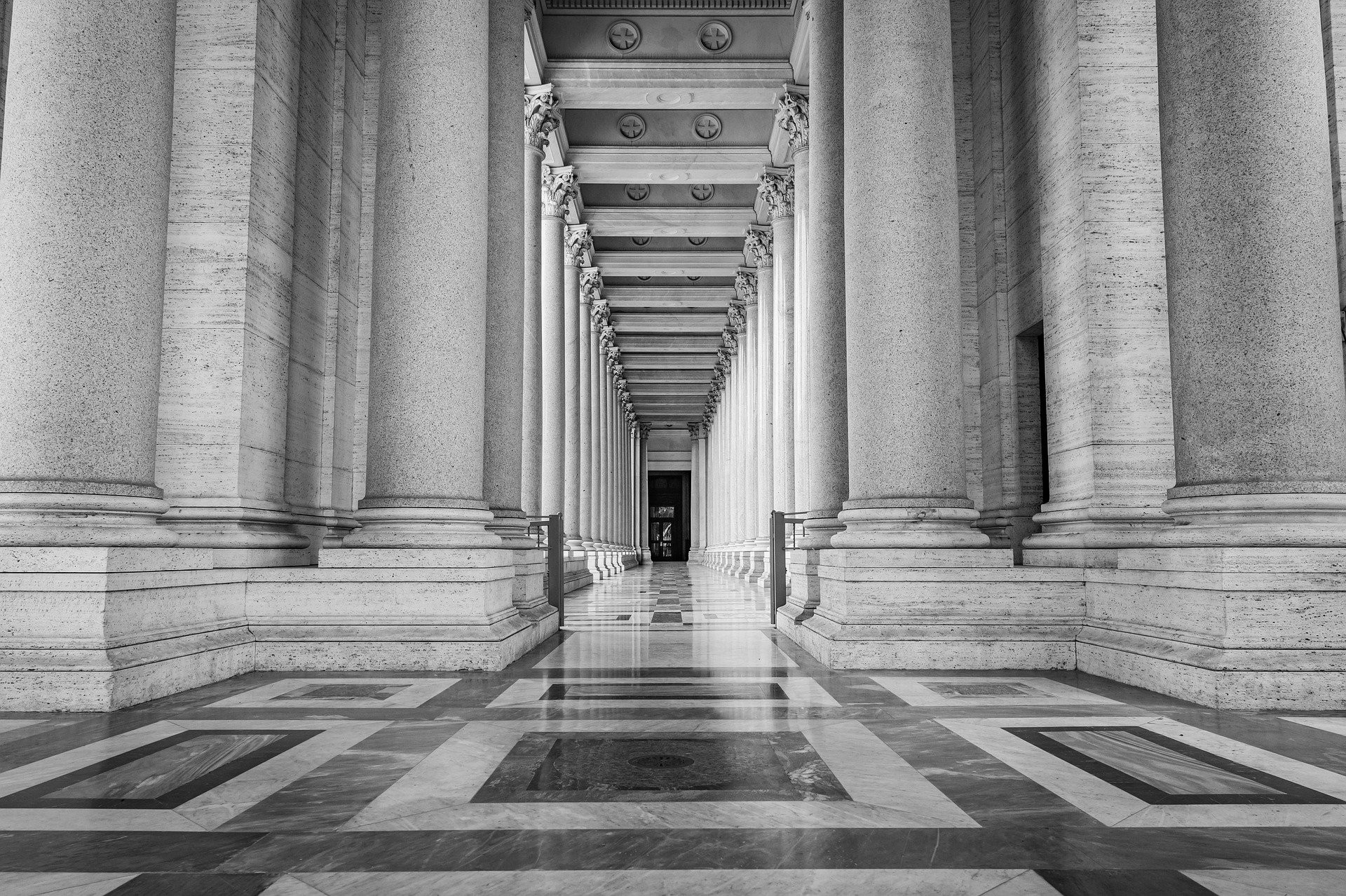
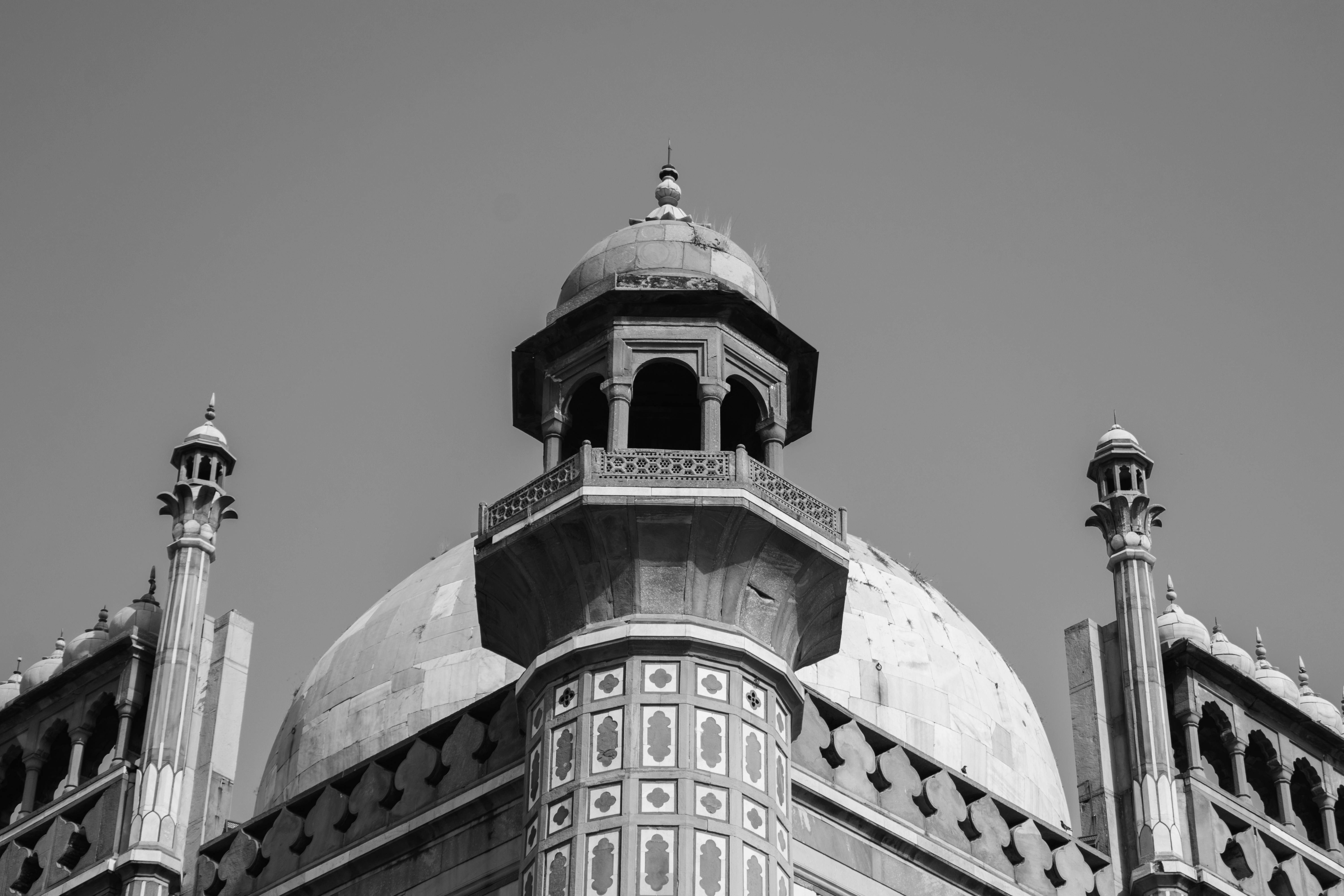
Give a place, building, or street scene a more timeless feeling.
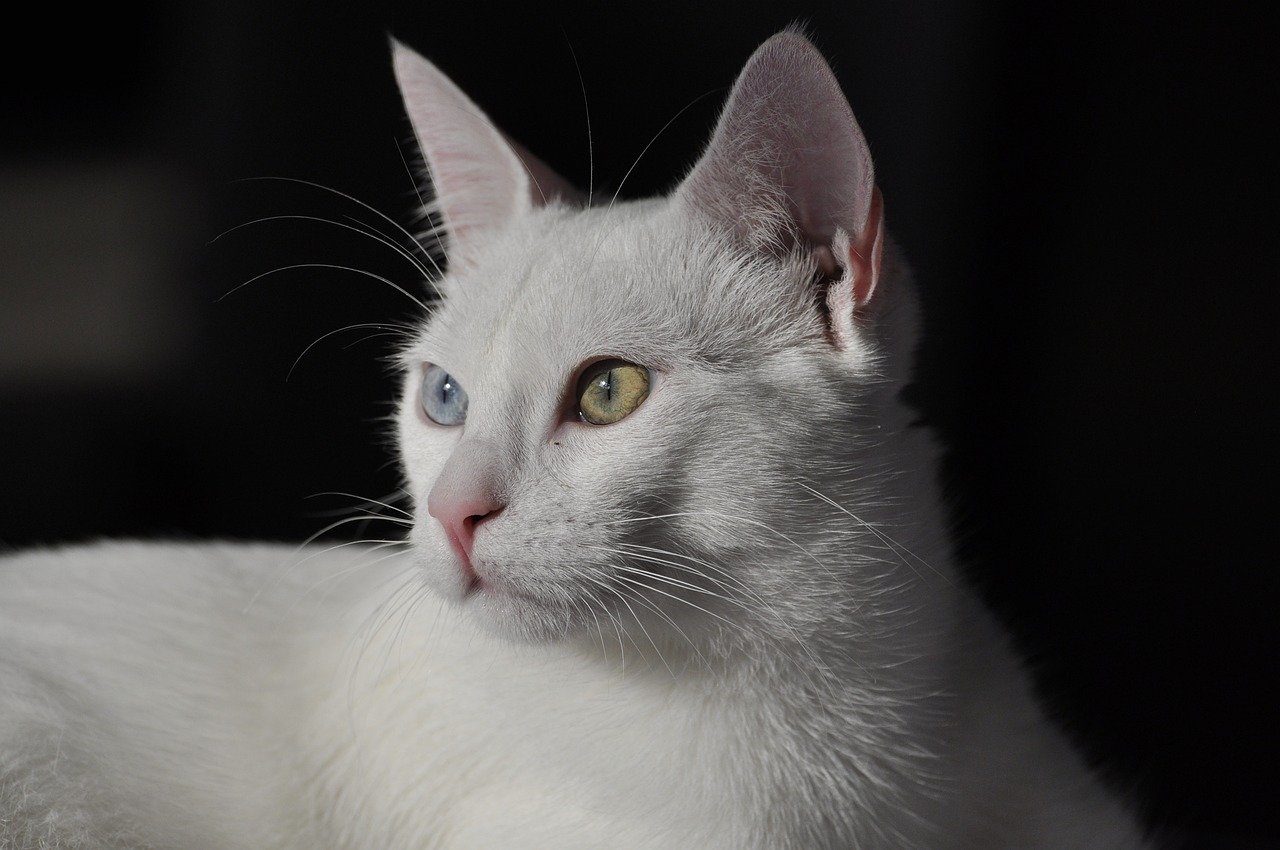
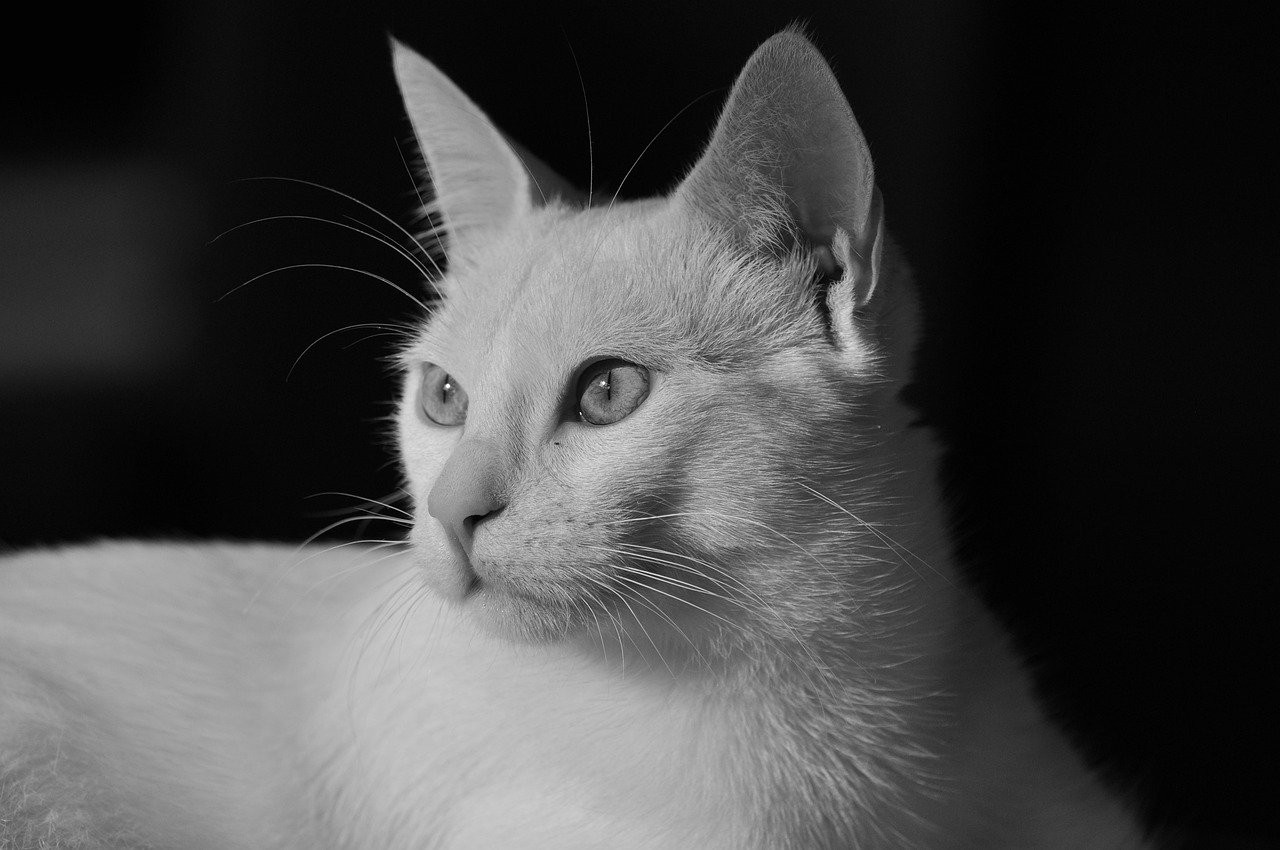
Everyday Memory
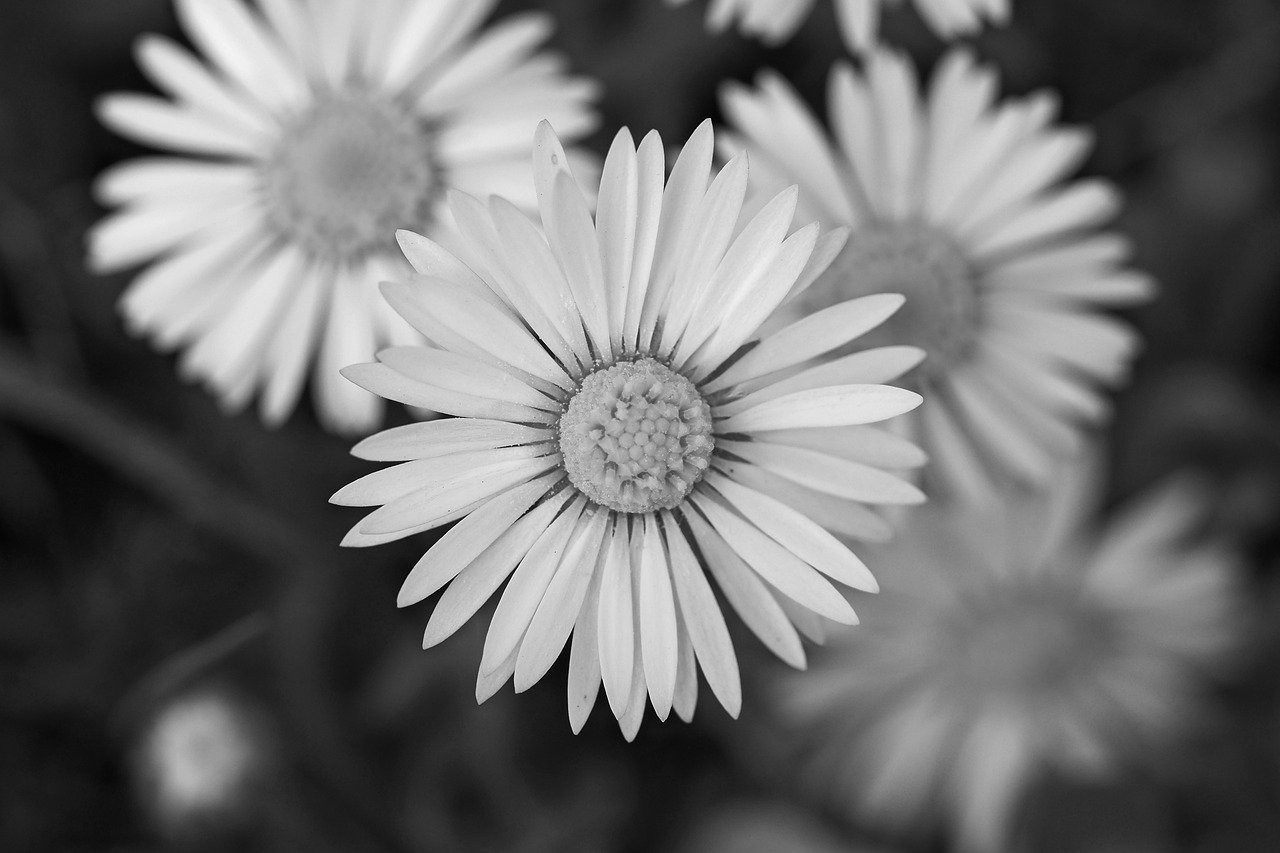
Turn simple personal pictures into softer monochrome keepsakes.
Yes, You Can Edit Your Own Image Here
When someone wants a personal image changed to monochrome, the intent is usually urgent and practical. The converter is placed first so you can start immediately instead of reading a long tutorial.
The rest of the page explains privacy, quality, and common uses so you know what will happen before you choose a file.
No Signup, No Watermark, No Server Upload
You can turn your picture monochrome without handing the file to a remote upload service. The browser handles the conversion locally and shows the result on the page.
That makes the page a good fit for personal photos, family pictures, quick class assignments, or any image where you want a simple grayscale result without extra friction.
Make My Image Black and White FAQ
Can this tool make my image black and white for free?
Yes. You can create a black and white version, preview the result, and download it for free.
Will my image be uploaded?
No. Your image is processed in your browser, so it stays on your device during conversion.
Can I use it on my phone?
Yes. Open the page in a modern mobile browser, choose a photo, and download the converted result.
Can I make my image black and white without a watermark?
Yes. The downloaded result does not include a watermark or branding overlay.
What kind of images can I use?
You can use common image files such as JPG, PNG, and WebP for portraits, memories, documents, and social images.
Will the converted file keep good quality?
The converter keeps the original dimensions where possible and creates a clean grayscale version for download.
More Photo Tools
Discover our collection of free online photo editing tools designed to enhance your images with professional quality.
Image to Black & White
For all images
Convert any image to black and white instantly.
Photo to Black & White
For photos
Advanced photo converter for portraits and photography.
Black and White Filter
Classic filter
Apply a classic monochrome filter with instant private preview.
Black & White Image Maker
Image maker
Create high-quality monochrome images online and download them free.
Make an Image B&W
Quick conversion
Turn a specific image into black and white with no upload required.
Picture B&W Guide
Step-by-step
Follow simple online steps to make a picture black and white.
Image Editor
Advanced editing
Professional image editor with advanced filters and adjustments.